
Image reference
Pins one image from the Capable Images library onto the page and always shows its latest version. Replacing the file in the library updates every page that references it.
#Configuration
Setting | Values |
|---|---|
Image | Any image in the Images library, such as an uploaded file or an Unsplash photo. |
Image Title | Free text |
Width (px) | Any whole number, or leave blank for Auto. |
Height (px) | Any whole number, or leave blank for Auto. |
Aspect Ratio | Original | 16:9 | 4:3 | 1:1 | 21:9 |
Alignment | Left | Center | Right |
Show Caption | On | Off |
Corner radius | 0–24 px slider |
Shadow | None | S | M | L |
Border | Off | On. Width 0 to 6 px. Colour is a hex code or a brand colour. |
#Updating the source image
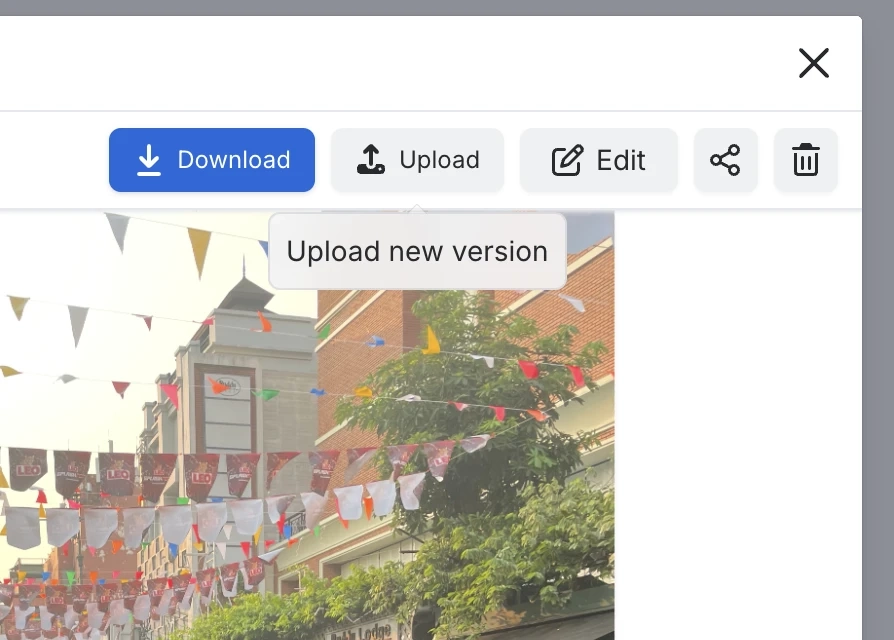
Open the image in the library and click Upload to replace it with a new version.
Every page that references this image shows the change straight away.
#Related
One macro, documented properly.






















