
Two-tier library
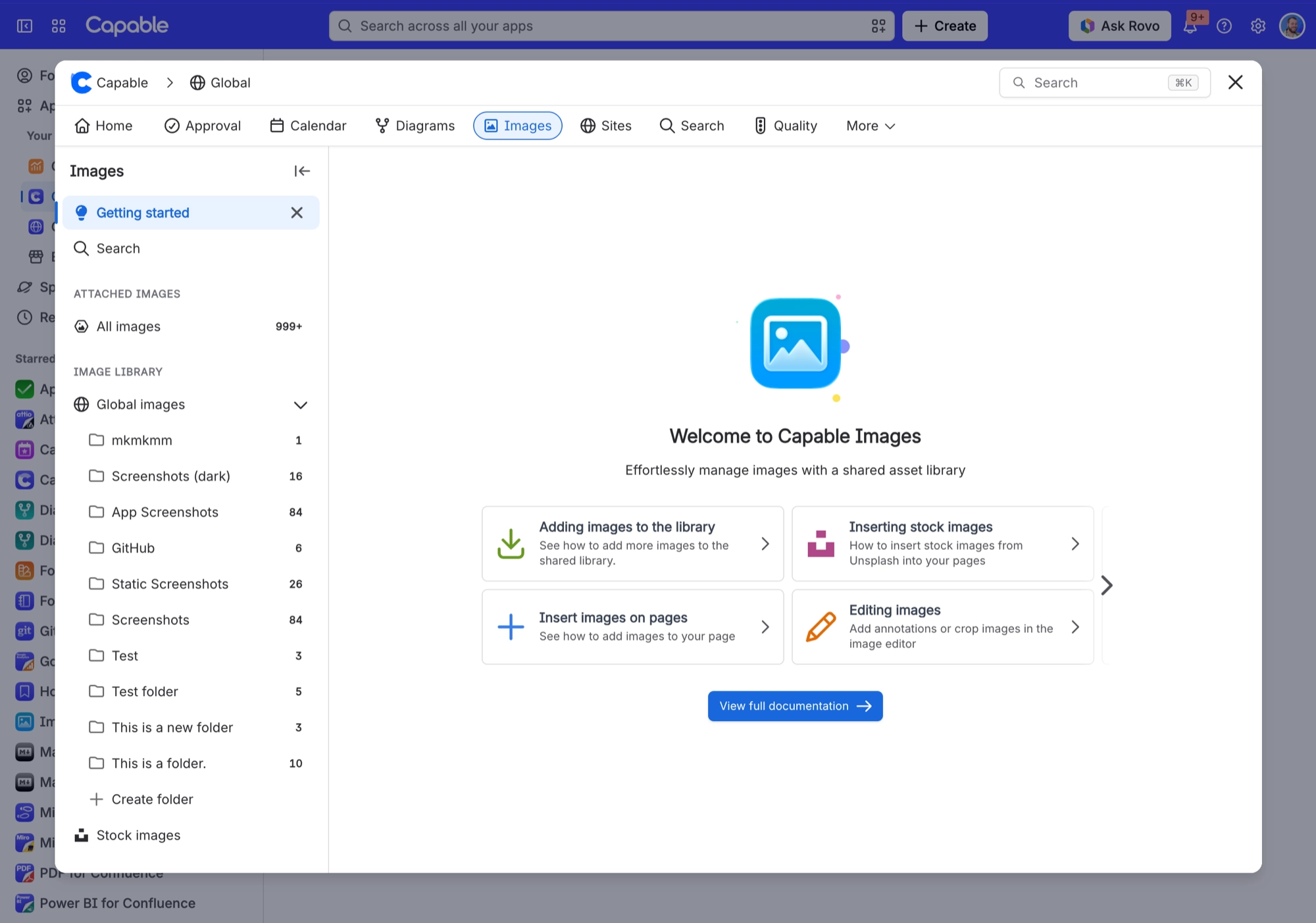
Your image library comes in two tiers. Each space has its own ('Space images', for images uploaded to that space). There is also one library for the whole site ('Global images', for images uploaded to the global space). A read-only 'Stock images' section, powered by Unsplash, sits alongside them.
#Where you do it
Task | Where |
|---|---|
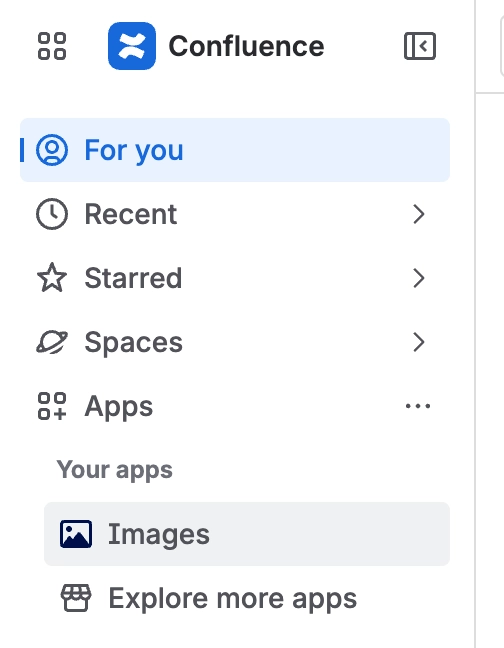
Open the image library | Confluence space or global apps menu → 'Capable Images' (standalone) or 'Capable' (Suite) |
Create a folder | Images library → Space images or Global images → new folder control |
Rename or delete a folder | Folder context menu in the library navigation |
#Settings that affect this
Setting | Where | What it does |
|---|---|---|
Global settings → Indexing | Capable settings → Indexing | - |
Global image library space | Confluence space with the key CAPABLEASSETSTORE, named 'Capable Asset Store' | - |
Upload permission | Confluence space permissions | - |
#Worth knowing
An Image reference macro that points at another Capable app's library will not appear on a published site. The page shows 'This image could not be exported (content not found or no longer available).' instead. Re-add the image from the library of the app that publishes the site.
If a reader is anonymous or unlicensed, an Image reference that points at a plain external URL shows a sign-in notice rather than the picture. Library uploads, Unsplash images and Confluence attachments still show for those readers.
A freshly uploaded image can be missing from a gallery or from the library when you reload. Confluence takes a little while to index new uploads. Folder listings cover the gap for the last 24 hours.
Show Caption prints the library image's own title (or description) on the page, not the Image Title stored on the macro. A published site does the opposite. It prefers the macro's Image Title and falls back to the image's own title.
An image chosen through the shared image picker (Formatting Banner, Cards, Gallery, Compare, Background) is saved as a plain URL, not a reference. Those macros never follow later edits to the library image. If the library image is deleted, the macro keeps pointing at it and does not warn you.
The 'Capable Images' section in the shared image picker, and the Markdown 'From library' item, come from Images but are used by Formatting and Markdown. The standalone Images app includes neither, so in practice they are only available with Suite.
#Related
How it actually behaves.






















