
Version an image in place
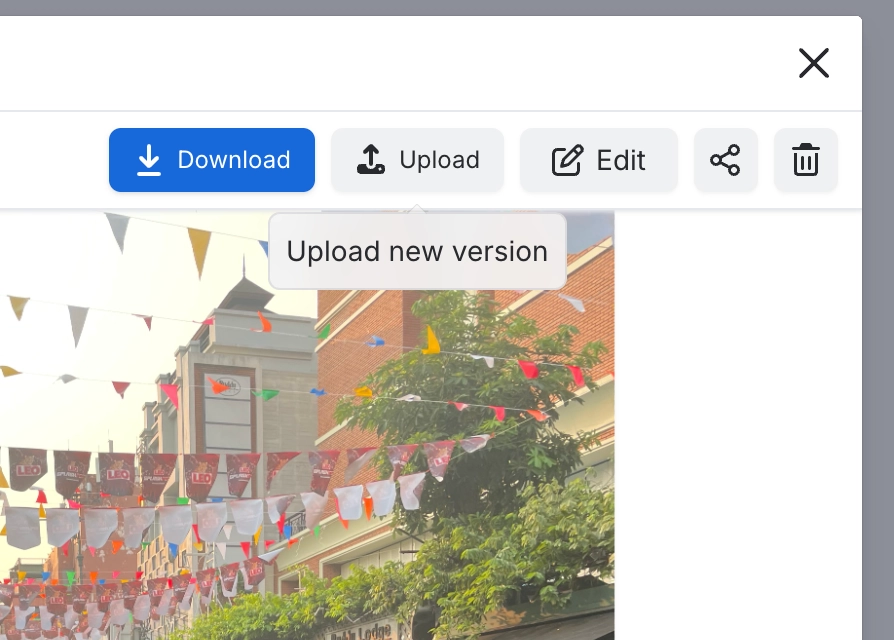
Open an image's detail page and choose 'Upload new version'. Every Image reference macro and every Markdown 'From library' reference picks up the new version. Images you inserted as ordinary Confluence images keep the file they were given.
#Where you do it
Task | Where |
|---|---|
Open the image library | Confluence space or global apps menu → 'Capable Images' (standalone) or 'Capable' (Suite) |
Create a folder | Images library → Space images or Global images → new folder control |
Rename or delete a folder | Folder context menu in the library navigation |
#Settings that affect this
Setting | Where | What it does |
|---|---|---|
Global settings → Capabilities | Confluence admin → Apps → Capable → Settings → Capabilities | - |
Global settings → Asset access (Permissi | Capable settings → Asset access | - |
Global settings → Egress | Capable settings → Egress | - |
#Worth knowing
In Table layout, almost every Style field silently does nothing. Corner radius, Gap, Shadow, Border and Thumbnail Height only apply in Grid layout. Table rows use a fixed preview size and fixed styling. Only Image fit carries over. The Columns control is the only one that tells you: it disappears when you choose Table.
Image folder galleries do not publish. On a Capable Site the macro is replaced by a note reading 'Image folder galleries are not available on published sites.' Use Image reference macros for anything that has to appear on a published site.
Image reference sizing is not carried to published sites. Alignment, caption, corner radius, shadow and border all carry over, but Width, Height and Aspect Ratio do not. The published image falls back to the site's own image styling.
The Image folder gallery produces nothing in a Confluence PDF or Word export.
PDF, AI and PSD files can be uploaded and stored but never displayed. The Image reference macro shows an 'Unsupported Format' card. The gallery shows a file-type icon tile with the extension, and clicking it still downloads the file. The Rovo and chat tools will not accept them at all.
A reader who cannot see the folder's space usually sees 'No images in this folder' rather than a permission notice, because Confluence filters results by permission instead of refusing the request.
#Limits that apply here
General image compression target
Image edit re-encode threshold
Attached images sweep. Accepted file extensions.
#Related
How it actually behaves.






















