
Import a page attachment
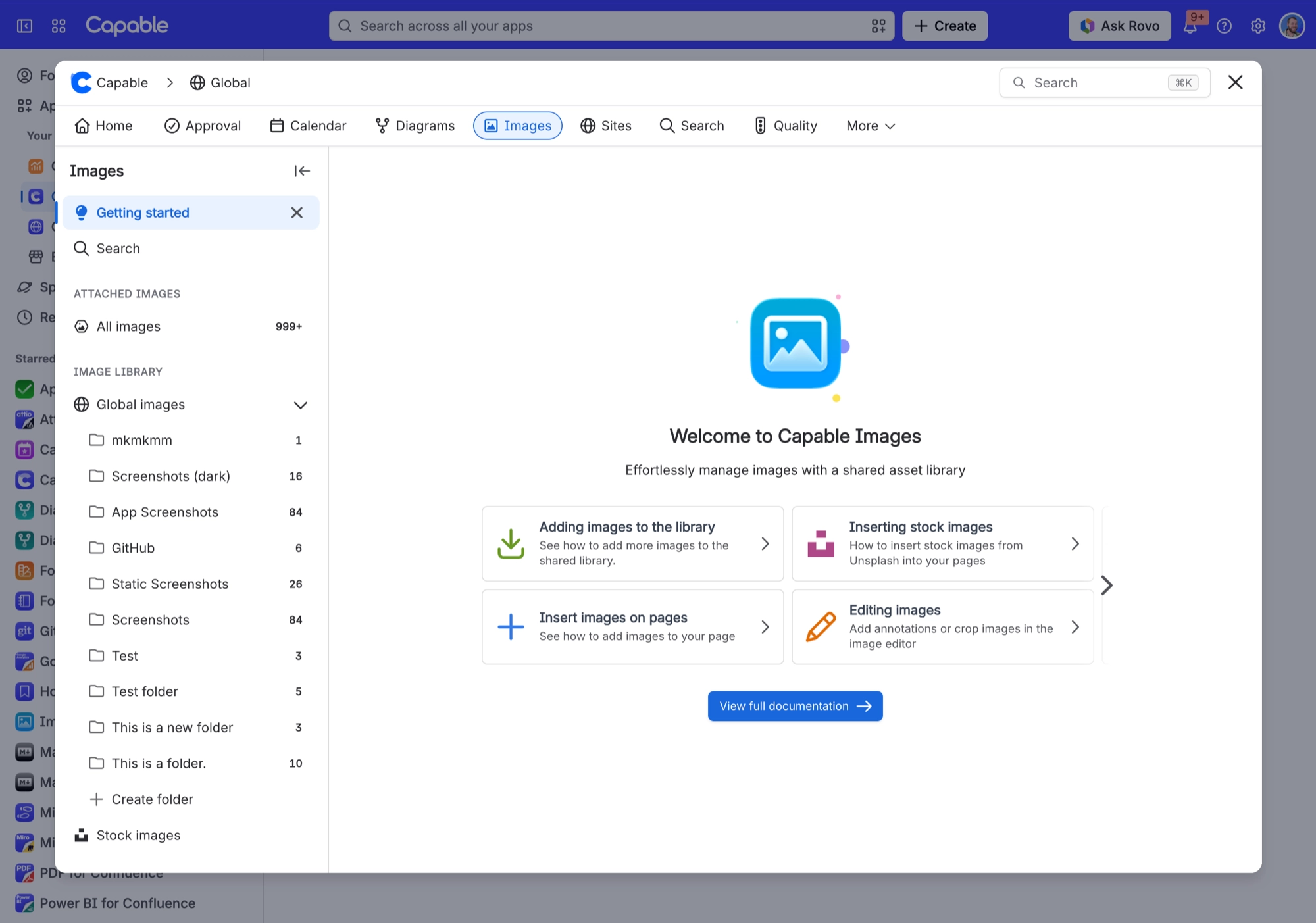
Drag a result from 'Attached images' onto a library section or folder. This imports a copy. It does not move or link the attachment. Anything over 3 MB is made smaller as it comes in.
#Where you do it
Task | Where |
|---|---|
Upload images | Images library → pick a section or folder → Upload button, or drag files onto the section |
Add a page attachment to the library | Images library → Attached images → drag a result onto a Space images or Global images folder |
Add a stock photo to the library | Images library → Stock images → search → drag a result onto a library folder |
#Settings that affect this
Setting | Where | What it does |
|---|---|---|
Upload permission | Confluence space permissions | Capable does not have its own setting for this. It follows your Confluence permissions. |
Per-image actions | Image context menu | - |
#Worth knowing
If an image has no stored full-size file and no thumbnail, it cannot be published or exported. The page shows a short note instead of the picture.
You can't reference page attachments or stock photos directly. Only library images can be referenced, so the picker hides them. Import one into the library first.
To upload, you need two Confluence permissions: add attachments, and create pages or blog posts. If you have the first but not the second, Capable tells you that you cannot upload, without saying why.
If an upload fails part-way, Capable removes the half-finished image so nothing is left behind. A mixed batch reports 'Successfully uploaded N files, failed to upload M files'.
'Attached images' only lists jpg, jpeg, png, gif, bmp, svg, webp, tiff and tif files. Avif, heic, ico and jfif attachments never appear. It also leaves out the CAPABLEASSETSTORE space, thumbnail files and Capable's own library images. Newly added attachments can take a little while to show up.
Attachments are limited to 3 MB when they are brought in for editing. Larger files are resized first. If one still will not fit, you see 'Image too large for editor (N MB). Max 3MB.'.
#Limits that apply here
Editor / attachment-import fetch ceiling
Rovo / chat attachment ceiling
#Related
How it actually behaves.






















