
What Capable Images is
Capable Images gives Confluence a proper image library. Images live in two places: a per-space library, and one site-wide "Global" library.
In each library you can create one level of folders, upload files, bring in page attachments or Unsplash stock photos, and rename, move or delete what you have. Every library image is searchable, and your original file is kept exactly as you uploaded it, alongside a small preview.
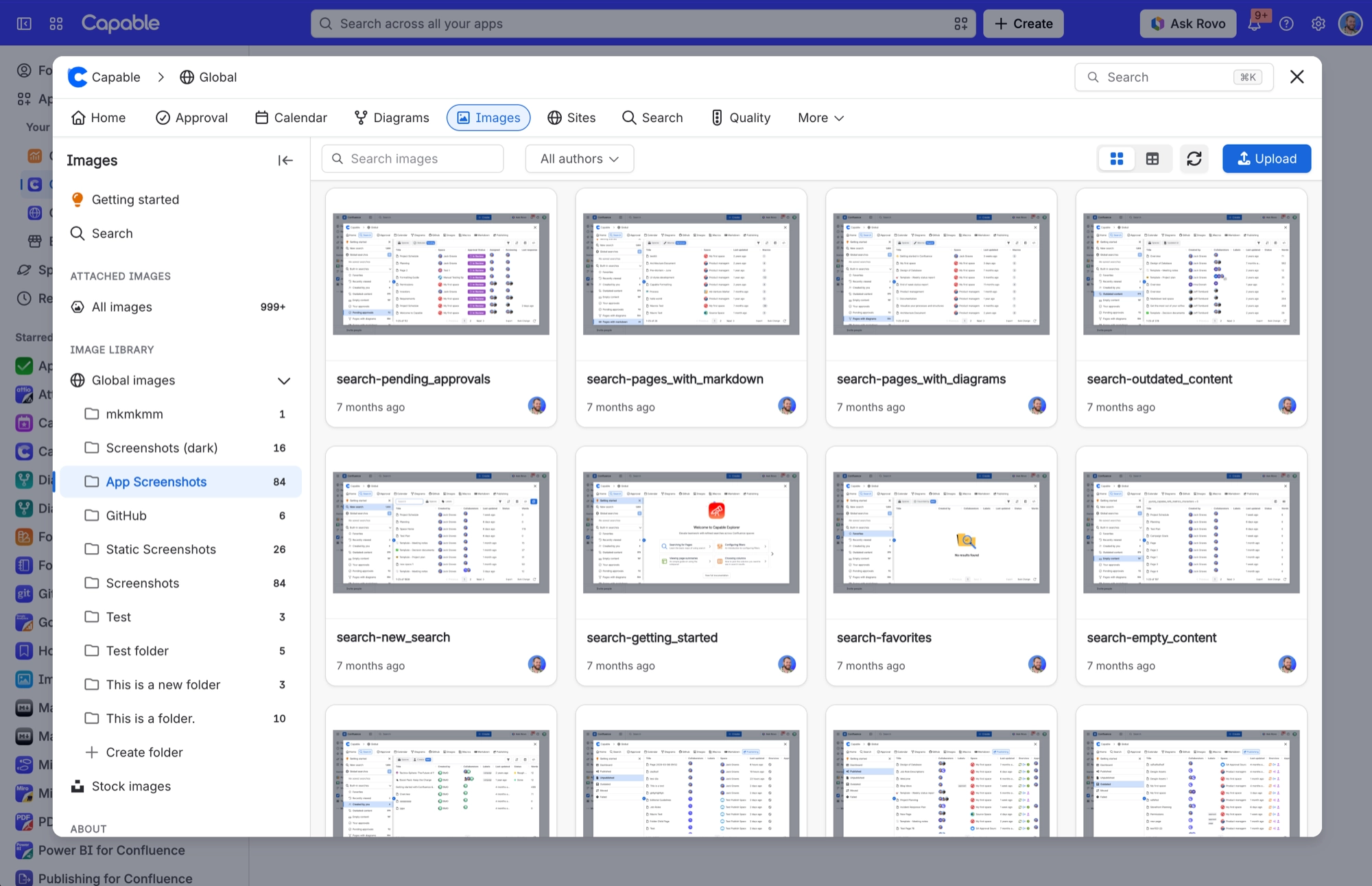
Once an image is in the library, you can put it on a page in three ways:
Native Confluence image. A copy that stays put, so it survives exports and shows for logged-out readers.
Image reference macro. A live link that always shows the latest version of the library image.
Image folder gallery macro. A whole folder shown as a grid or a table. Clicking an item downloads it.
You can also pick from the library in other Capable macros, through the "From library" insert item in Markdown, and in Capable's Rovo chat agent.
#At a glance
Macros | Image reference, Image folder gallery, Image |
|---|---|
Sold as | A standalone app, and a capability inside the Capable Suite |
#Related
The short version.






















