
Rovo chat agent
Both apps come with a Rovo agent that can work with your library images.
Standalone: 'Capable Images' (images only). Conversation starters: 'Find relevant images from library', 'Insert an image onto the page' and 'Find images in the brand folder'.
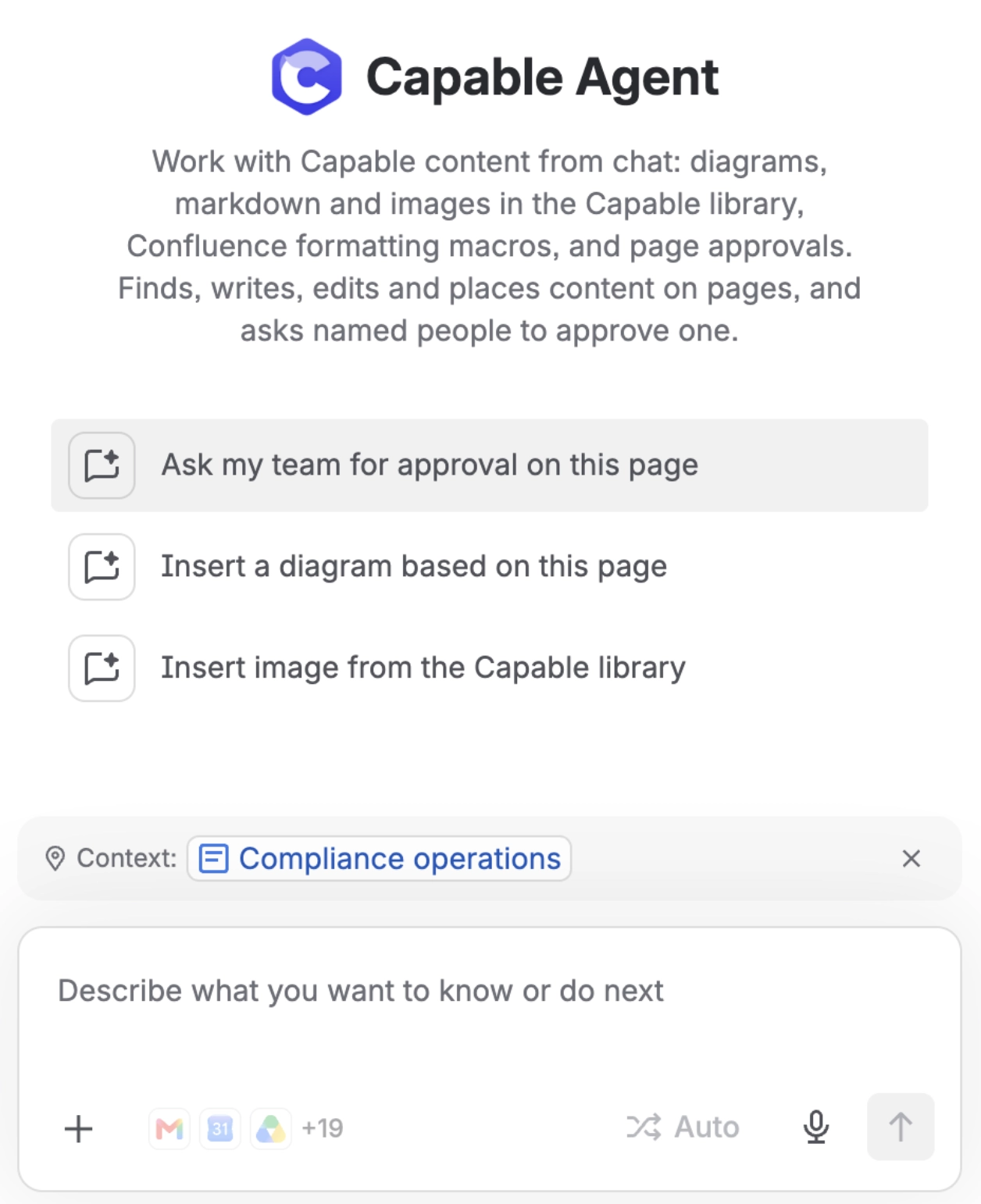
Suite: 'Capable Agent', which also covers diagrams, markdown, formatting macros and approvals. Its images starter is 'Insert image from the Capable library'.
The agent can search the library, add a new image from a Confluence attachment or an image URL, replace an image, and place one on a page. By default it inserts a native Confluence image. Ask for reference mode and it places the macro instead, which follows later edits to the library image.
#Important
Capable's image actions are not available to agents you build yourself or to outside MCP clients. See the page on Rovo agents and external MCP clients not being able to use the Capable image tools.
#Settings that affect this
Setting | Where | What it does |
|---|---|---|
Stock image filters | Stock images (Unsplash) section | - |
#Worth knowing
Image tools are not offered to customer-built agents or external MCP clients. Neither app shares the image actions, and the Suite shares only its two approval tools.
#Related
Better with company.






















