
Capable macro (Banner, Cards, Gallery, Compare, Background) stopped showing its image after I update
What you are seeing
A Capable macro (Banner, Cards, Gallery, Compare, Background) stopped showing its image after I updated it in the library
#Why it happens
When you pick an image in these macros, they save a fixed link to it, not a live connection to the library. They never follow later changes to the library image. If the library image is deleted, the macro is left pointing at an image that no longer exists, with no warning.
#What to do
Pick the image again in the macro's settings.
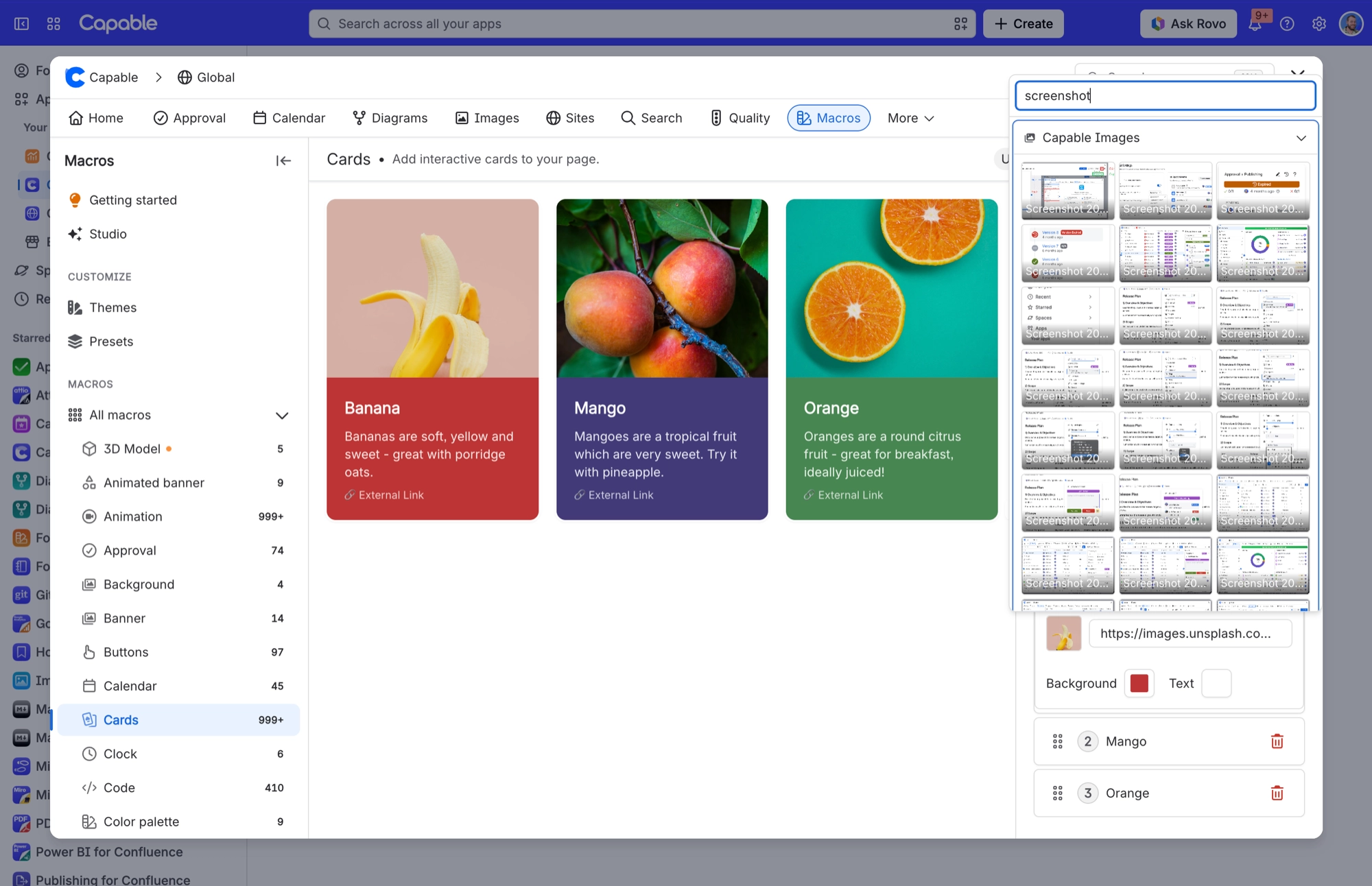
If you need an image that follows library edits, use the Image reference macro or a Markdown 'From library' insert instead.
#Related
Page that uses an image is not listed under 'Used on Pages'
Three possible reasons. The index has not caught up yet; the page is beyond the 25-page ca
Page shows 'This image could not be found' where an image used to be
The library image the macro points at has been deleted.
Everything else
The rest of this family.
Found it? Good.






















