
Gallery says 'No images in this folder' but the folder definitely has images
What you are seeing
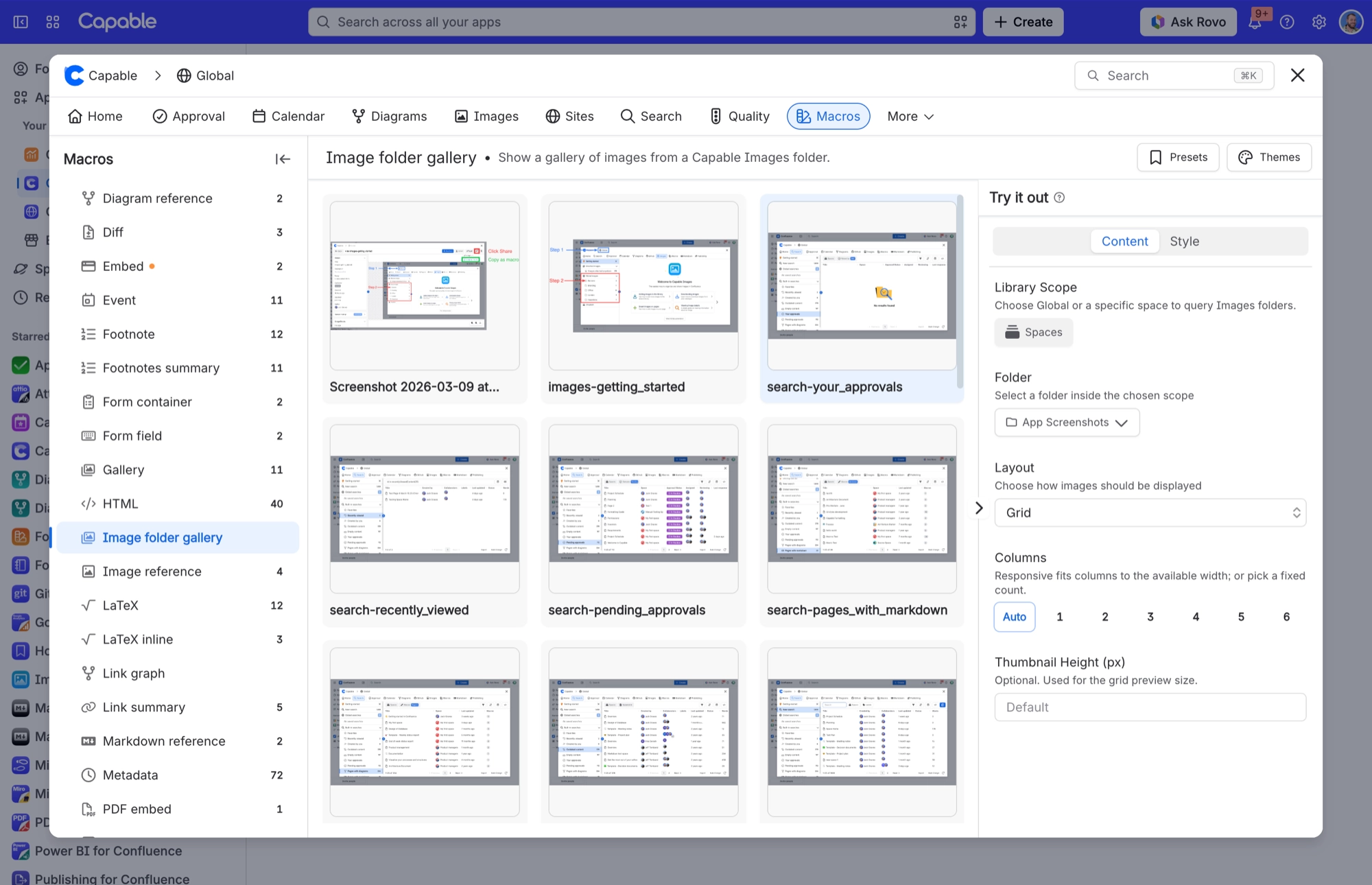
A gallery says 'No images in this folder' but the folder definitely has images
#Why it happens
The reader most likely cannot see the folder's space. Confluence hides anything a reader has no permission to see, and shows an empty result instead of an error, so a permission problem looks exactly like an empty folder.
#What to do
Check that the reader has View permission on the space the folder lives in, or on the CAPABLEASSETSTORE space if the gallery's library scope is Global.
#Limits that apply here
Limit | Value | What happens |
|---|---|---|
Gallery page size | 25 images per page | A 'Show more' button loads the next 25 while more remain. |
#Related
Width or Height is set to 500 but the image sizes itself automatically
500 was a legacy sentinel meaning 'auto-size', so a macro saved with 500 behaves as if the
Can drag an SVG into the library but the Upload button will not let me choose one
The Upload button's file dialog filter and the drag-and-drop accepted list are different.
Everything else
The rest of this family.
Found it? Good.






















