
Global images section has disappeared from the library
What you are seeing
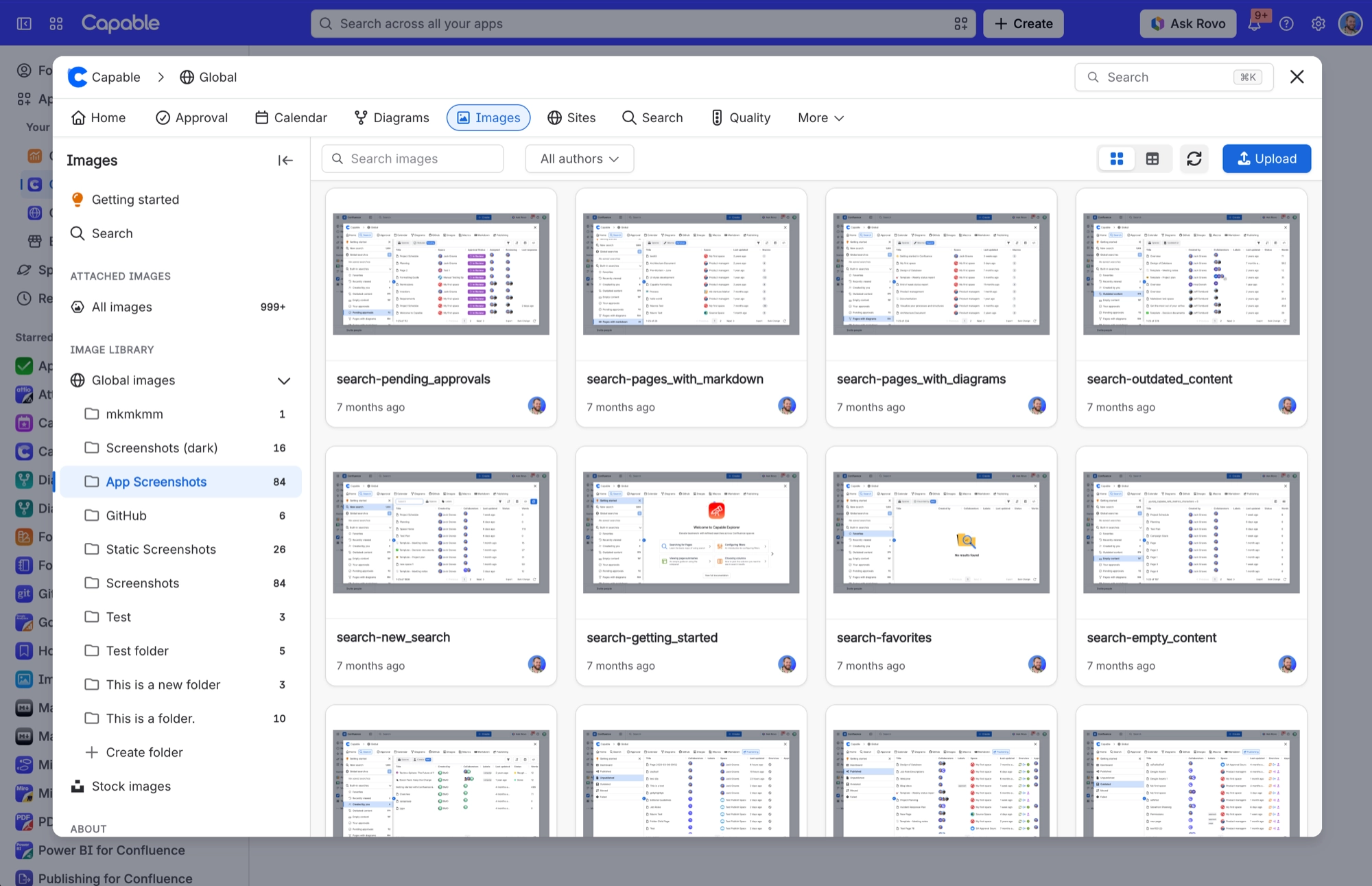
The Global images section is missing from the Images library sidebar.
#Why it happens
The CAPABLEASSETSTORE space is missing, the person cannot read it, or Capable could not create it. If creating it failed, Capable does not try again during that session.
#What to do
Check that the space exists and that the person has permission on it. Reload the page to retry a failed creation. Never delete that space: its description warns against it.
#Settings involved
Setting | Where | What it does |
|---|---|---|
Global settings → Capabilities | Confluence admin → Apps → Capable → Settings → Capabilities | - |
Global settings → Asset access | Capable settings → Asset access | - |
Global settings → Egress | Capable settings → Egress | - |
#Limits that apply here
Limit | Value | What happens |
|---|---|---|
Gallery page size | 25 images per page | A 'Show more' button loads the next 25 while more remain. |
Attached images: accepted file types | Jpg, jpeg, png, gif, bmp, svg, webp, tif | AVIF, HEIC, ICO and JFIF attachments never appear. Attached images also leaves out the CAPABLEASSETSTORE space, generated thumbnail files and Capable's own library images. |
#Related
Deleted a folder and the images that were in it are unaccounted for
Deleting a folder issues a single delete for the folder record itself. There is no cascade
'Image (Capable)' macro sits on a page showing 'No Images Selected'
Somebody inserted the placeholder macro and cancelled the picker. The card stays on the pa
Everything else
The rest of this family.
Found it? Good.






















