
EXIF and metadata capture
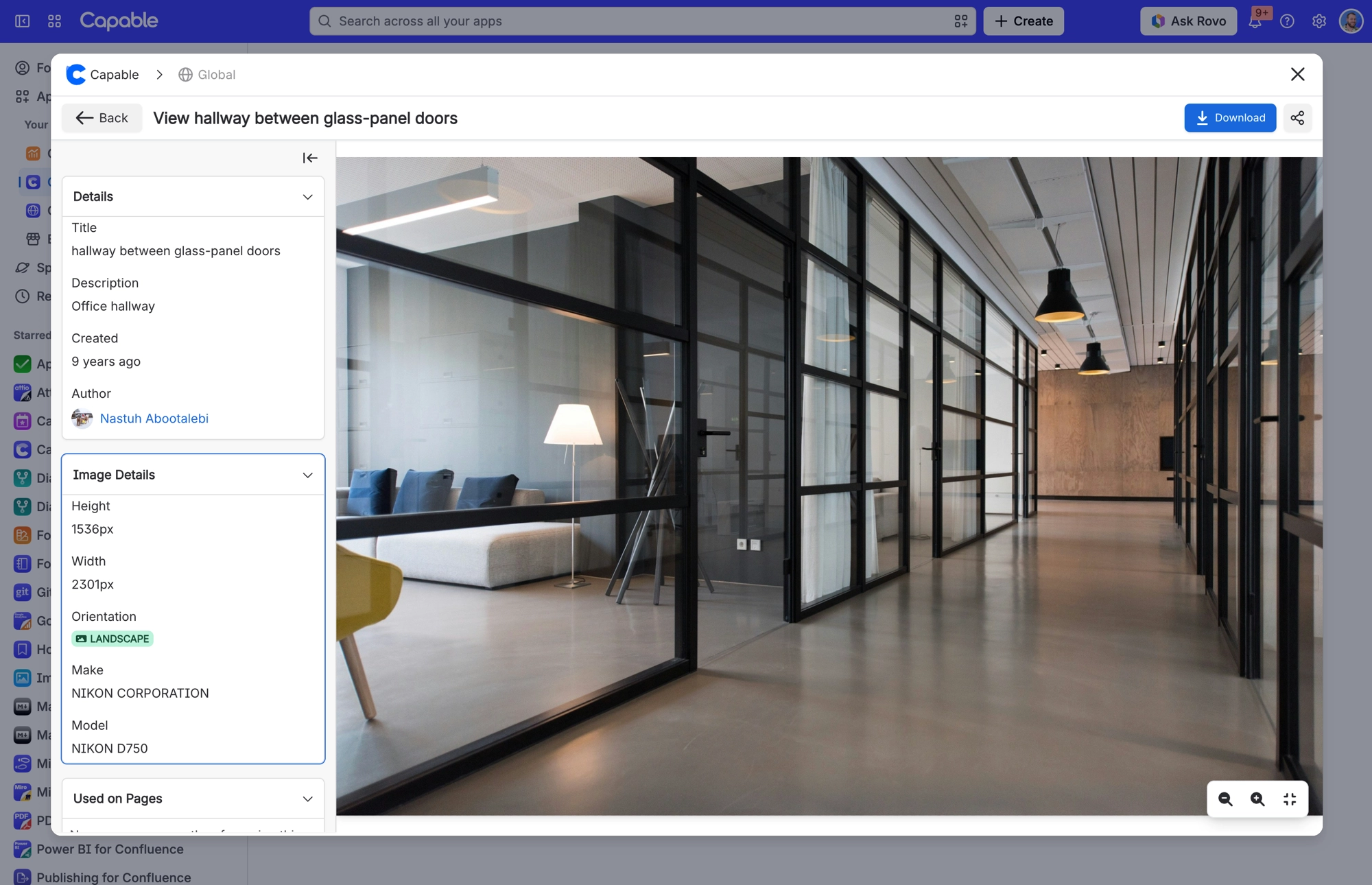
When you upload an image, Capable reads its photo details (EXIF) and keeps them with the image: camera make and model, capture date, lens model, creator tool, width and height. It also works out the orientation: landscape above a 1.1 ratio, portrait below 0.9, otherwise square. The file type and the orientation are added as searchable tags too.
Photo details are not read for PNG, SVG, PDF, AI or PSD files.
#Where to see it
Open an image in the library and look at the Image Details panel.
#Related
How it actually behaves.






















