
Style settings on my gallery do nothing
What you are seeing
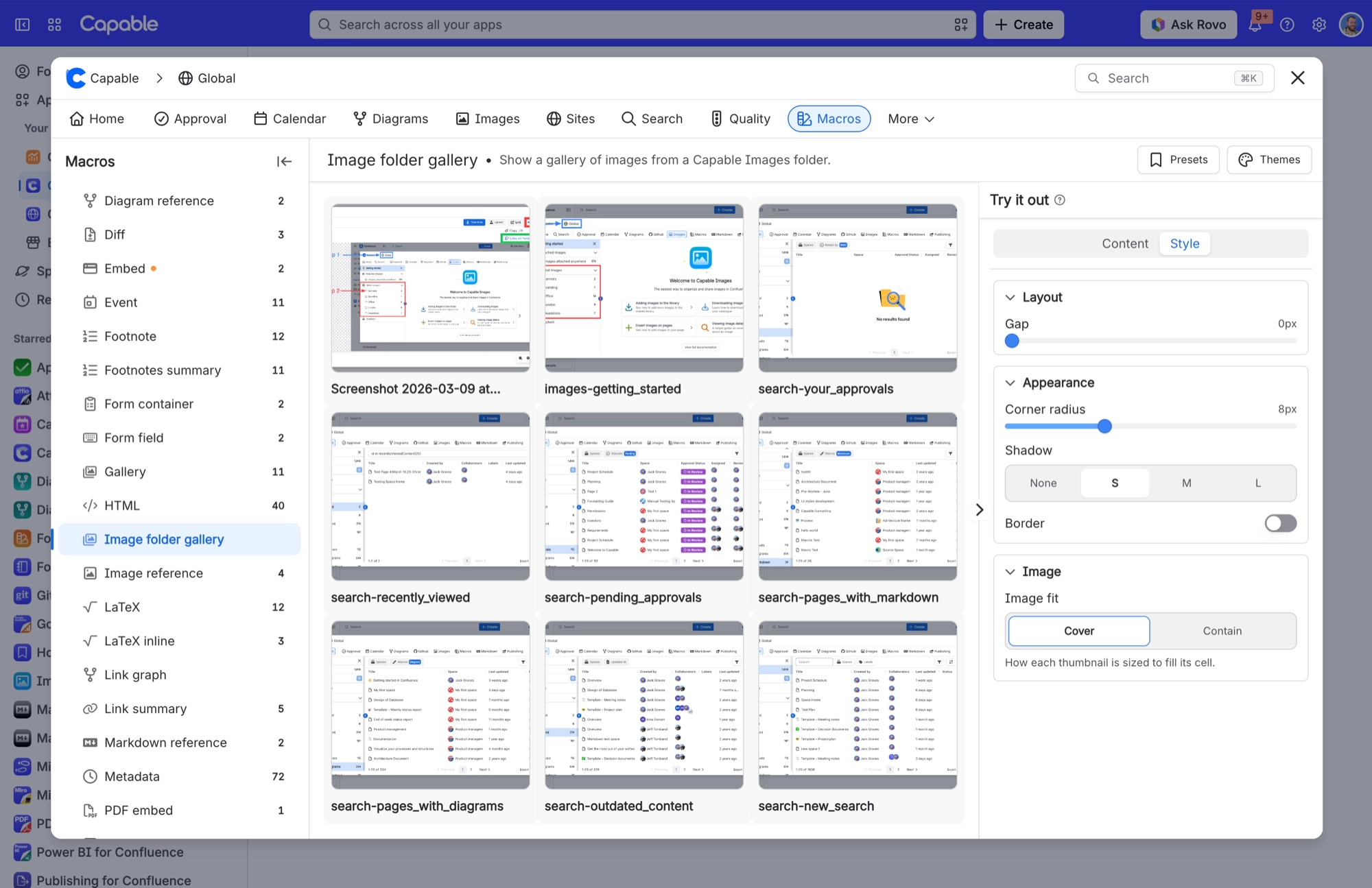
You change Corner radius, Gap, Shadow, Border or Thumbnail Height on an image gallery and nothing happens.
#Why it happens
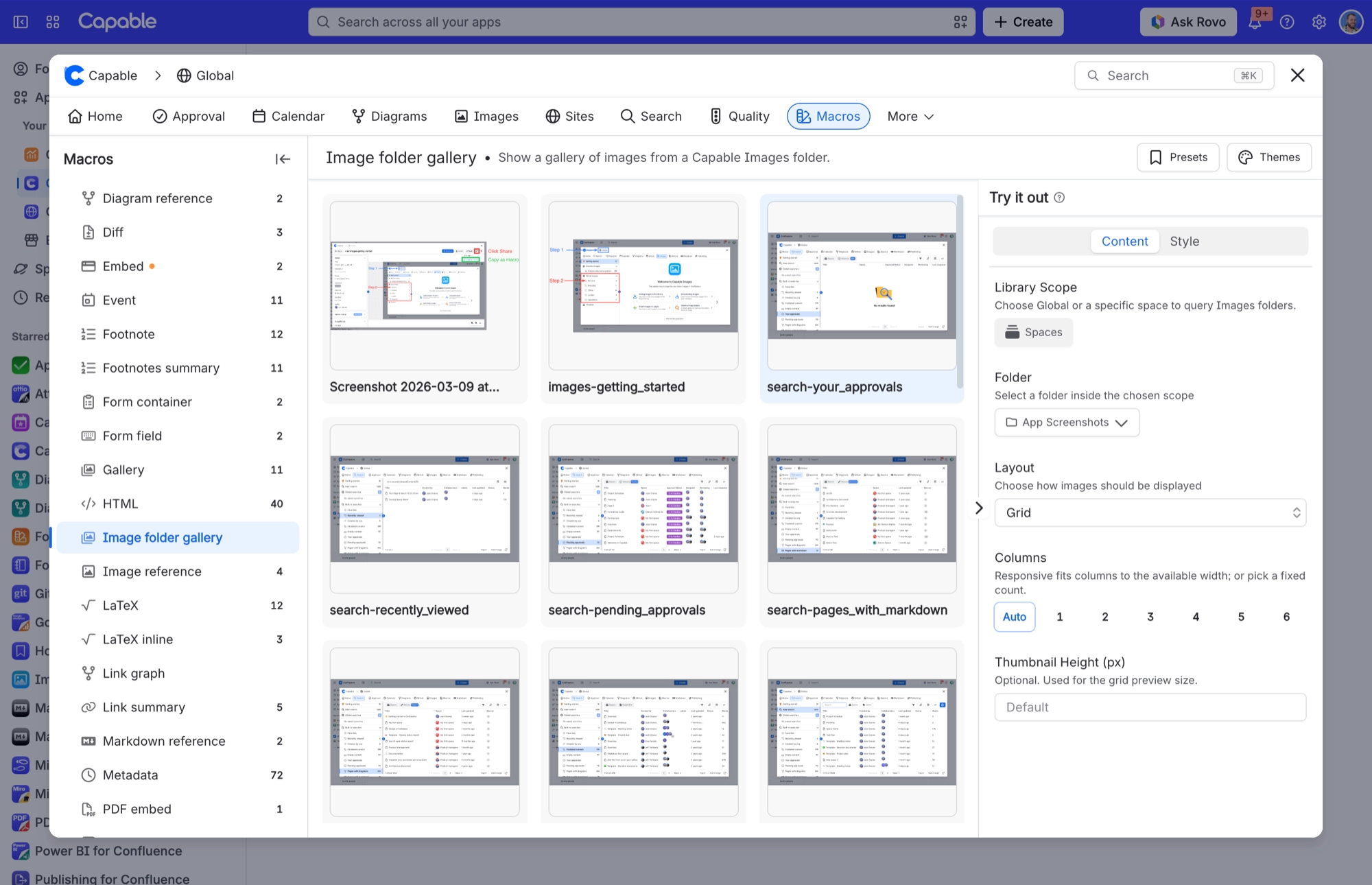
Your gallery is using the Table layout. Those style settings only apply to the Grid layout. Table rows use a small fixed preview (56 px) and their own fixed styling. Only Image fit carries over.
#What to do
Set Layout to Grid if you want those settings to take effect. The Columns control already behaves this way: it disappears when you pick Table.
#Limits that apply here
Limit | Value | What happens |
|---|---|---|
Images per page | 25 images | A 'Show more' button loads the next 25 while more remain. |
Recently added images | 24 hours | Images added in the last 24 hours always appear, even if search has not caught up yet. |
Minimum column width | 200 px | With Columns set to Auto, each column stays at least this wide. |
#Related
Gallery I created by pasting a folder link looks different from one I inserted from the macro browse
Inserting from the macro browser applies the nicer insert defaults (corner radius 8, gap 1
Gallery says 'No images in this folder' but the folder definitely has images
The reader most likely cannot see the folder's space. Confluence filters search results by
Everything else
The rest of this family.
Found it? Good.






















