
Image
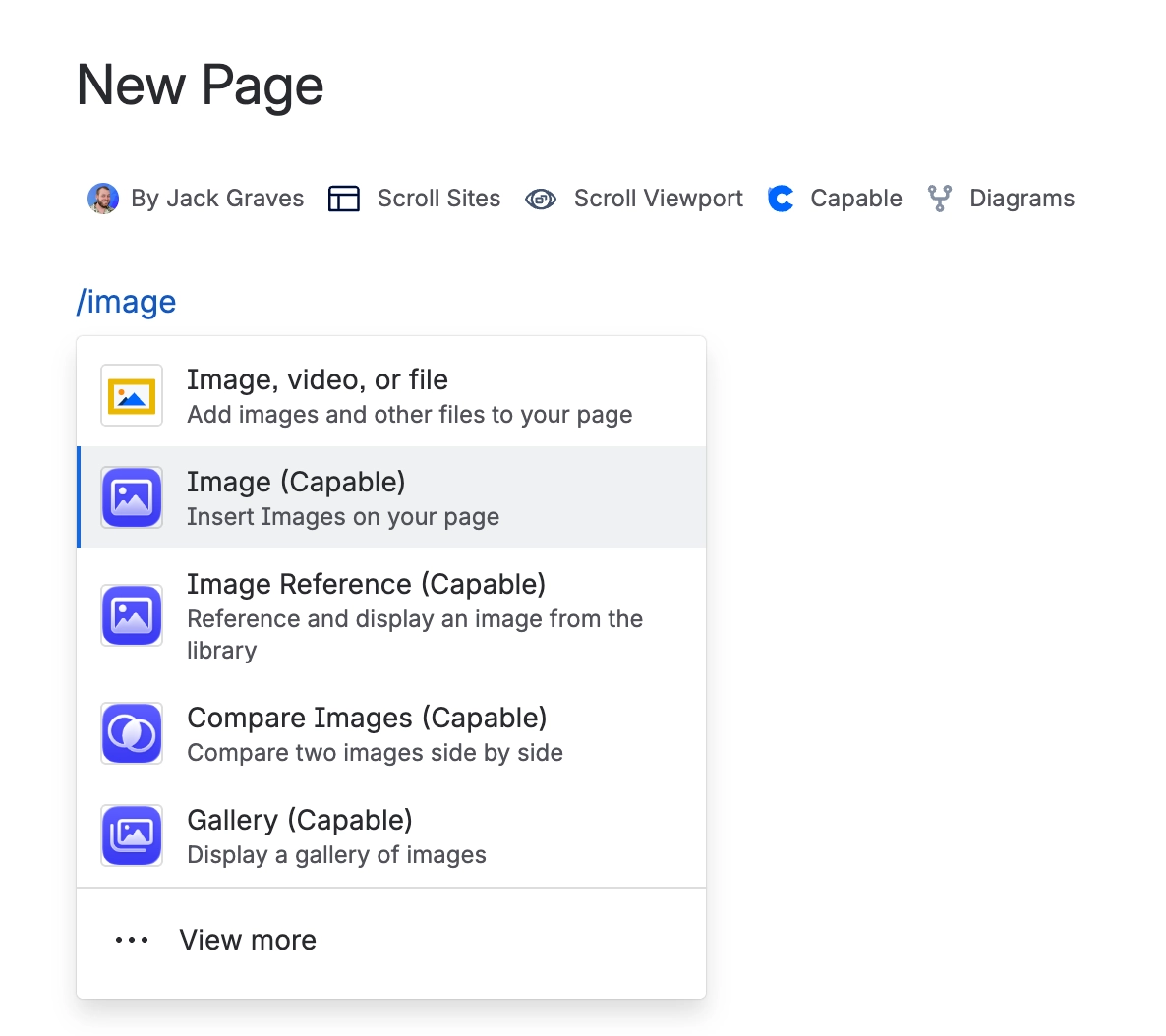
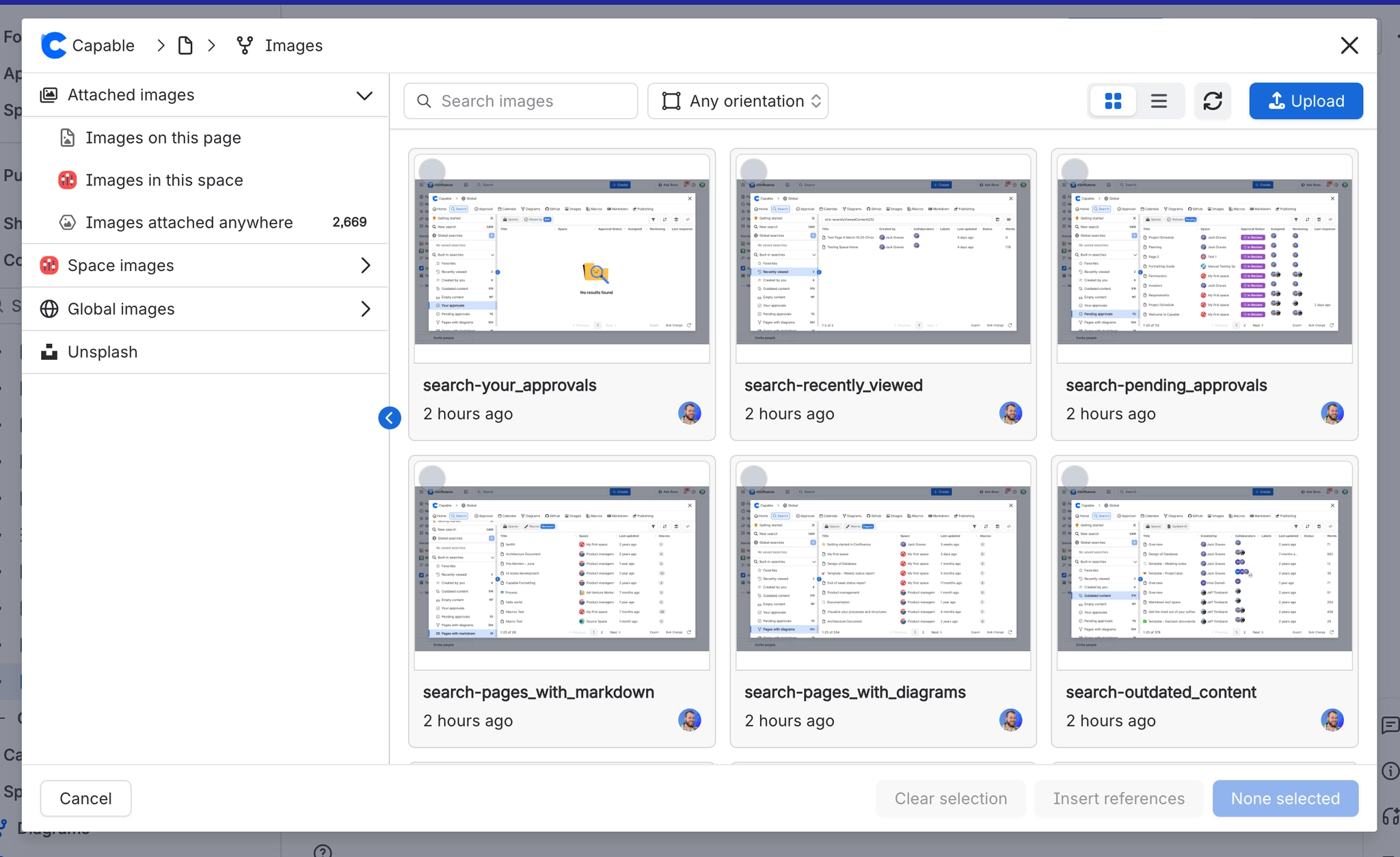
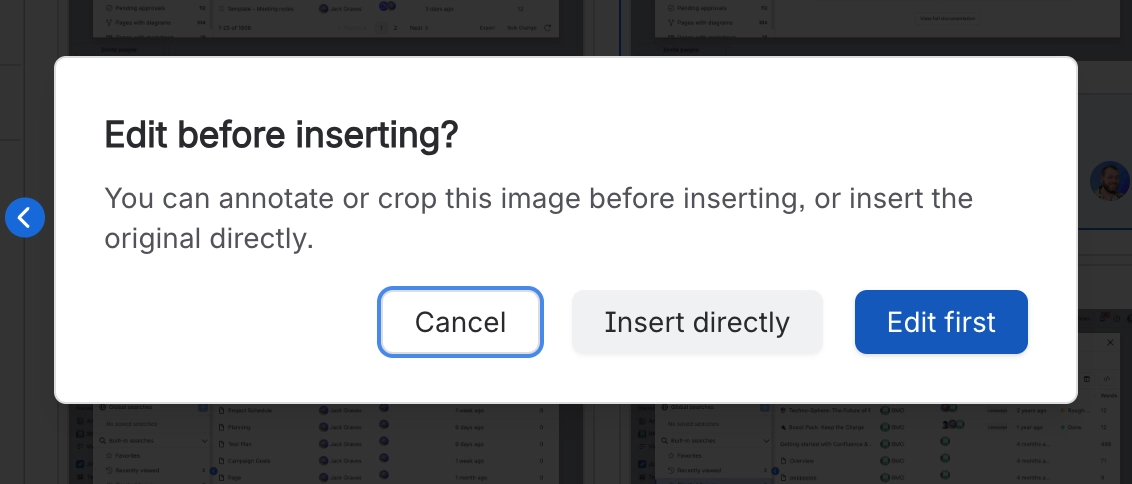
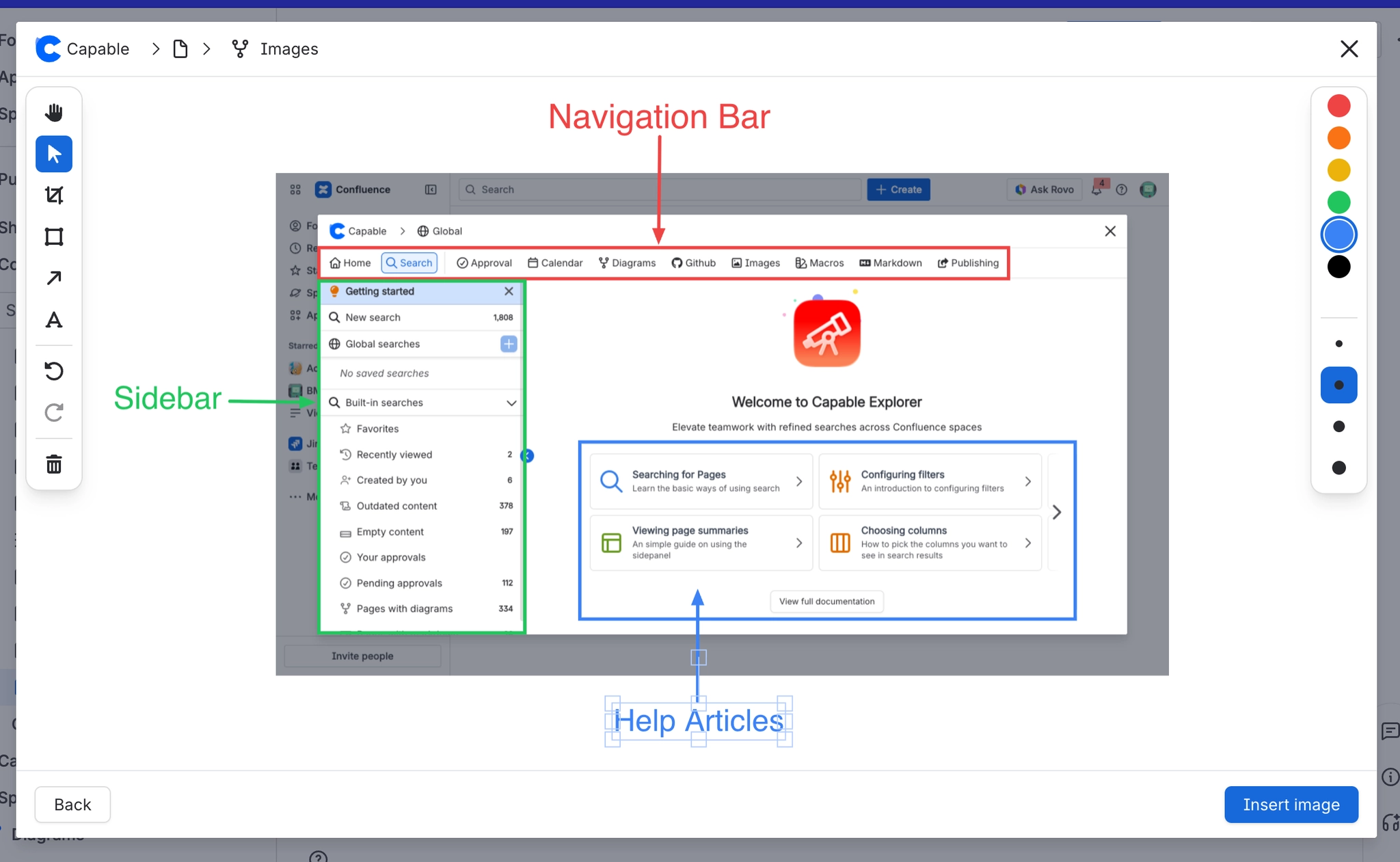
This macro has no settings. It is a placeholder: add it to a page and the Images insert dialog opens straight away. Once you pick your images, Capable swaps the placeholder for the real content. Native Confluence image nodes, or Image reference macros if you choose 'Insert
Insert the macro
Choose one or many images from your library or from Unsplash
Click Insert
Your images are now on the page
#Related
One macro, documented properly.






















