
Two insert modes
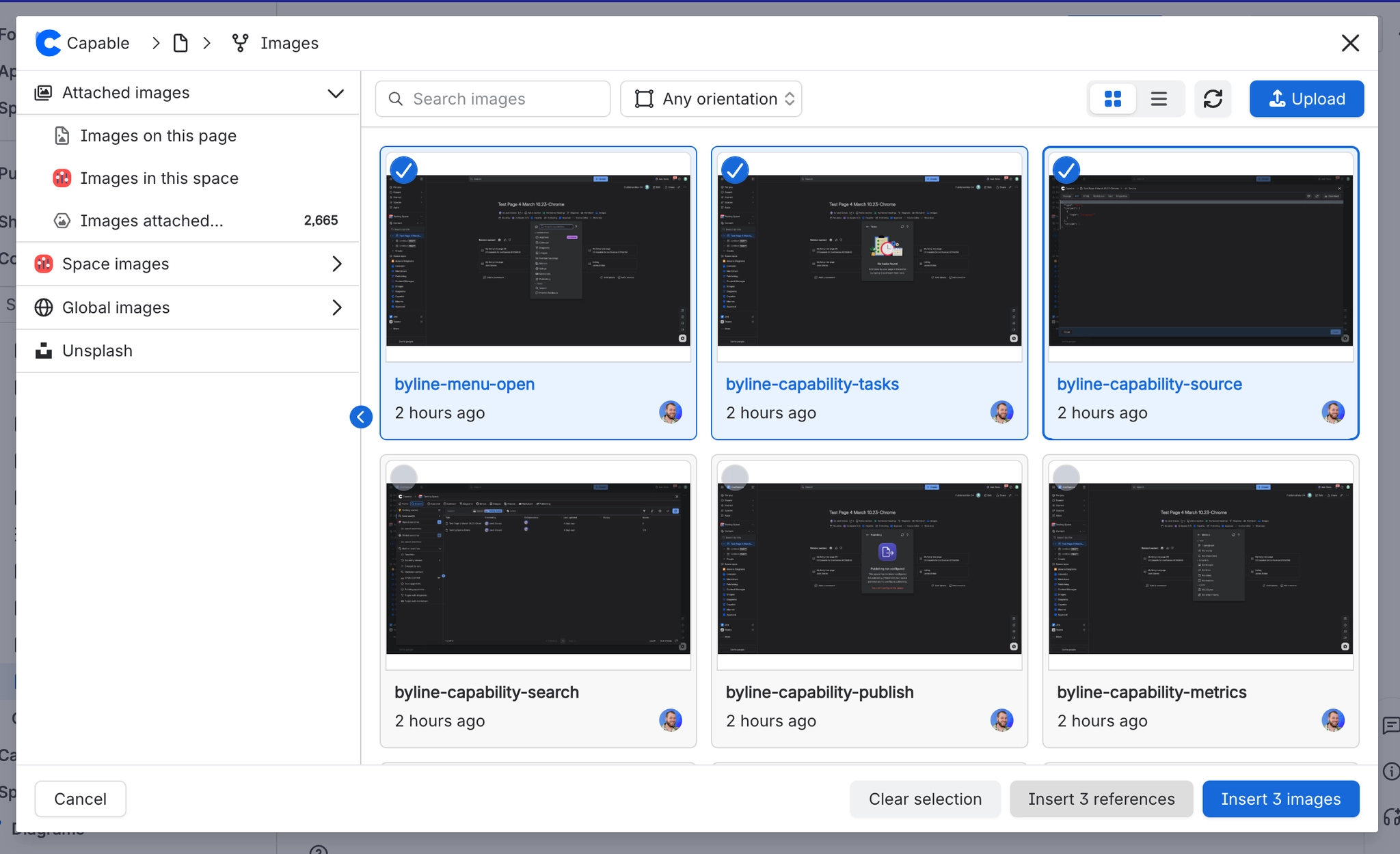
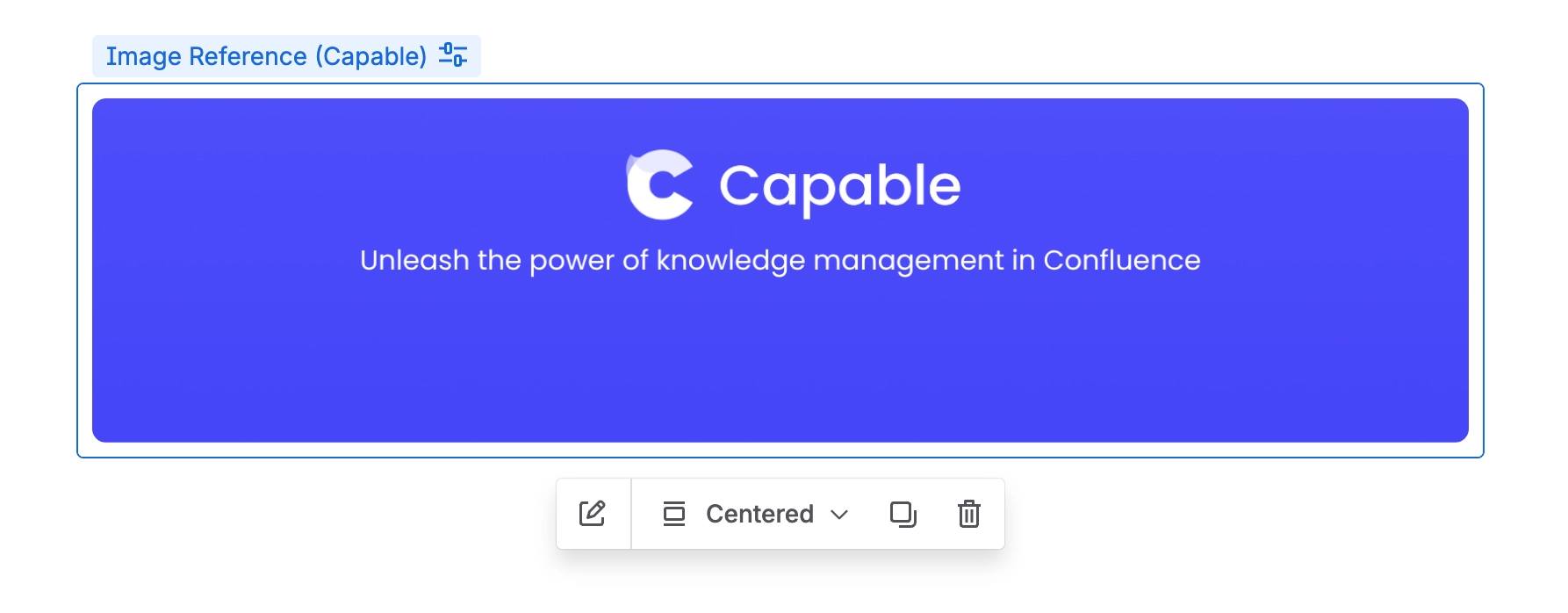
When you pick images from the library, you choose how they land on the page. 'Insert N references' adds Image reference macros, which are live links to the library. 'Insert N images' adds ordinary Confluence images, which are copies that stay put and still show in exports and for logged-out readers.
The references button is greyed out whenever your selection includes anything that is not a library image.
#Where you do it
Task | Where |
|---|---|
Create a gallery by pasting a folder link | Editor → paste the folder's Capable asset URL |
Style a gallery grid | Image folder gallery config panel → Style tab |
Upload and insert images directly from the editor | Editor → type / → 'Image (Capable)' (Suite) or 'Images macro (Capable)' (standalone) |
#Settings that affect this
Setting | Where | What it does |
|---|---|---|
Catalogue view modes | Any library section | - |
#Worth knowing
If you edit an image before inserting it, the edited file can be up to 3 MB.
#Related
How it actually behaves.






















