Capable Images
Capable Sites fully supports images as well as embedded or referenced images that come from the Images capability in Capable for Confluence or Capable Images for Confluence.
This powerful feature allows you to maintain a comprehensive image library, where you can neatly organize your images into various folders for better management and easy retrieval. You can then effortlessly reference these images by including them in your pages, with synchronized updates across all pages where the images are used, ensuring consistency throughout your documentation.
Additionally, you have the ability to insert or annotate images directly before adding them to your content. This means you can edit or add notes to images, enhancing clarity and usefulness without needing to leave the platform. Overall, this functionality greatly simplifies the process of managing images within your documentation site, making it a breeze to keep your visual content organized, up to date, and seamlessly integrated.
#Image
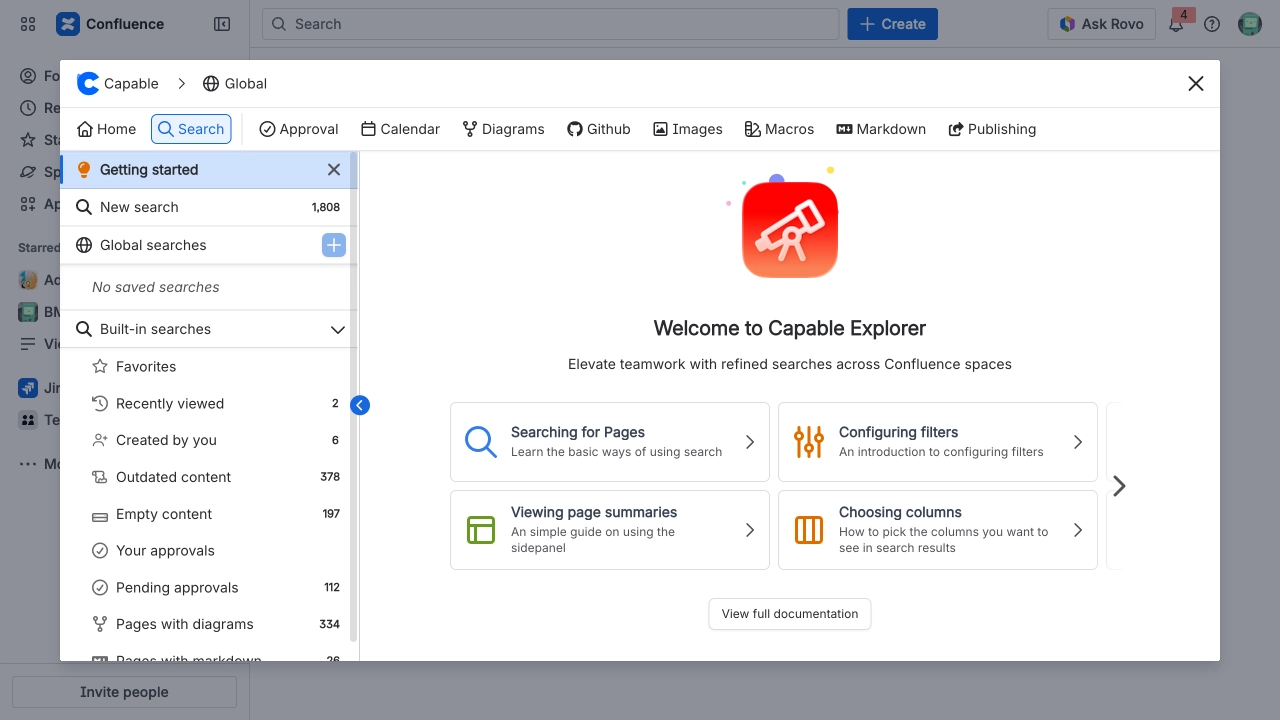
An image uploaded to the Confluence page via drag and drop.
#Image (edited)
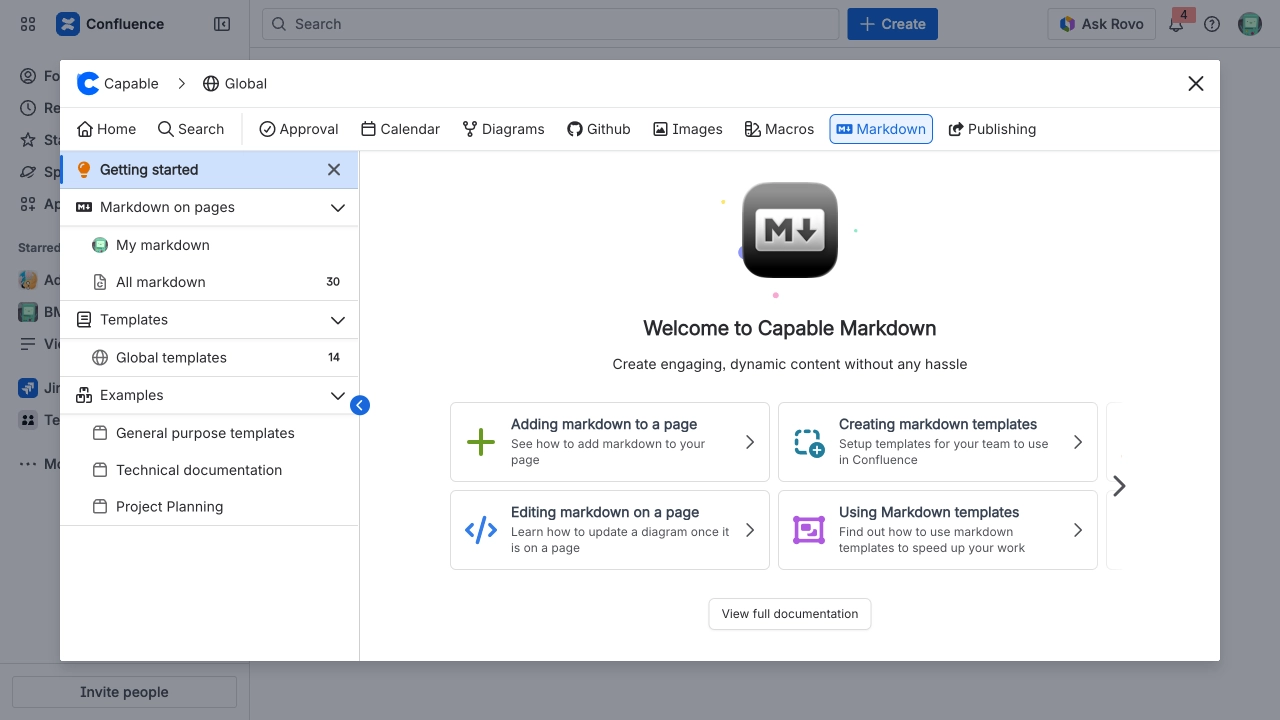
This image has been edited prior to being added to the page, utilizing the integrated annotation image editor that is available within Capable Images.
#Image reference
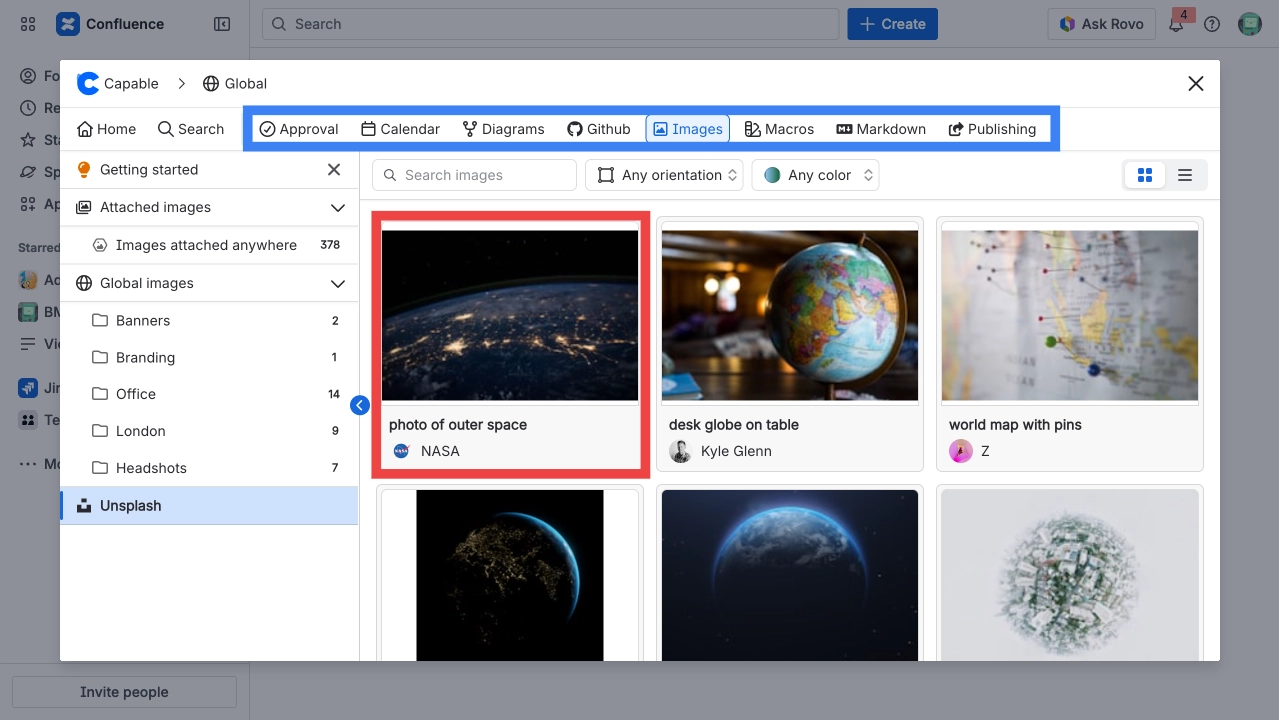
This image is referenced from a central library of images, which means it is managed in one single location.
When an update is made to this image in the central library, the change will automatically be reflected throughout the entire site wherever this image is used.