
Cannot save my publishing settings, or bulk publish is greyed out, and I am told a maintenance task
What you are seeing
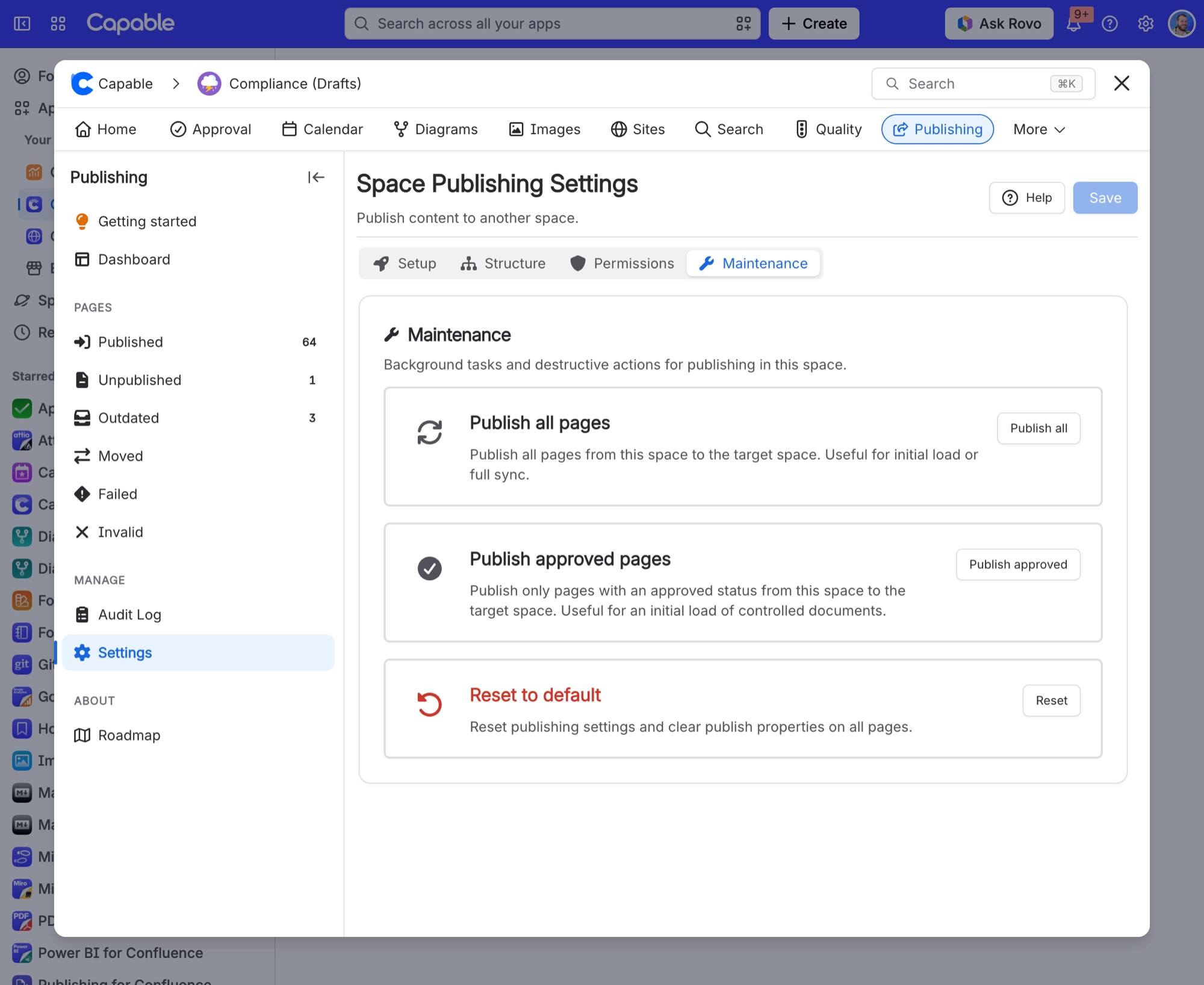
I cannot save my publishing settings, or bulk publish is greyed out, and I am told a maintenance task is running.
#Why it happens
A cleanup or rebuild is in progress for that space. When you save, you see "A maintenance task (cleanup or rebuild) is currently running for this space", and the maintenance cards say "Cannot publish while a maintenance task is running."
#What to do
Wait for the task to finish. You can follow its progress on the Dashboard of the Publishing space page. Then save again. If the app cannot check for a running task at all, it lets your save through.
#Settings involved
Setting | Where | What it does |
|---|---|---|
Enable publishing | Space settings → Publishing → Setup tab | - |
Target space | Space settings → Publishing → Setup tab | - |
Allow manual publishing | Space settings → Publishing → Setup tab | - |
#Limits that apply here
Limit | Value | What happens |
|---|---|---|
Allowed publishers list | 50 users maximum; individual users only, | - |
Folder children | Child pages and child folders are fetche | - |
#Related
Anonymous readers see nothing from Publishing, or just a "Powered by Capable" panel
The Publishing byline requires the viewer to be signed in. In the standalone Publishing ap
Turned on "Restrict publish permissions" but everyone can still publish
The restriction only takes effect when the Allowed publishers list has at least one person
Permissions and access
The rest of this family.
Found it? Good.






















