
Am a space administrator of the source space, but the Publish button is still hidden and the space p
What you are seeing
I am a space administrator of the source space, but the Publish button is still hidden and the space page says I lack rights.
#Why it happens
The Publish button in the page byline checks whether you administer the TARGET space. Capable itself checks whether you administer the SOURCE space. So a source-space administrator who is not a target-space administrator does not see the button, even though the publish would have been allowed.
#What to do
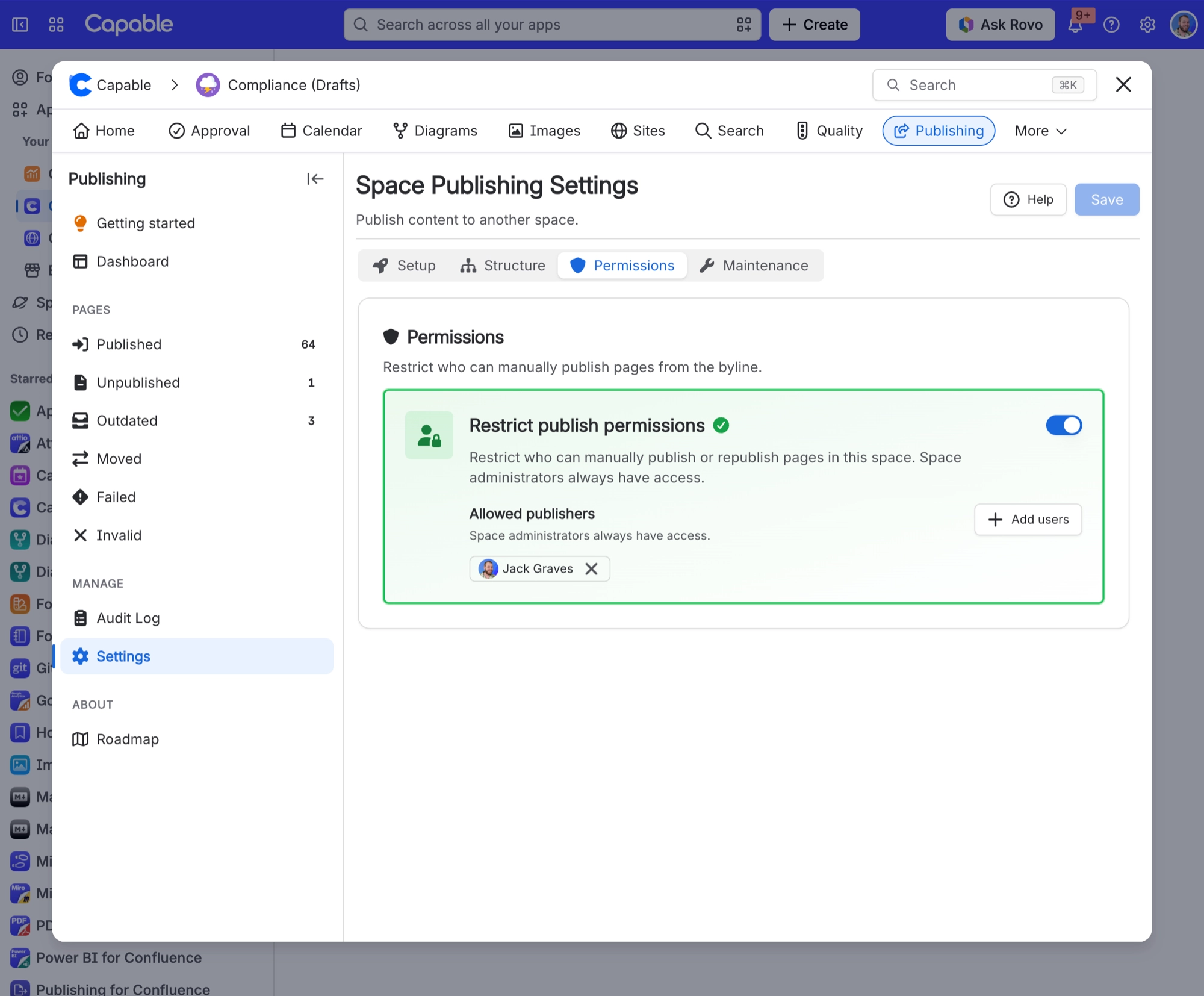
Get space administrator rights on the target space as well, or add yourself to Allowed publishers. Report the mismatch to support. It is a known inconsistency between the button and the check Capable makes.
#Settings involved
Setting | Where | What it does |
|---|---|---|
Enable publishing | Space settings → Publishing → Setup tab | - |
Target space | Space settings → Publishing → Setup tab | - |
Allow manual publishing | Space settings → Publishing → Setup tab | - |
#Limits that apply here
Limit | Value | What happens |
|---|---|---|
"Publish all pages" / Full Sync | Reads at most 1000 items in a single que | - |
Bulk selection from the space page lists | Capped at 1000 items per run | - |
Cleanup and rebuild | Paginate 1000 results at a time with a h | - |
#A few things that catch people out
Bulk selection and Full Sync are capped at 1000 items per run, and a bulk run is stopped if it goes past 10,000 items or about 25 minutes. Capable does not tell you when a run stops early, and there is no resume option, so large spaces need repeated runs.
Cleanup and rebuild stop after about 100,000 items and only record a warning in the logs, so very large spaces are only partly processed.
If you administer the source space but not the target space, you can only keep a target that somebody else already chose. The settings screen shows a note and will not save a different target.
#Related
Saved the Setup tab and manual publishing turned itself off, even though I never touched that switch
The settings screen seeds the manual-publishing switch to off before your first save, whil
Page approved by the right people never published, and shows Failed with "Parent page is not publish
With "Preserve hierarchy", only a manual publish will automatically publish the ancestors
Export and published sites
The rest of this family.
Found it? Good.






















