
Want a draft area and a validated area inside the same space
What you are seeing
You want a draft area and a validated area inside the same space.
#Why it happens
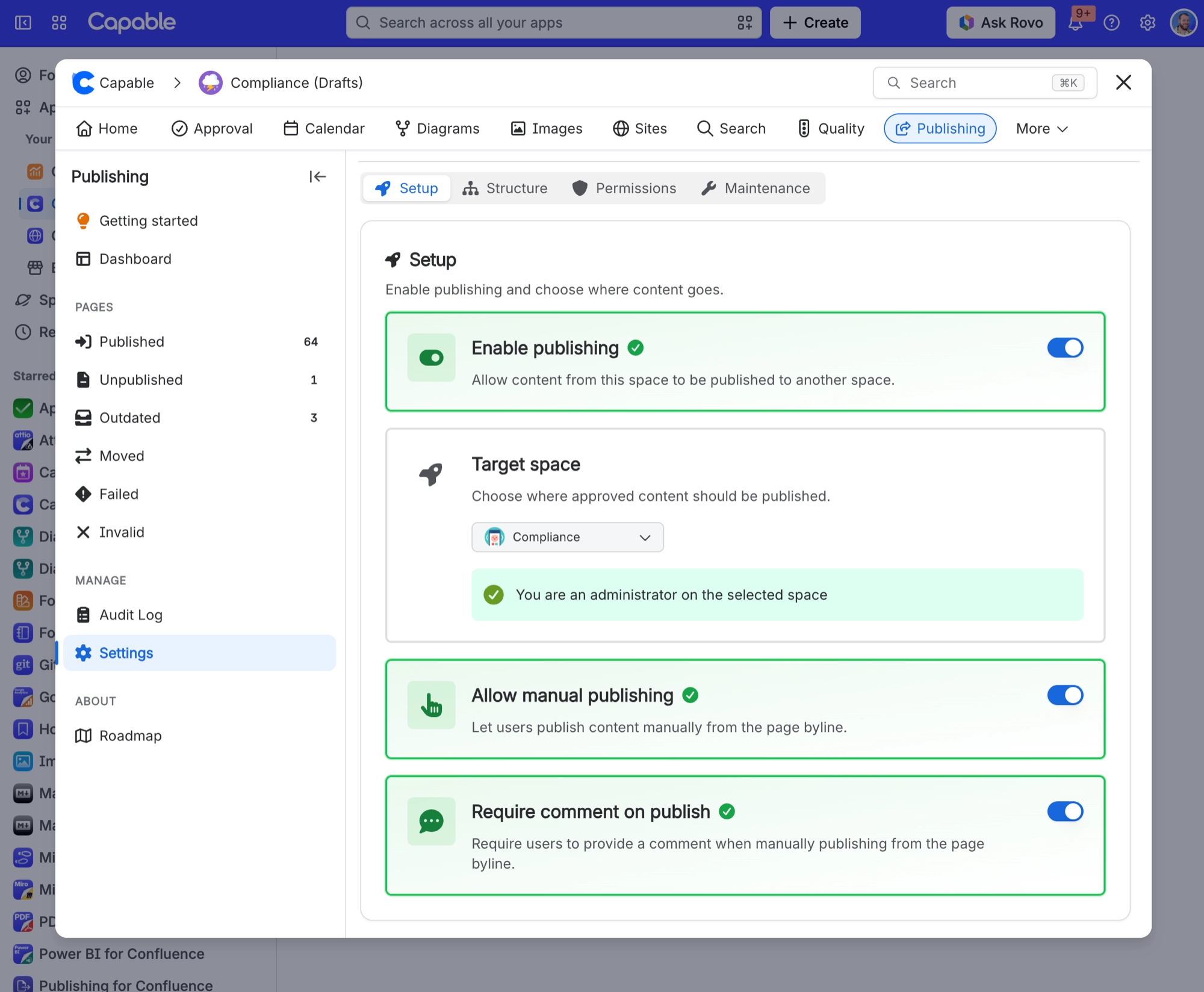
Publishing to the same space is deliberately blocked in three places. The target space picker leaves out the current space, the settings refuse it, and the publish itself is rejected.
#What to do
Use two spaces: a source space for drafting and a separate target space for validated content. Publishing within a single space is not something Publishing supports.
#Related
Capable appears in the restriction list of my source pages and I did not put it there
The app adds its own app user (read and update) to source page restrictions so it can read
Target space homepage was replaced by one of my source pages
"Include homepage" is set, which publishes the source space homepage over the target space
Everything else
The rest of this family.
Found it? Good.






















