
Approval
You need an app that includes both capabilities: the Capable Suite, or the Capable Approval app. Publishing installed on its own can never be triggered by an approval.
#How
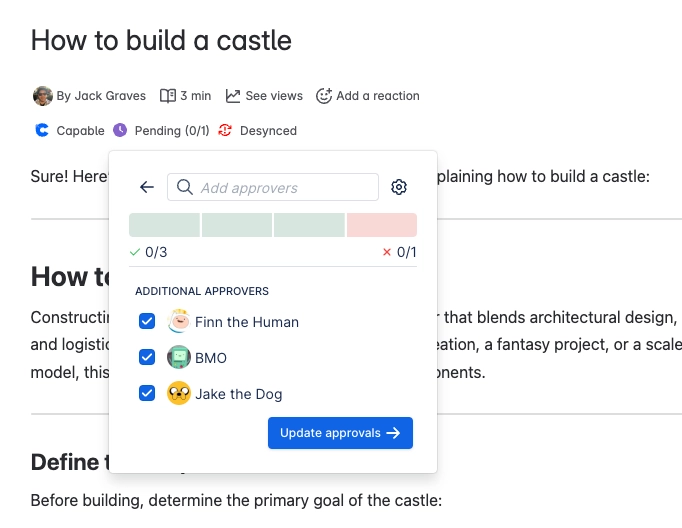
Approval is the only thing that publishes automatically. When an approval reaches Approved and "Publish on approval" is set, Approval queues the publish and passes on the approvers, who appear as "Approved by" in the Publishing byline.
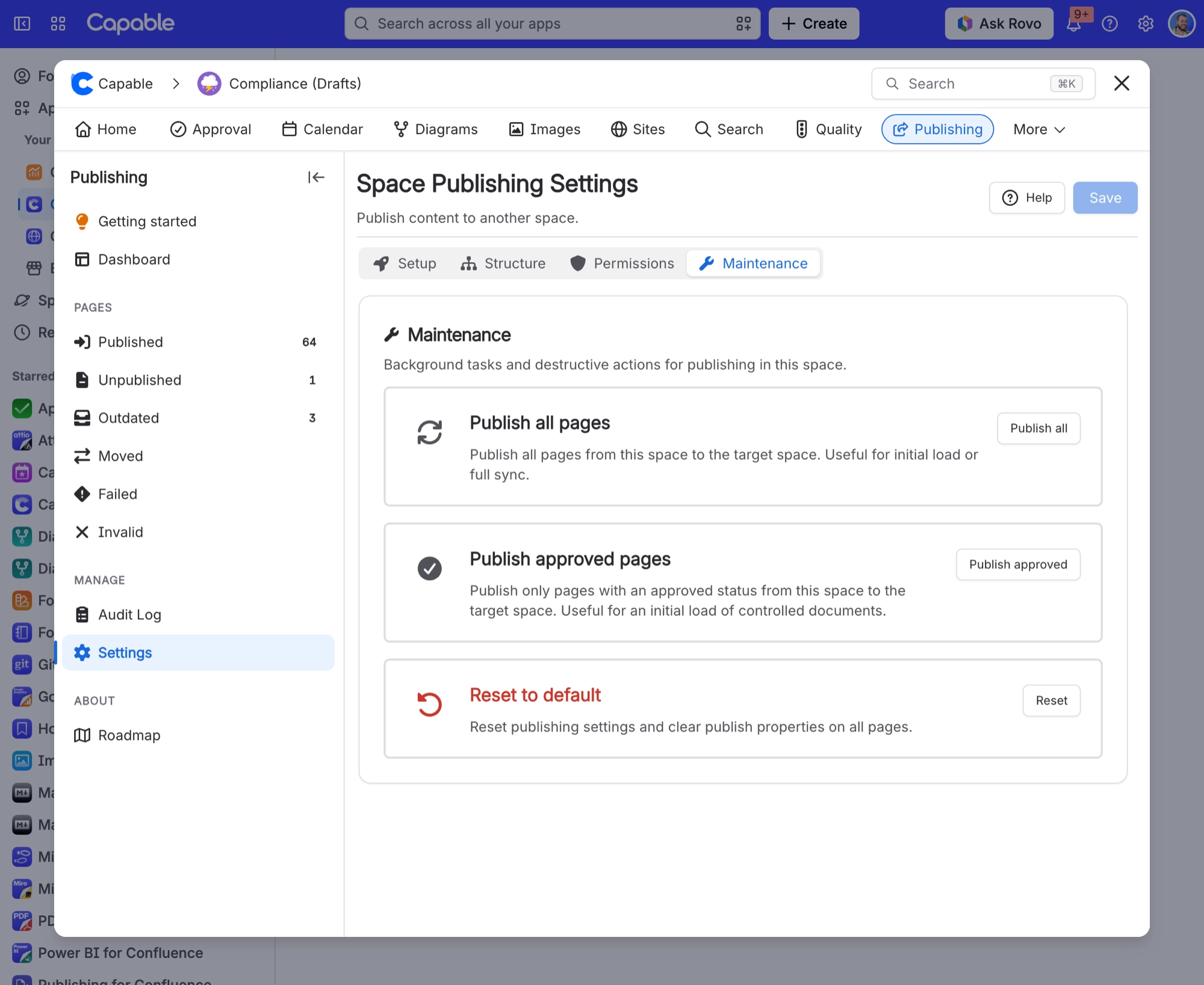
"Publish approved pages" on the Maintenance tab uses Approval's data to pick out only the approved pages.
The Capable approval macro is removed from the published copy, so the target page does not carry the approval widget.
#Where you do it
Task | Where |
|---|---|
Reuse pages that already exist in the target space ins | Space settings → Publishing → Structure tab |
Limit who may publish | Space settings → Publishing → Permissions tab |
Publish automatically when a page is approved | Space settings → Approval → Overrides tab ("Publish on approval"), an approval team, or the per-approval options in the approval byline |
#Settings that affect this
Setting | Where | What it does |
|---|---|---|
Allow manual publishing | Space settings → Publishing → Setup tab | - |
Restrict publish permissions | Space settings → Publishing → Permissions tab | - |
Publish approved pages | Space settings → Publishing → Maintenance tab | - |
#Related
Better with company.






















