
Nobody was told that a publish failed
What you are seeing
Nobody was told that a publish failed.
#Why it happens
Capable does not send notifications of any kind when a publish fails. No email, no Slack, nothing.
#What to do
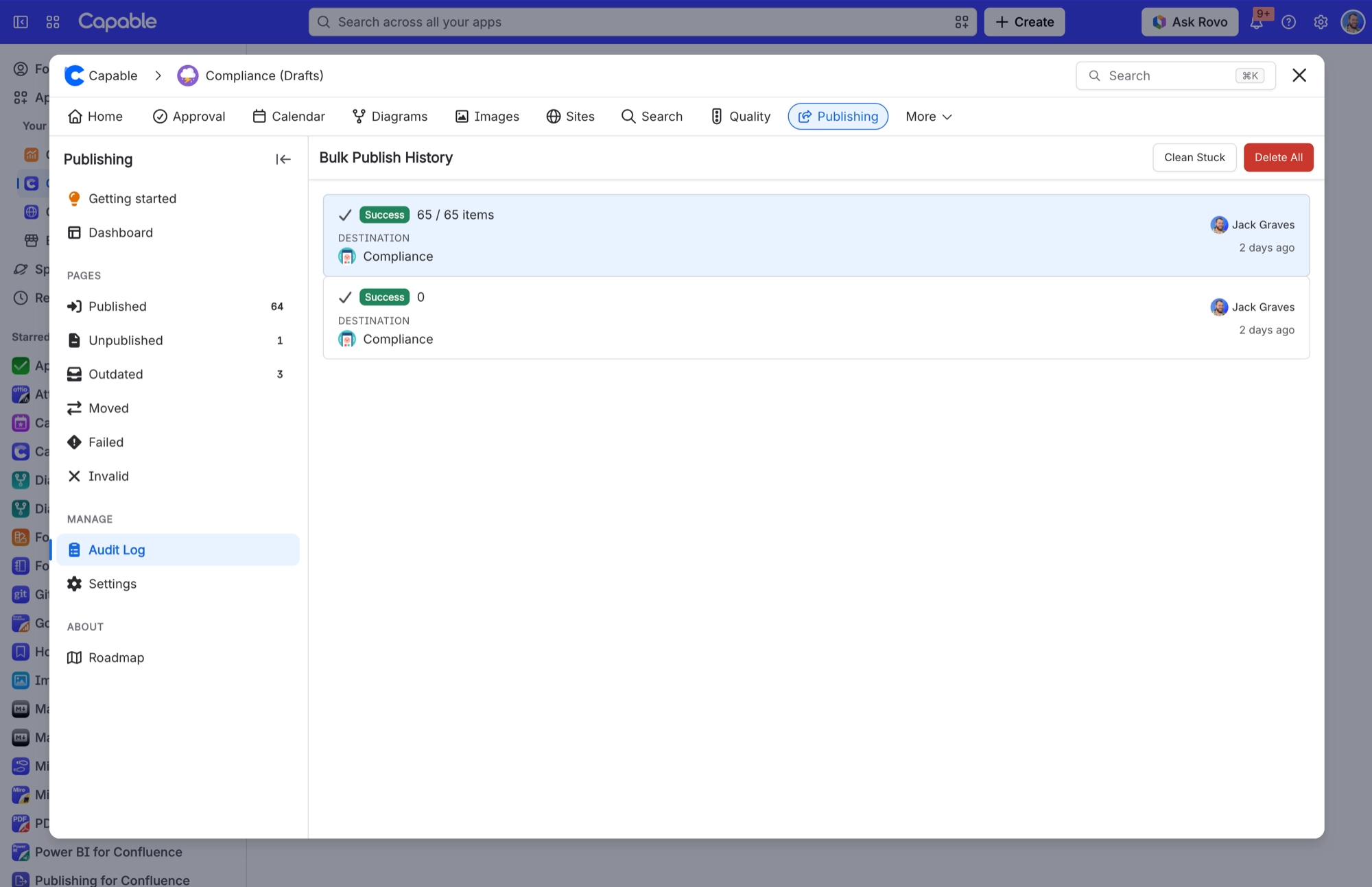
Check for failures yourself. Look for the Failed badge in the page byline, the Failed and Invalid lists on the Publishing space page, and the Audit Log for bulk runs. After any bulk run, make a habit of checking the Failed list.
#Settings involved
Setting | Where | What it does |
|---|---|---|
Enable publishing | Space settings → Publishing → Setup tab | - |
Target space | Space settings → Publishing → Setup tab | - |
Allow manual publishing | Space settings → Publishing → Setup tab | - |
#Limits that apply here
Limit | Value | What happens |
|---|---|---|
Publish comment length | 500 characters maximum | - |
Allowed publishers list | 50 users maximum; individual users only, | - |
"Publish all pages" / Full Sync | Reads at most 1000 items in a single que | - |
#Related
Pages stopped going Outdated / Moved / Out of sync, but manual publishing still works
All the Confluence event listeners that keep statuses current only run on a licensed site.
Published blog post never goes Outdated even after I edit it
Publishing only listens for edits to pages. Nothing listens for blog-post edits, so a publ
Export and published sites
The rest of this family.
Found it? Good.






















