
Monitoring and fixing publishing
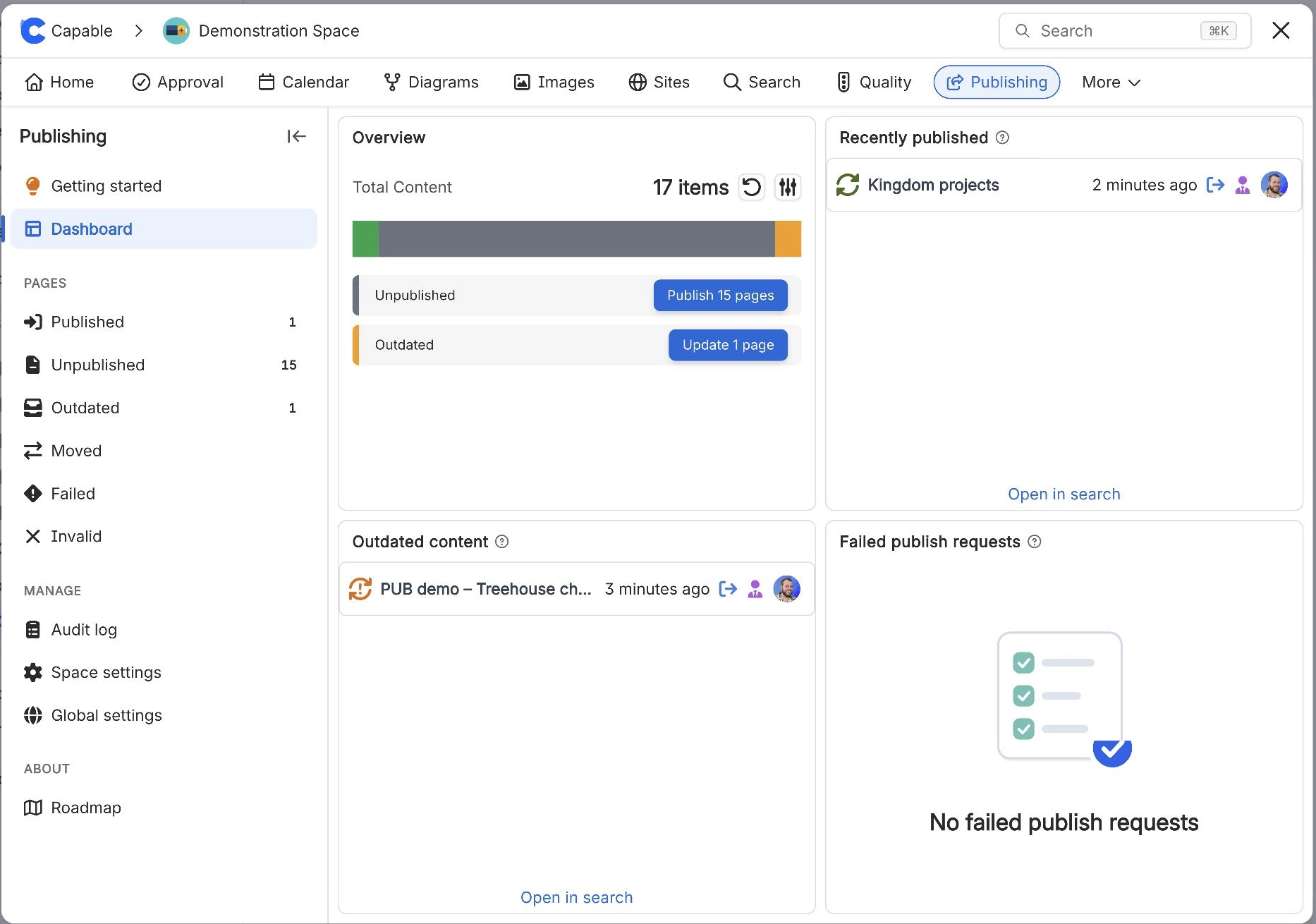
Publishing works in the background and does not send alerts, so it pays to know where to look. The Publishing space page shows what is outdated or failed, and the Audit log keeps the history of every bulk run.
#Common tasks
You want to | Go to |
|---|---|
Read the history of bulk runs | |
Find and fix pages that failed | |
Point a space at a new target | |
Understand every status | |
Browse the troubleshooting pages |
#All guides in this topic
See the publishing audit logRead the history of bulk publish runs in a Confluence space, with who started each one and its full log.Find and retry Confluence pages that failed to publishList the pages in a space that failed to publish, see why, and publish them again.Change the target space for Confluence publishingPoint a Confluence space at a different target space, and what happens to pages already published.
#Related
Know what went out, and what did not.