
The approval macro
The approval already appears under the page title, so why put it on the page as well? Because the byline only exists inside Confluence. The macro puts the approval inside the page content, which is what you want when the page is exported, published to a website, or read by somebody who would never think to look at a byline.
Type /approval in the editor and pick Approval.
#Four ways to show it
Mode | Shows | Reach for it when |
|---|---|---|
Overview | A status card plus every reviewer and their response. | You want the complete picture in one block. This is the default. |
Banner | One coloured strip, for example Page has been approved. | The top of a policy, where readers need the state at a glance and nothing else. |
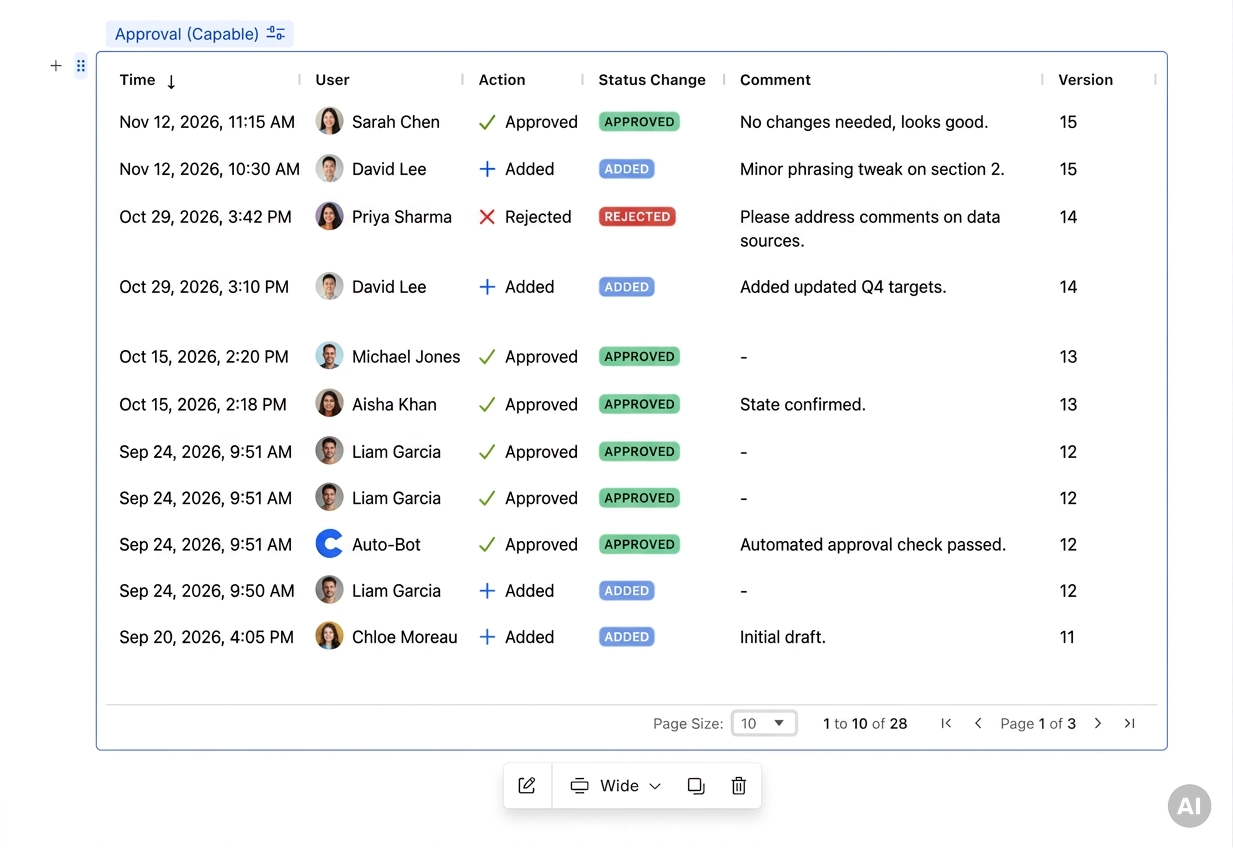
History | A sortable table of every approval event.[1] | A controlled document that has to carry its own audit trail. |
Respond | The full approval panel, inline. | A review page where you want the buttons right in front of people. |
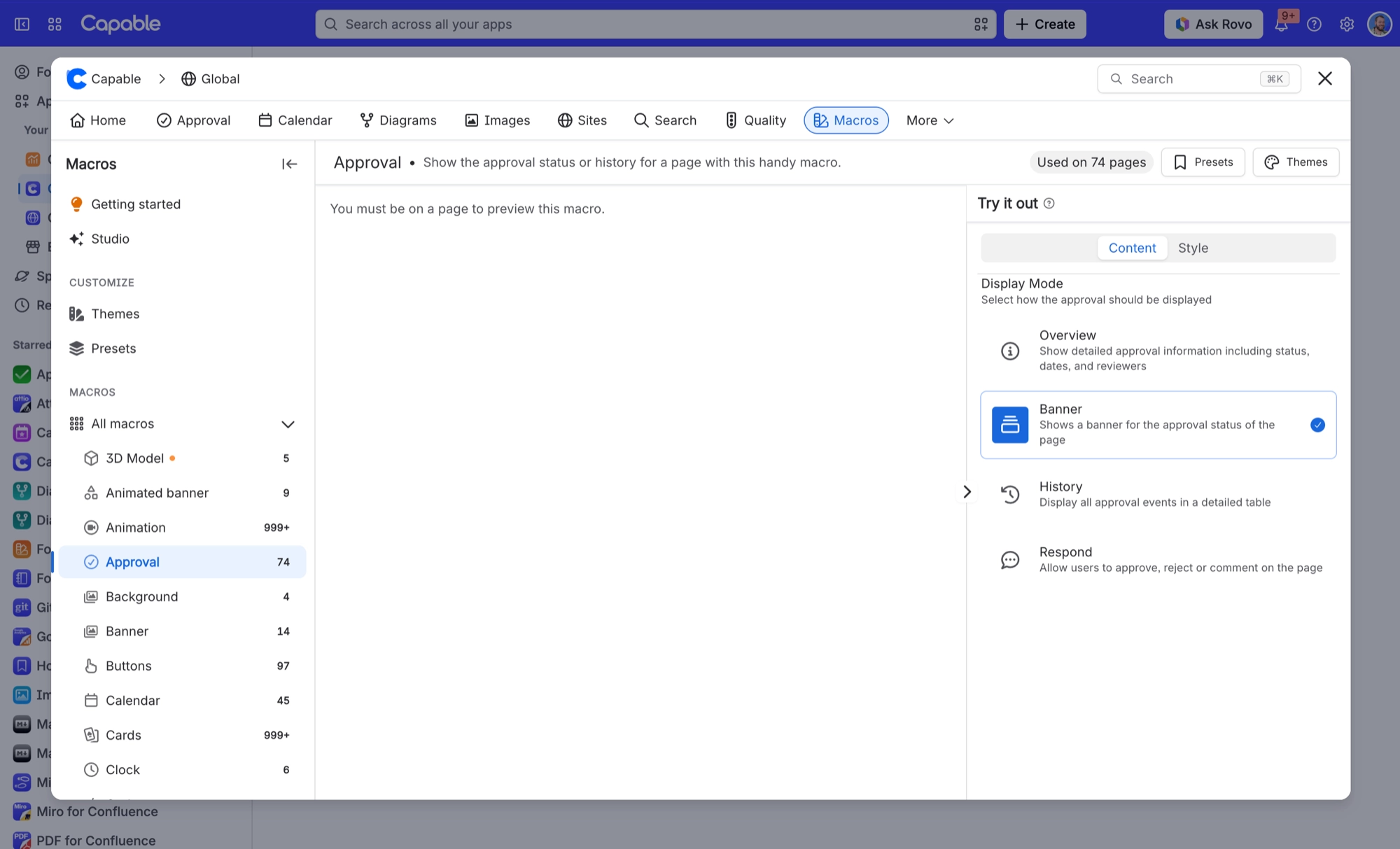
#Banner
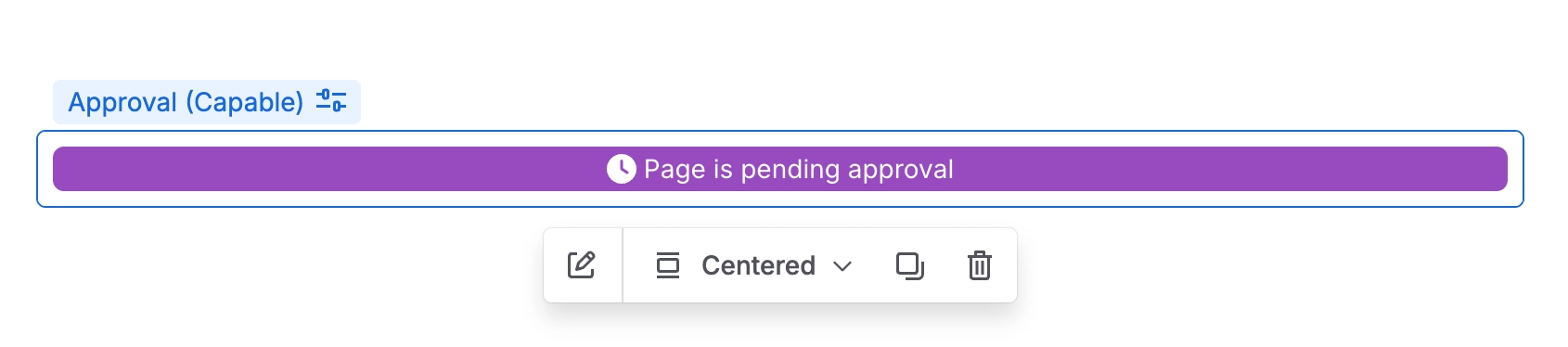
State | Wording |
|---|---|
| APPROVED | Page has been approved |
| IN REVIEW | Page is pending approval |
| REJECTED | This page has been rejected |
| EXPIRED | The approval on this page has expired |
| NONE | No approval found |
#Overview
A status card with the overall status, the current page version and the minimum number of approvals needed, followed by a card listing each reviewer and where they stand.
#History
#Respond
The same approval panel people see on the page itself: the current status, how many approvals and rejections are in, and the reviewers, with a Respond link for anyone still due to respond.
#Where it shows up, and where it does not
Where | Renders | Detail |
|---|---|---|
A Confluence page | FULL | Everything, in whichever mode you chose. |
A published Capable Site | FULL | |
A signed-out reader on a public page | PARTIAL | The status and counts only. The event history is never sent. See Who can see what. |
Confluence PDF or Word export | NOTHING | The macro contributes nothing at all. |
#The banner above the page
Separately from the macro, administrators can switch on a banner across the top of every page. It is off site-wide by default, and each space can follow the site, force it on, or force it off. See Site settings and Space settings.
#A few things that catch people out
The macro shows the approval for the page it sits on. It cannot point at another page.
Respond mode still respects who is on the reviewer list. Putting it on a page does not let anyone approve. See Who can do what.
Styling changes the look, never the wording, so the states stay recognisable across spaces.
A page with no approval shows No approval found rather than hiding the macro, which is usually what you want on a controlled template.
- Columns are Time, User, Action, Status change, Comment and Version. The table is paginated and fixed at 600 pixels tall, so it will not stretch a long page out of shape. ↩
- Dates in the published snapshot are rendered in UTC, not the reader local time zone, because a static page has no reader to ask. ↩
#Related
The approval, right where your readers are already looking.






















