
Common questions
Almost everything that looks broken in Capable Approval turns out to be one of the answers below. Work down to the one that matches what you are seeing.
#The approval option is missing from my page
Four reasons, in the order worth checking.
Can you edit the page? Raising an approval needs edit permission. See Who can do what.
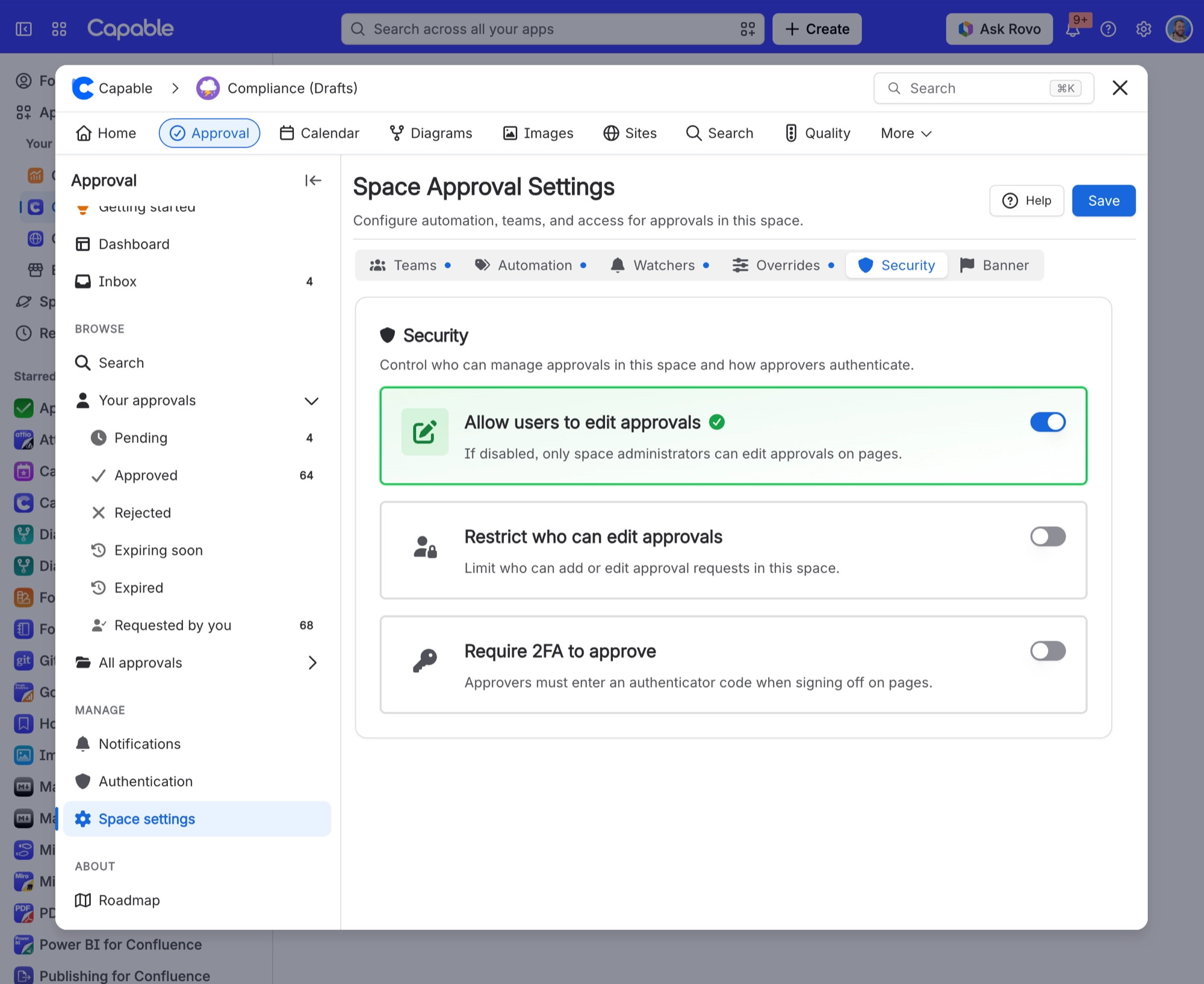
Has your space turned off user updates? If so, only space administrators can raise approvals there.
Does your space restrict who can raise approvals? You need to be on the allowed list. See Space settings.
Are you using the suite? In the suite the approval entry only appears on pages that already have one, plus the ways to start a new one. In the standalone app it is always there.
#The status says Repair needed
The approval record and the copy shown on the page have drifted apart. Click repair. It rewrites the display from the record, and nothing is lost: your reviewers and their answers are safe.
You will also see it on older approvals, created before this check existed. Repairing brings them up to date. See What is recorded.
#It has said Syncing for a while
For about two minutes after a page is edited, the approval shows In review while everything settles. If it is still saying it after a few minutes, reload the page, then use repair.
#The byline says expired but the banner does not
Both are right, briefly.
Surface | Shows | Because |
|---|---|---|
The byline | EXPIRED | It works the state out from the date and flips the moment the deadline passes. |
The banner | APPROVED | It waits for the hourly check that resets the approval. |
They agree again within the hour, and the expiry notification arrives at the same time. See Expiry and re-approval.
#Somebody never got their notification
Check | Why |
|---|---|
Can they read the page? | People who cannot read the page are skipped silently. This is the usual answer. |
Have they turned off approval emails? | It is a per-person switch under Capable, Approval, Notifications. |
For Slack, do their Confluence and Slack emails match? | Capable matches people by email. If the addresses differ, they get no Slack message, and nobody is told. See Slack. |
#My approval is stuck and nobody is responding
Check whether people have commented rather than approved. A comment takes somebody out of the waiting list but counts toward nothing, so an approval where everyone commented will never finish and never expire. See Approval statuses explained.
#Two of us see different things on the same approval
Responses do not appear for other people in real time. Reload to see what your colleague just did.
#My Slack buttons did not work
Message | Reason |
|---|---|
This page changed since the request was sent | The page was edited, so the review restarted. Answer on the page. |
You can no longer respond to this request | You were removed from the list, or lost access to the page. |
No buttons at all | Either an administrator has not turned on Slack approval actions, or the space requires a code, which Slack cannot collect. |
#Bulk approve failed on every page
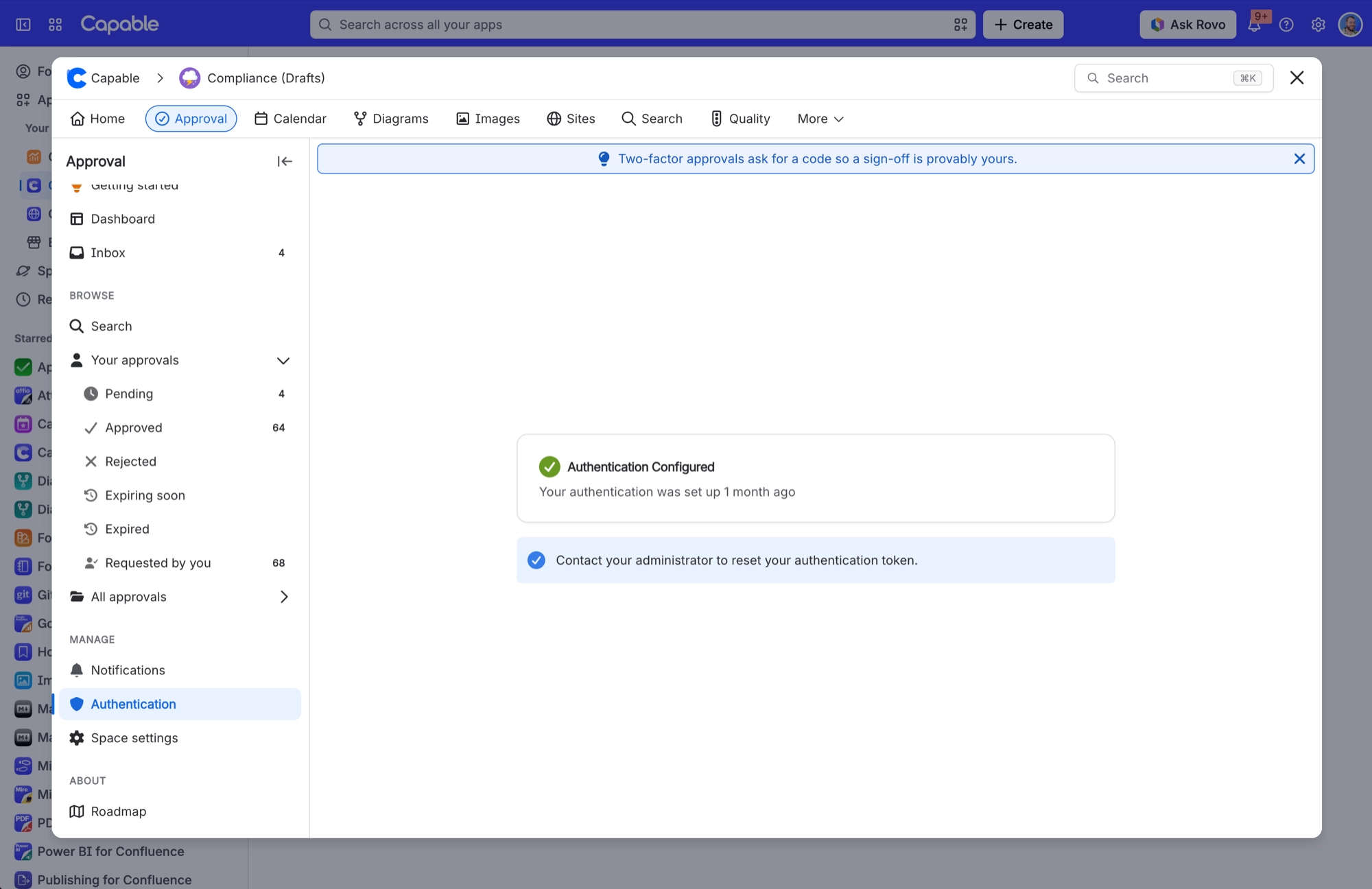
Most likely the space requires an authenticator code. Bulk actions cannot send one, so every page in the batch fails. Respond individually there. See Sign approvals with a code.
Otherwise check you are actually a reviewer on the pages you selected. The buttons appear for any selected row, so pages you cannot act on fail individually and are listed at the end.
#A new approval is not showing in search
Search catches up a moment after an approval is created. Give it a few seconds and refresh. The page itself is always right straight away. See Search and reporting.
#I lost the phone with my authenticator
There are no backup codes. A Confluence administrator clears your enrolment from Site settings, Auth tokens, and then you set it up again.
#Related
Known limitations
Things that are working as designed.
How approvals work
Why editing resets a review.
Notifications
Who hears about what, and when.
Approval statuses explained
Every label, including the ones that are not statuses.
Expiry and re-approval
Why the byline and banner disagree.
What is recorded
What repair is rebuilding from.
Unstuck. Back to the actual work.






















