
Space settings
Keep this page open while you configure a space. Space administrators find these settings under space settings, Capable Approval, across six tabs: Teams, Automation, Watchers, Overrides, Security and Banner. Nothing applies until you press Save.
Pages that were already open may not show a change straight away. Reload the page to pick it up.
#Teams
Each team you enable here has its own settings in this space. Creating the teams themselves is covered in Manage approval teams.
Setting | Default | Notes |
|---|---|---|
Enable approval team | OFF | A team can't be used in this space at all until this is on. |
Minimum approvers | The team size | Anything from 1 to the team size. |
Minimum rejections | 1 | Anything from 1 to the team size. |
Expiry | No expiry | 1 month, 3 months, 6 months, 1 year, a custom interval or an exact date. See Expiry and re-approval. |
Publish on approval | OFF | Hands the page to Capable Publishing once it's approved. See Publishing. |
#The space team
Every space comes with a built-in team of its own, listed as Space team. It holds up to 16 people, has the same settings as any other team, and is the default choice for automation. If one group of reviewers is all this space needs, use it and skip creating anything.
#Automation
The full walkthrough lives in Automatic approvals. Here are the defaults at a glance.
Setting | Default |
|---|---|
Raise an approval on page creation | OFF |
Raise an approval on page update (only if the page has no approval yet) | OFF |
Default team | Space team |
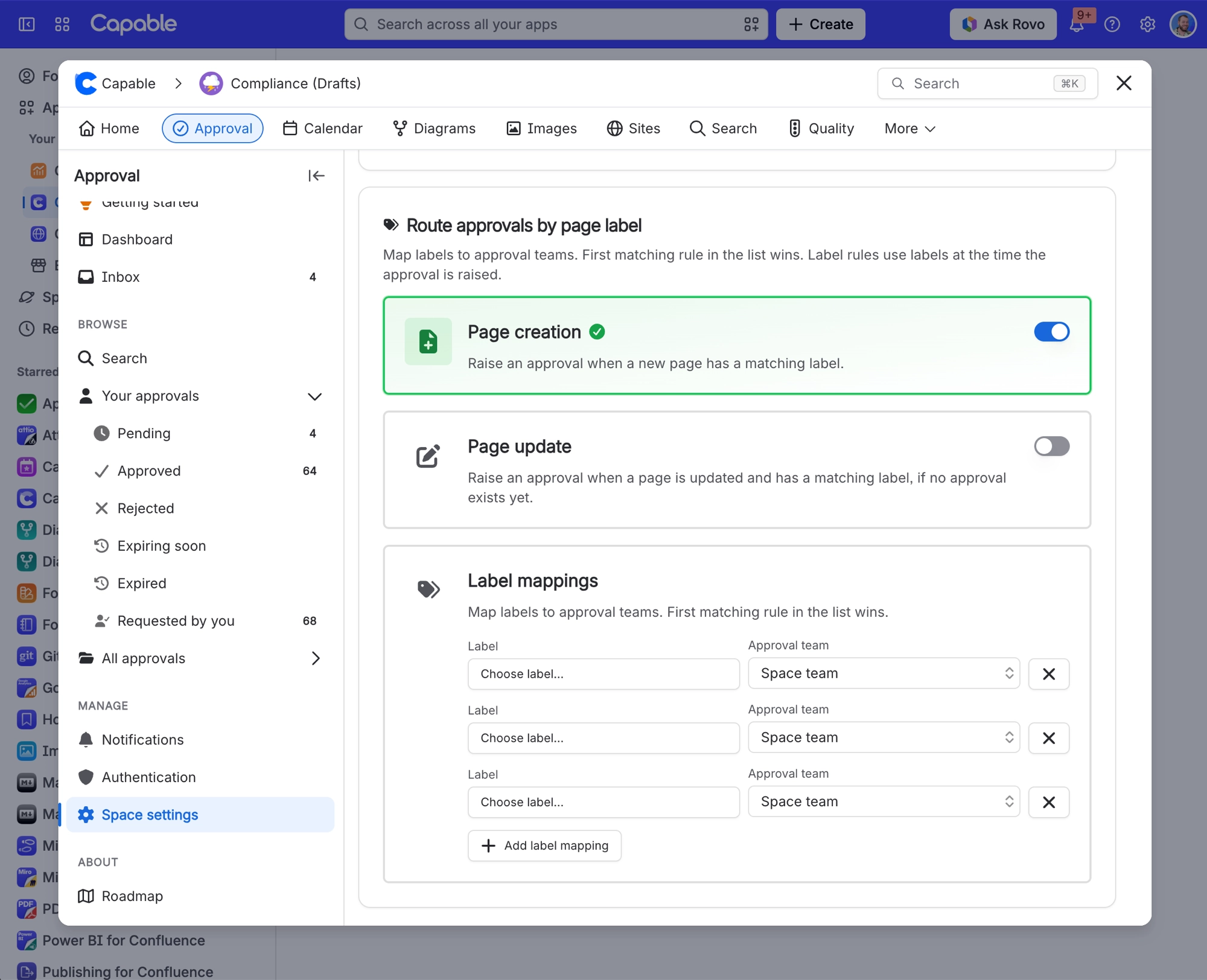
Label routing, on creation and on update | Off, and the two switch independently |
Label rules | None, up to 50 |
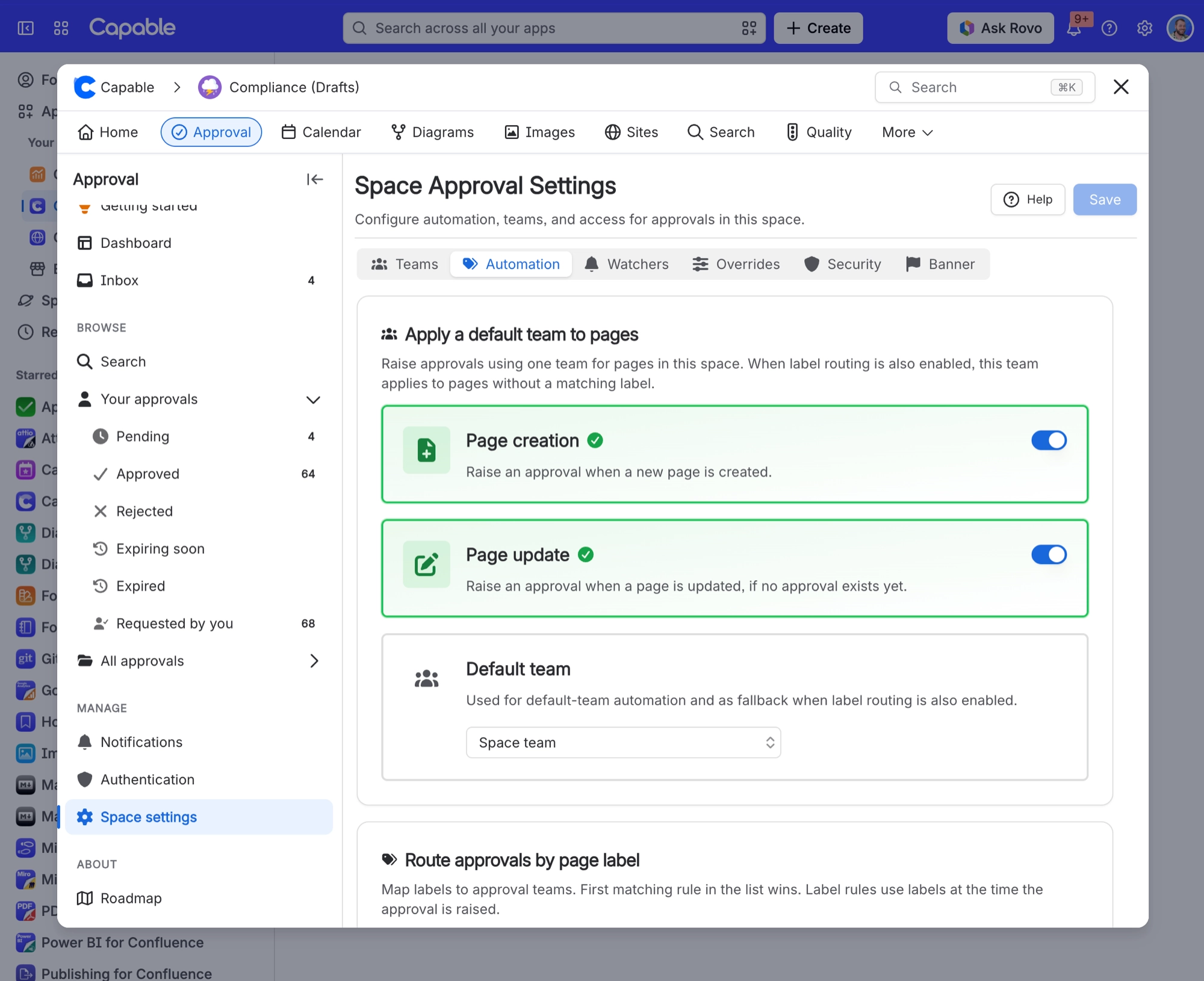
Label rules are checked from the top of the list down, and the first match wins. They look at the page's labels at the moment the approval is raised. If you've also switched on the default team triggers above, a page with no matching label goes to the default team. If not, no approval is raised for that page.
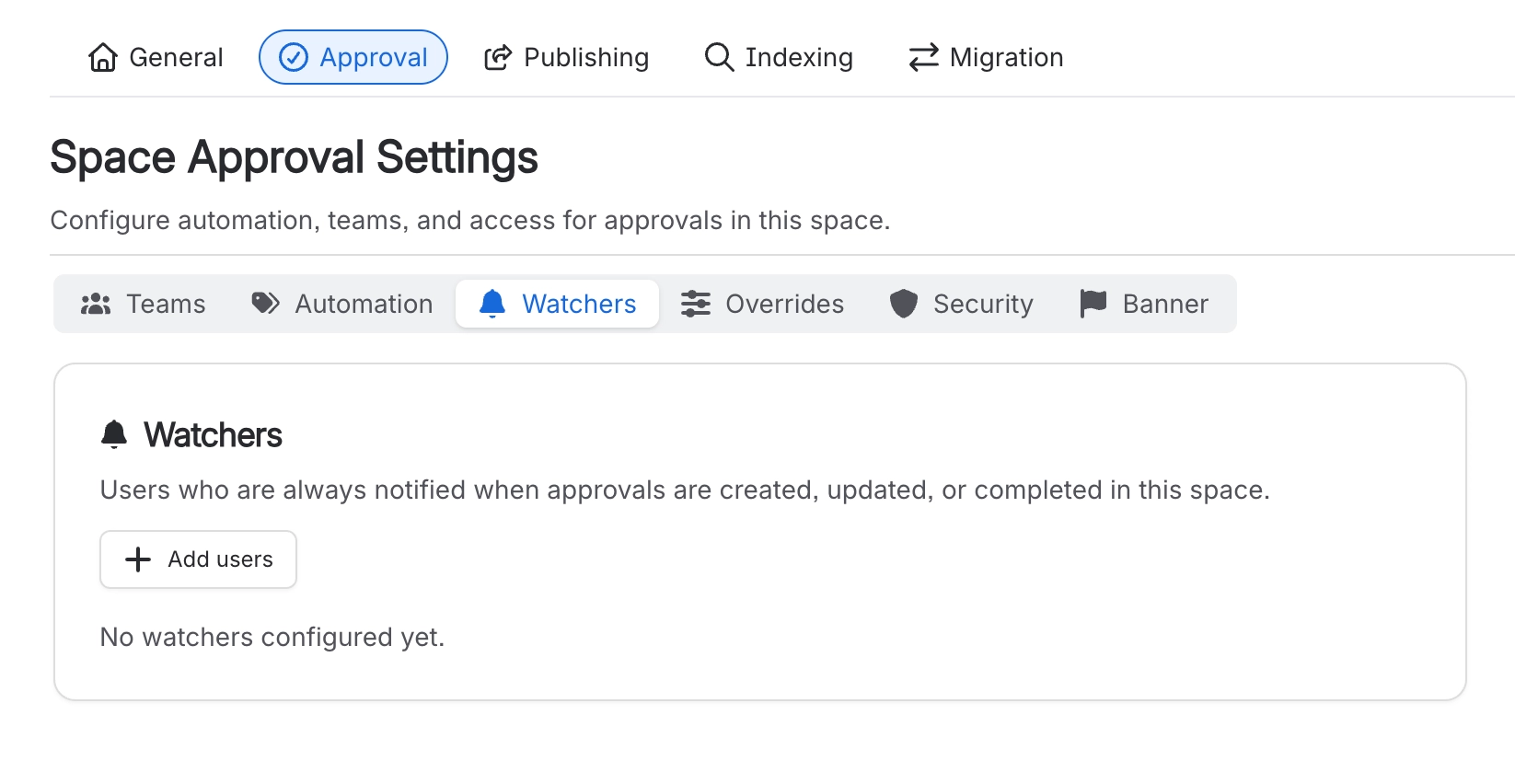
#Watchers
People who hear about every approval outcome in the space, whether or not they're approvers. The list starts empty and holds up to 50 people.
Watchers hear about outcomes only, never about a request being raised or an approver being added. A watcher who can't read the page gets nothing at all. See Notifications.
#Overrides
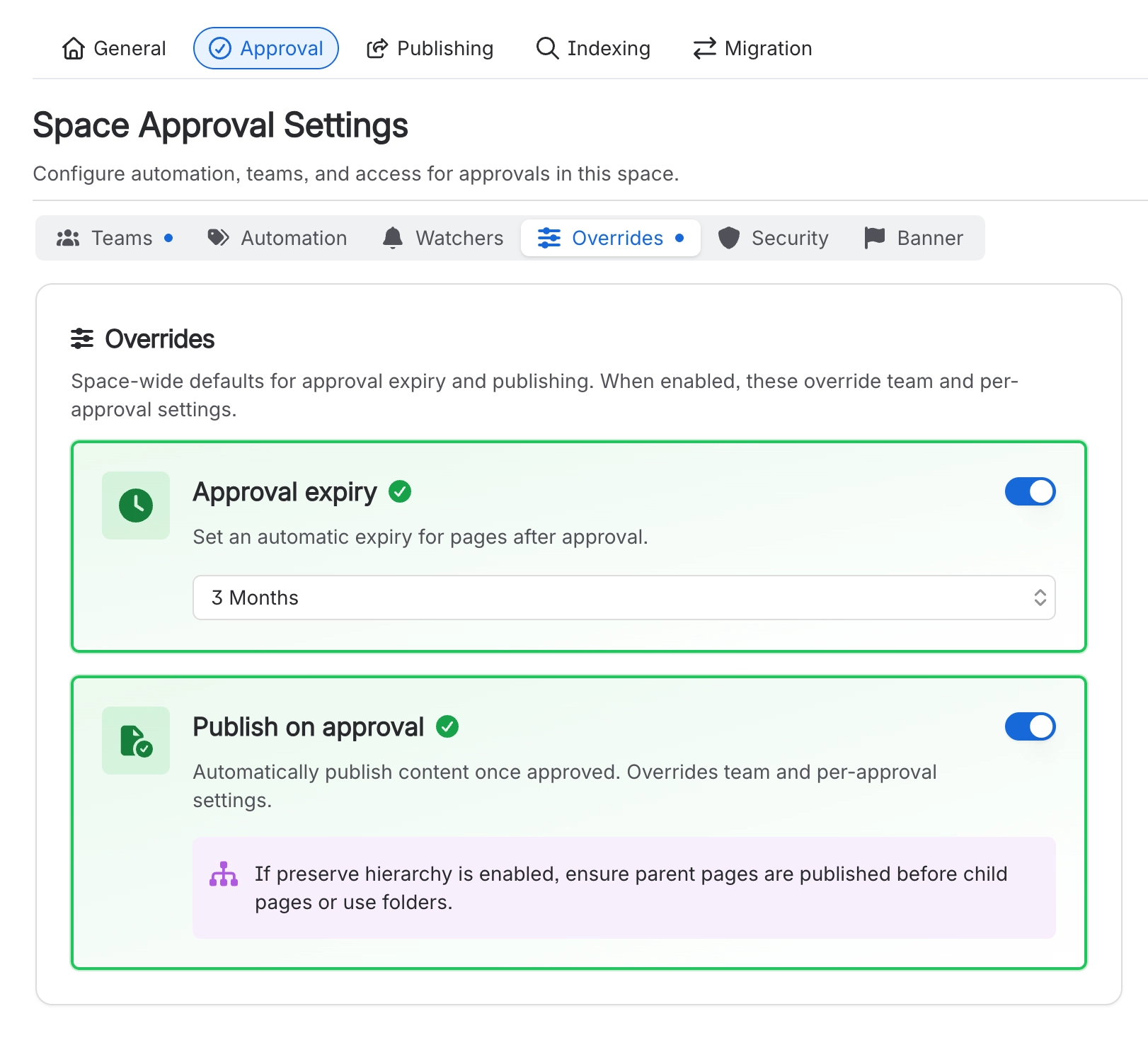
Settings applied to every approval in the space, whatever an individual chose on the page.
Setting | Default | What it does |
|---|---|---|
Approval expiry | OFF | Forces an expiry period on every approval in the space. |
Publish on approval | OFF | Wins over the team setting and over the individual approval. If Capable Publishing is set to preserve the page hierarchy, publish parent pages before their children, or use folders. |
Custom expiry intervals accept days, weeks, months or years, with a minimum of 7 days or 1 of any larger unit.
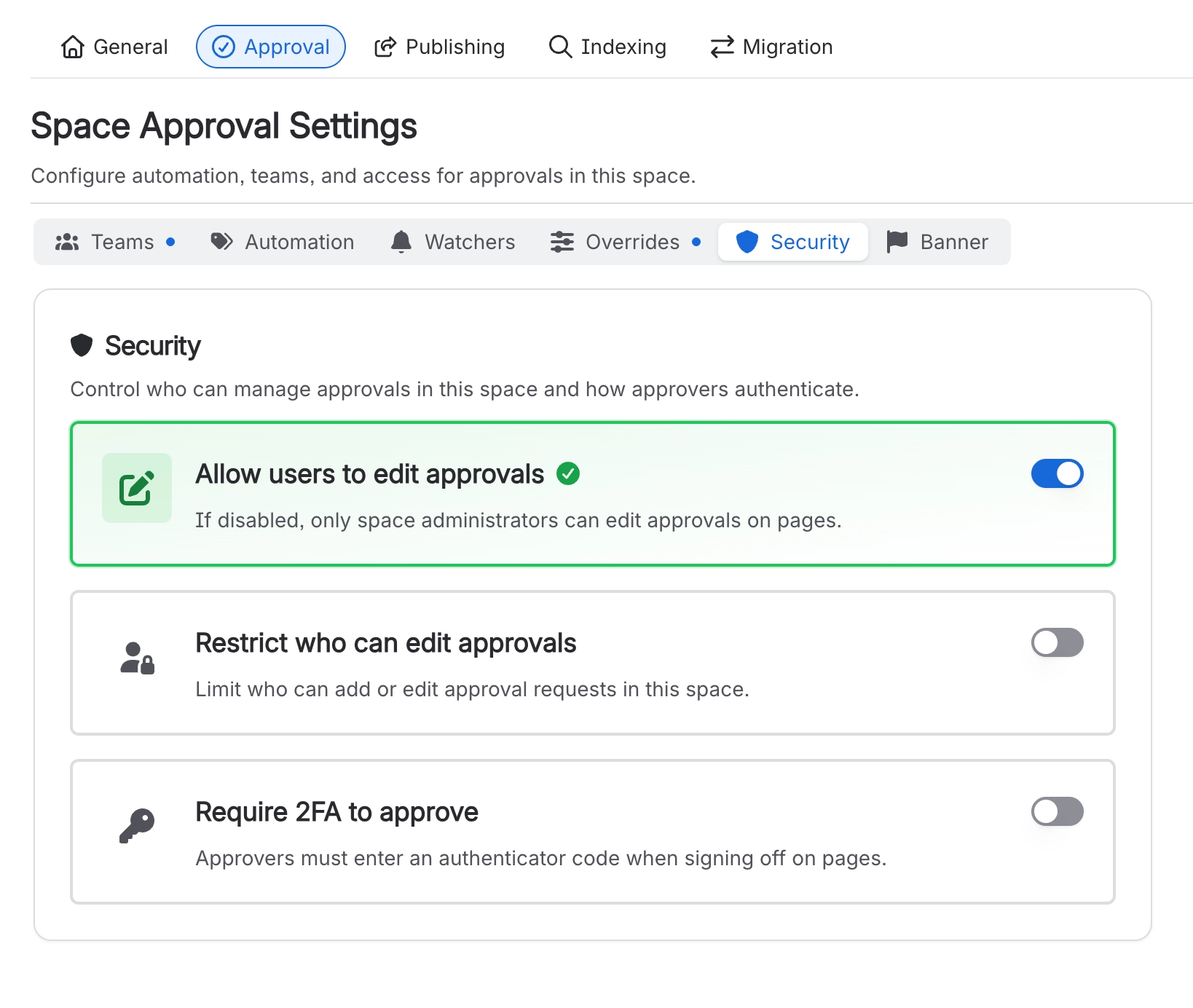
#Security
Who can manage approvals in this space, and how approvers prove it's really them.
Setting | Default | What it does |
|---|---|---|
Allow users to edit approvals | ON | Lets people change an approval after it's been sent, which is handy when you're working with teams. Turn it off and only space administrators can raise or change approvals here. |
Restrict who can edit approvals | OFF | Limits raising and editing approvals to the users and groups you name. See Who can do what. |
Require 2FA to approve | OFF | Approvers enter a code from their authenticator app before they can sign off. See Sign approvals with a code. |
Codes are 6 digits and change every 30 seconds. 2FA is set per space, and there's no site-wide switch.
#Banner
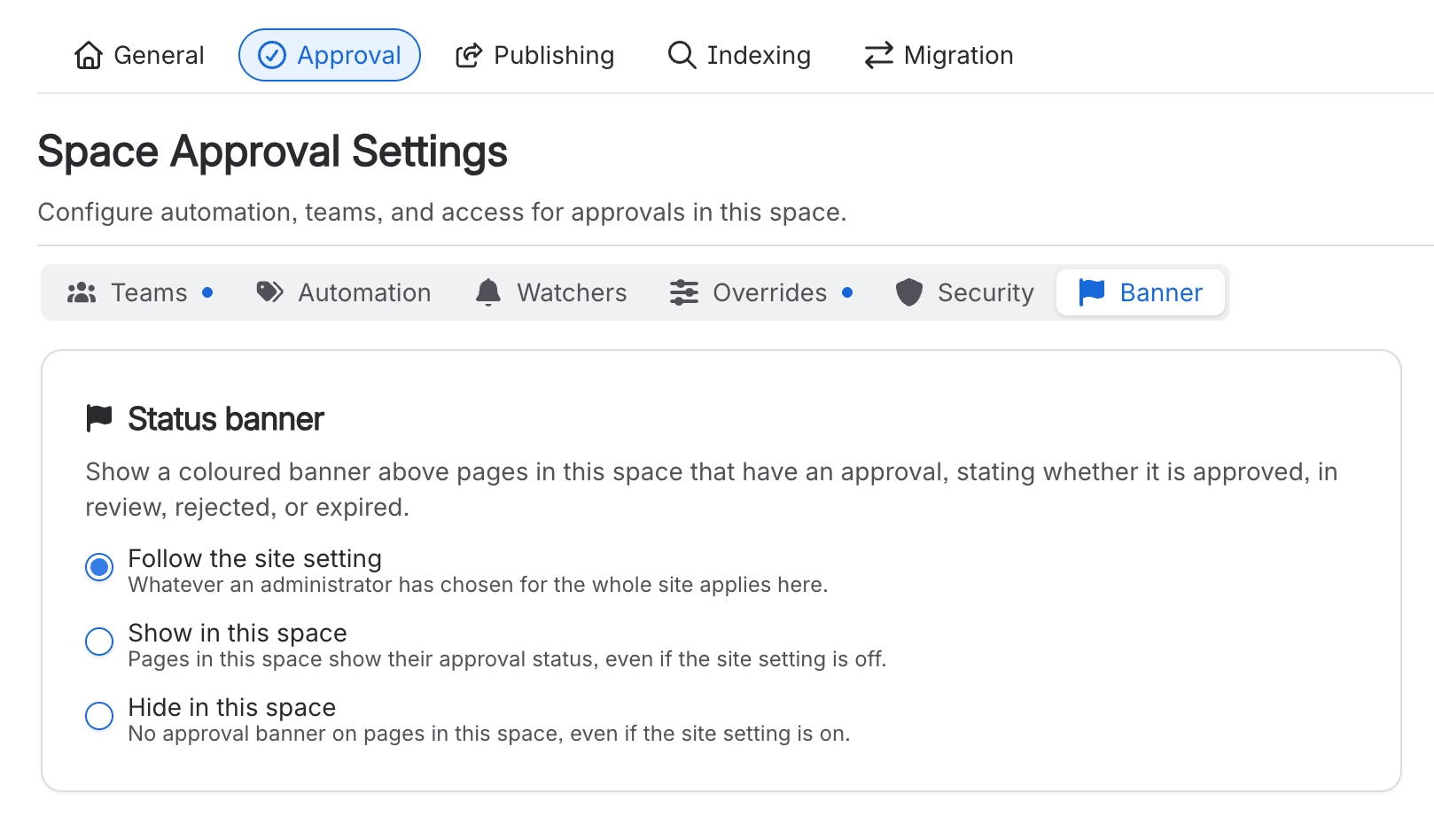
Shows a coloured banner above pages that have an approval, telling readers whether each one is approved, in review, rejected or expired. Choose to follow the site setting (the default), always show it in this space, or always hide it here. The site-wide switch is in Site settings.
#A few things that catch people out
A team that exists but isn't enabled here can't be used in this space, and that includes automation.
Editing a page that already has an approval doesn't raise a new one, even with the page update trigger switched on.
Overrides beat both the team and the page. When a setting isn't doing what somebody expected, check them first.
If a change doesn't seem to have landed, check you pressed Save, then reload the page. That's often the whole fix.
Requiring 2FA is per space. Turning it on in one space does nothing to the others.
#Related
Site settings
The settings that apply everywhere.
Manage approval teams
Creating teams and enabling them here.
Automatic approvals
The Automation tab, explained properly.
Set up a space for approvals
Setting a space up from scratch.
Notifications
Who the Watchers list actually reaches.
Who can do what
What the Security tab restricts.
Every switch in one place, with the default next to it.






















