
Publishing
The gap between approved and published is where mistakes live. Somebody signs a page off, everyone assumes it went live, and three weeks later it turns out nobody pressed the button.
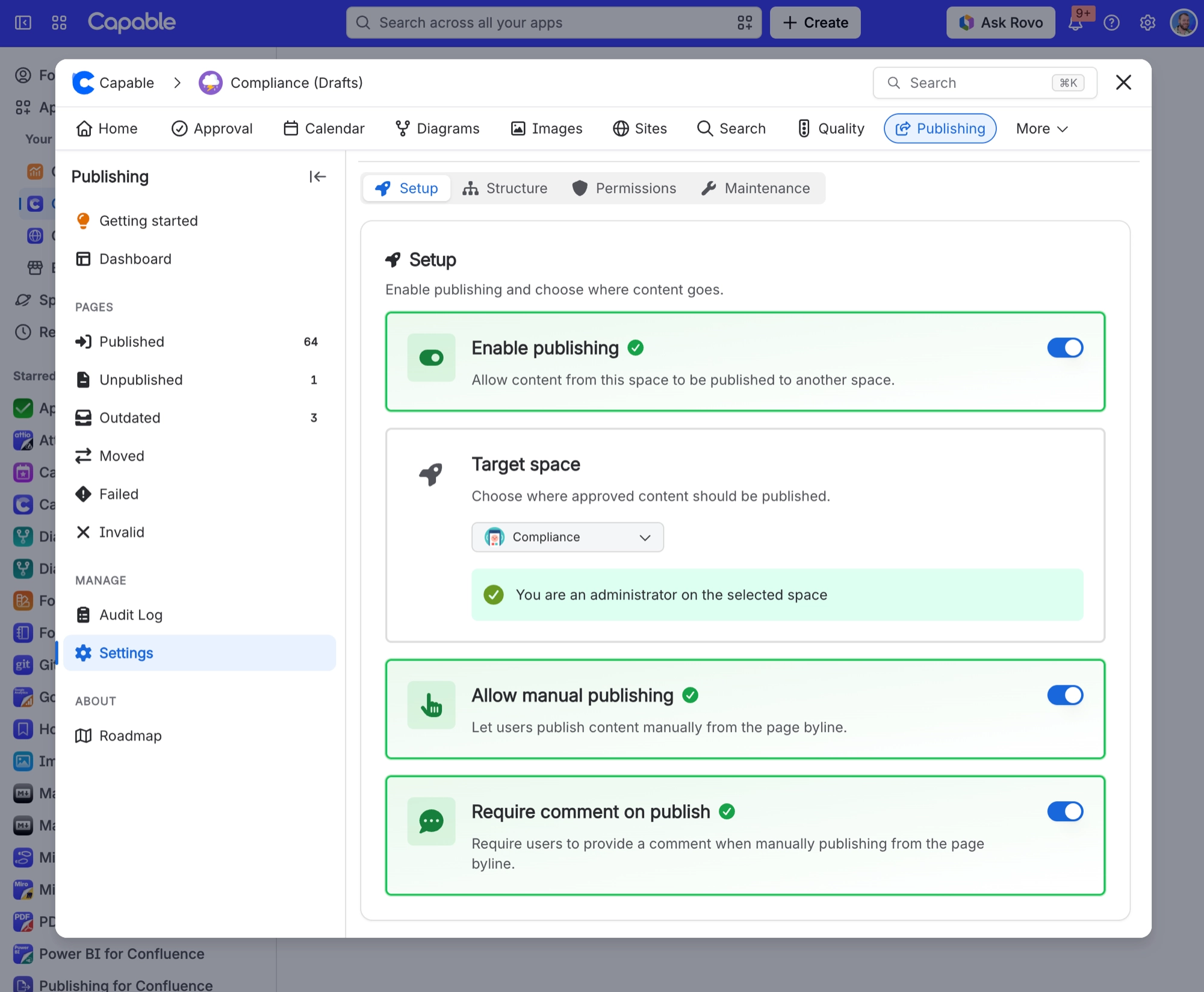
If you use Capable Publishing to move content into a public or customer-facing space, you can close that gap: the moment a page is approved, Capable publishes it.
#Turning it on
The setting is called publish on approval, and it lives in four places depending on how widely you want it to apply.
Set it here | Applies to | Good for |
|---|---|---|
On a single approval, in the panel settings | That one page | Trying it out, or a one-off release. See Request an approval. |
On an approval team | Everything that team approves in that space | A release team who always publish what they sign off. See Teams and assignment. |
On the space team | Everything approved through the built-in team | A space with one standing reviewer group. |
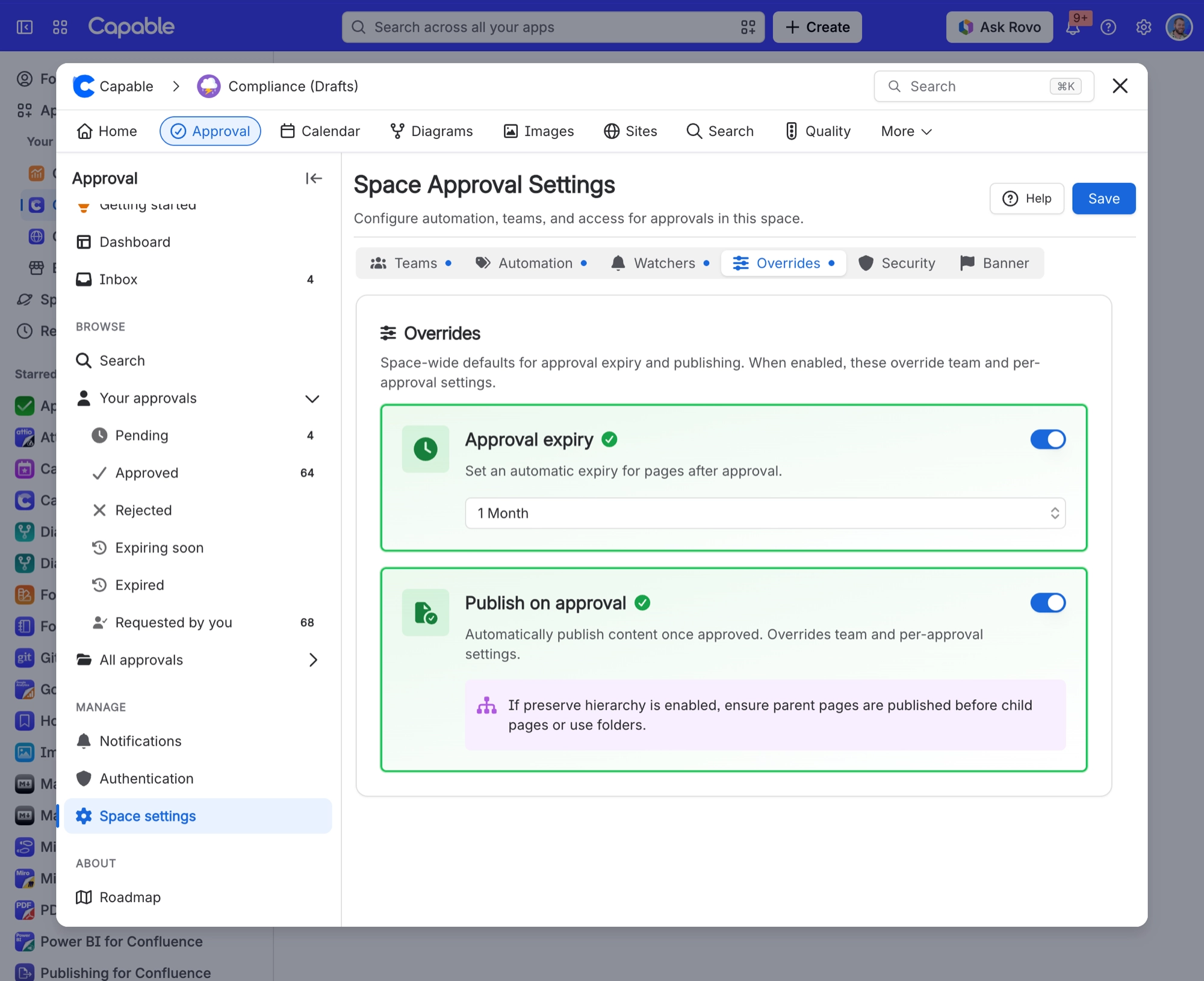
In space settings | Every approval in the space, no exceptions | A controlled space where publishing must always follow approval. See Space settings. |
The space setting wins. If your administrator has switched it on for the whole space, it applies whatever anybody chooses on an individual approval.
#What gets published, and as who
When a page is approved, Capable hands three things to Publishing: the page, the exact version that was approved, and the list of people who approved it. Publishing records the source as approval, so months later you can tell approved releases apart from ones somebody pushed by hand.
The publish happens as the app, not as one of your approvers. That is deliberate. Your reviewers are chosen because they know the subject, not because they have permission on the destination space, and it would be a nasty surprise if approving a page failed because the approver had never opened the space it publishes into.
Because it publishes as the app and never falls back to a person, an approval-triggered publish that fails on permissions stays failed. If approved pages are not appearing where you expect, check that the Capable app can write to the destination space.
#It fires on approval only
Outcome | Publishes |
|---|---|
| APPROVED | Yes, immediately. |
| REJECTED | No. Publishing follows a yes, and only a yes. |
| EXPIRED | No, and nothing is unpublished either. See Expiry and re-approval. |
If an already published page is edited, the approval resets and the page stays published in its old form until it is approved again. That is usually what you want, because your readers keep seeing the last signed-off version rather than a draft. If it is not, hold the page back using the controls in Publishing itself.
#A few things that catch people out
Expiry does not unpublish anything. An expired page stays live until somebody acts.
The space setting beats the team, and the team beats the page.
A failed publish is silent on the approval. The approval still says approved.
Pair this with Automatic approvals and a space can run end to end without anyone remembering anything.
#Related
Request an approval
Where the per-page switch lives.
Teams and assignment
Setting it once for a whole team.
Space settings
Forcing it across a space.
Expiry and re-approval
What happens to published pages when they come back.
Automatic approvals
The other half of a hands-off space.
Sites
Publishing to a website instead.
Approved and live, without anyone remembering to press publish.






















