
Remove or restart an approval
Requests get raised on the wrong page, or sent to the wrong people, or fired off before the page was really ready. All of it is fixable in a few clicks, and none of it loses the record of what happened.
#Changing who is reviewing
You do not need to start over. Open the approval panel and add or remove people.
What you do | What happens |
|---|---|
Add someone | They are notified and start as in review. |
Remove someone | They stop being counted. If that leaves too few people to reach your required number of approvals, the number drops automatically so the approval never gets stuck. |
Removing someone does not erase their answer from the history. It stays on the record with the time they gave it.
#Withdrawing a request
Remove the approval from the panel. The approval is marked as removed, the page stops showing a status, and the history keeps everything that happened up to that point.
Before | After withdrawing |
|---|---|
| IN REVIEW | NO APPROVAL |
Withdrawing notifies nobody. The people you asked are not told that you cancelled, so if they were already partway through reading it, go and tell them yourself.
#Starting the review again
Three ways, depending on what you actually want.
You want | Do this |
|---|---|
Everyone to look again because the page changed | Nothing at all. Publishing an edit resets the approval automatically. See How approvals work. |
Everyone to look again without changing the page | Withdraw the approval and raise a new one. |
A different team to review it | Apply the team in the panel. It replaces the whole reviewer list. See Teams and assignment. |
Applying a team discards the answers already given, because it replaces the reviewer list entirely. If you only need one more pair of eyes, add that person by name instead.
#The page was edited and now the status looks odd
That is the automatic reset doing its job. If the label says Repair needed, click repair. Nothing is lost, and Common questions explains what repair actually does.
#Who can do all this
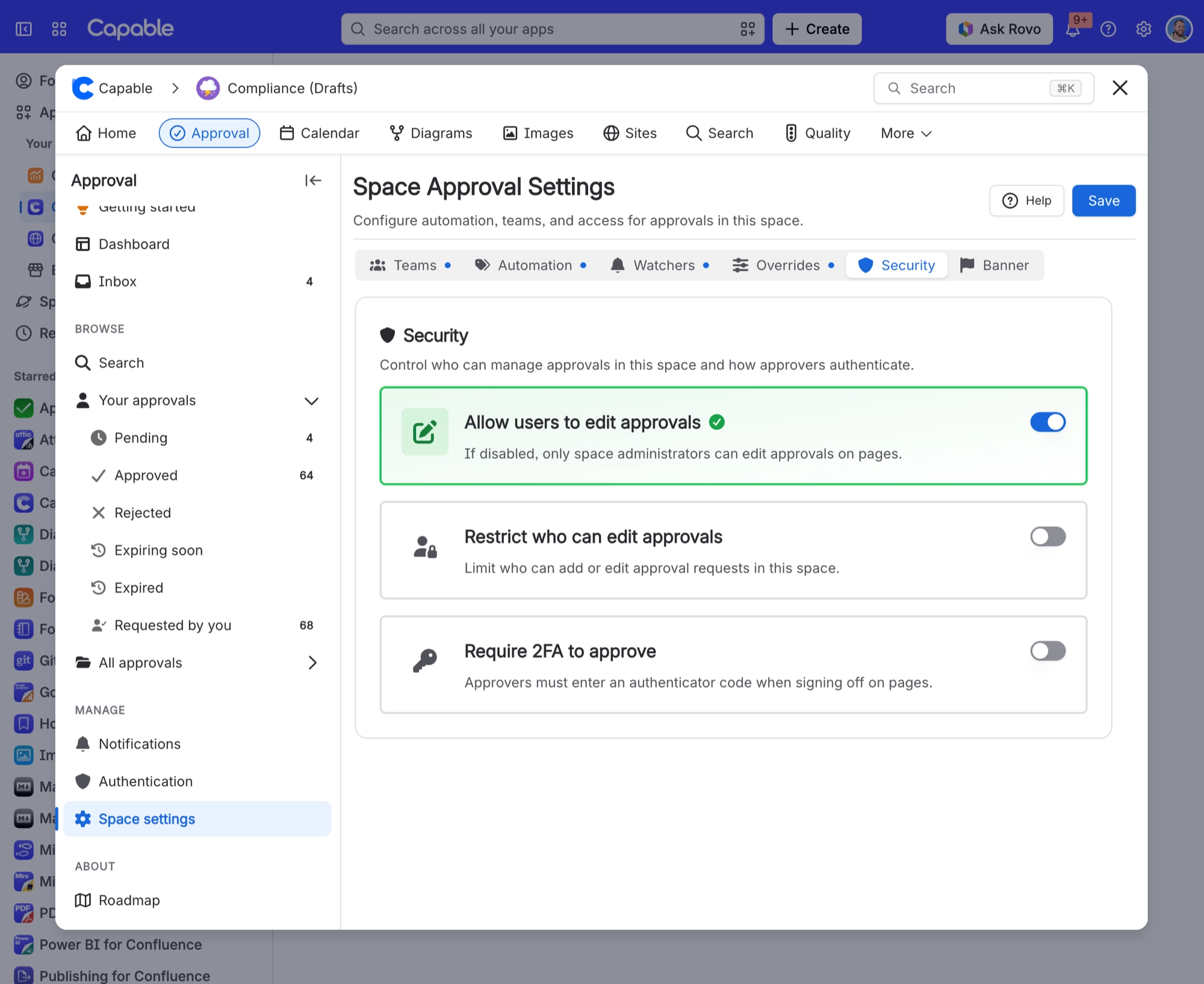
Anyone who can edit the page, subject to whatever the space has restricted. Some spaces only let named people raise and change approvals. See Who can do what.
#A few things that catch people out
Withdrawing is silent. Nobody is notified, ever.
Applying a team is not the same as adding people. It replaces everyone.
A withdrawn approval still shows in the history as removed, which is the point.
Automation will not raise a new approval on a page that has been through the process before. If you withdraw one in a space that uses automation, raise the next one by hand. See Automatic approvals.
#Related
Request an approval
Raising the replacement request.
How approvals work
Why editing resets things.
View approval history
What is kept when you withdraw.
Teams and assignment
Why applying a team replaces everyone.
Common questions
Repair needed, and what it does.
Who can do what
Whether you are allowed to change it.
Fixed, and the record of what happened is still intact.






















