
Rovo and AI assistants
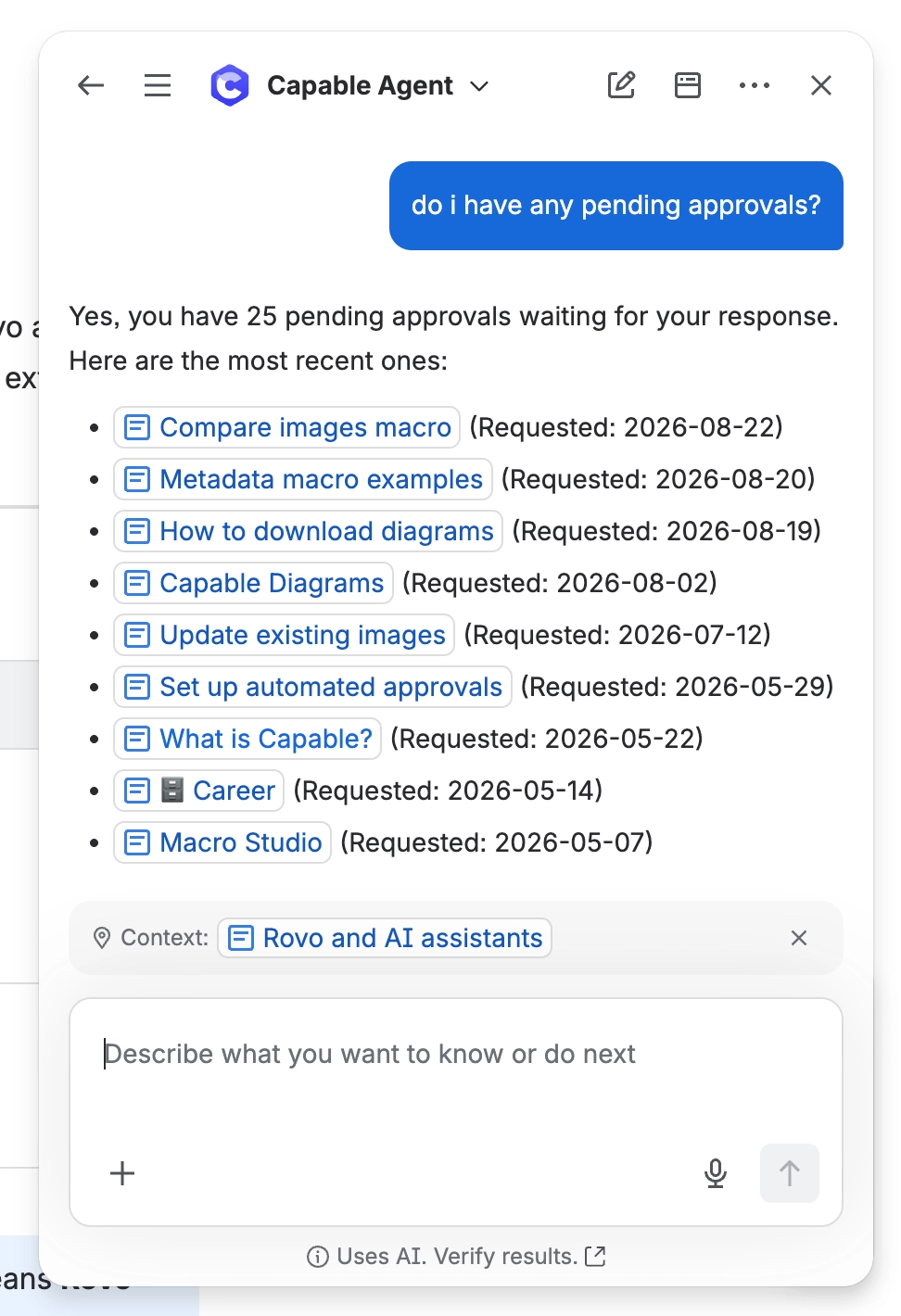
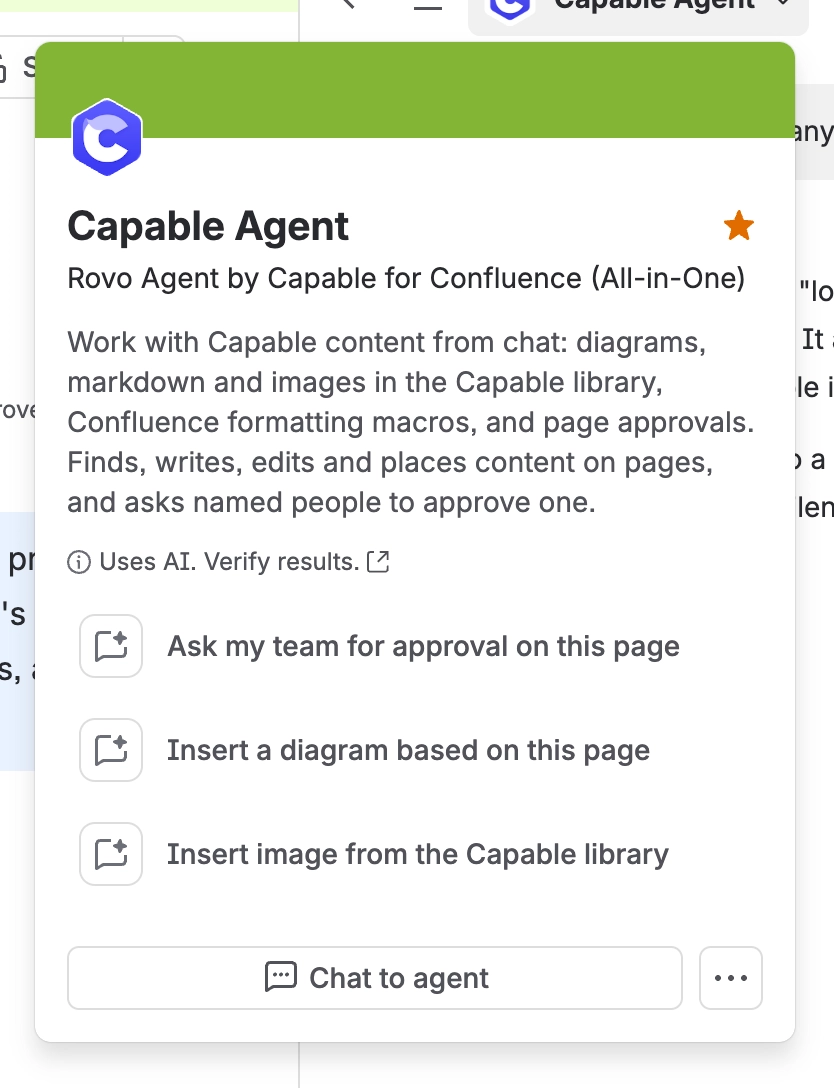
Sometimes you do not want to build a search, you just want to ask. Capable ships a Rovo agent for exactly that, and offers the same two abilities to Rovo Studio agents you build yourself and to external AI assistants that support MCP (Model Context Protocol).
#What you can ask for
Ability | What it does | Asks you first |
|---|---|---|
Look up approvals | Tells you what is pending, what you raised, what is waiting on you and what expires soon. | READS ONLY |
Request an approval | Raises a new approval on a page with the approvers you name. | CONFIRMS FIRST |
Requesting an approval changes something, so Rovo always confirms with you before it does it. An assistant cannot quietly send your page to four people.
#Things to try
What approvals am I waiting on?
Which pages in this space expire in the next month?
Ask Priya and Sam to approve this page.
Has the security policy been approved, and by who?
#Using it from your own agents
Both abilities are available through MCP, so they work from a Rovo Studio agent you built yourself, or from an external assistant that supports MCP. Same two abilities, same confirmation before anything is requested.
#What an assistant cannot do
Not allowed | Why |
|---|---|
Respond to an approval | Approving is a decision by a person, and in regulated spaces it is a signature. See Sign approvals with a code. |
Change settings, teams or permissions | Those are administrator actions. See Who can do what. |
See anything you cannot see | Every lookup runs with your own access, never more. See Who can see what. |
#If you are building an integration
There is no public write API for approvals. You can read approval state through Confluence content properties, the same data behind the approval search columns and CQL fields. That is the supported route for reporting or for feeding a data warehouse. See Search and reporting.
For anything interactive, use the MCP abilities above rather than writing directly.
#A few things that catch people out
An assistant seeing nothing usually means you cannot see it either. Check your page access first.
Confirmation on requesting cannot be turned off. That is the point of it.
Reading approval state through content properties is supported. Writing to them is not.
#Related
Just ask, in your own words. The decisions stay yours.






















