
Request an approval
Sending a page for approval takes four clicks and about thirty seconds. Everyone you ask gets an email straight away, and you can see who has replied without chasing anybody.
#How to
On the page you want approved, click Approval in the Capable row just under the page title.
If Approval is not there at all, see Common questions, which walks through reasons it can be hidden.

Start typing a name in Add approvers, or tick someone under Recent users, the people you have worked with most recently.
If the same group signs things off regularly, save yourself the typing and set them up as a team. Then you pick them all in one click, and they bring their own quorum and expiry with them. See Teams and assignment.
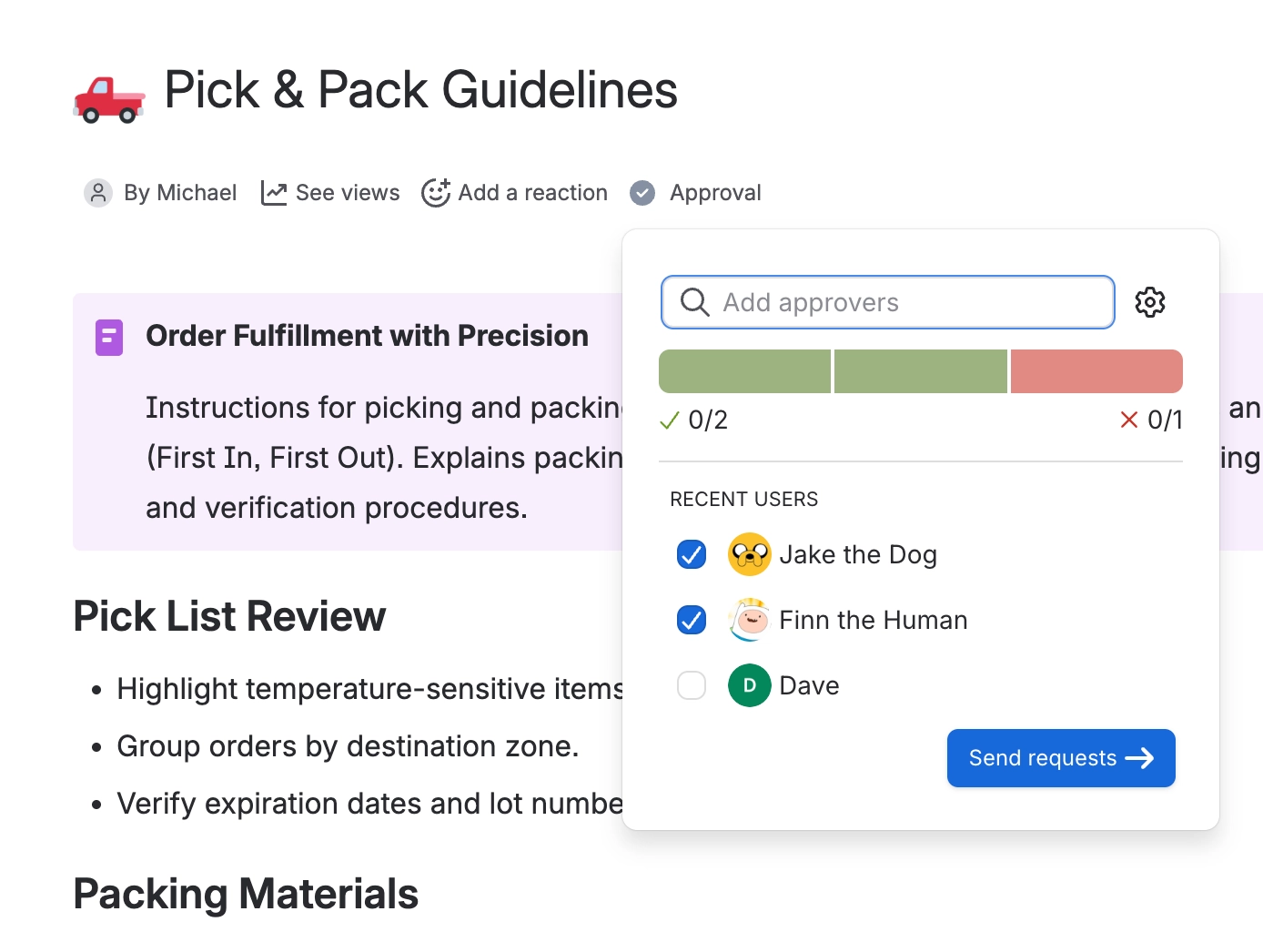
Choosing a team replaces everyone currently on the approval, including anyone who has already answered.[1]
Click the settings cog. Everything here has a sensible default, so skip this step entirely if you just want everyone to approve.
The setting worth knowing about is minimum approvers. It is not tied to how many people you asked, which means you can notify five people and only require two of them to respond. Nobody is left waiting on a reviewer who is on holiday.
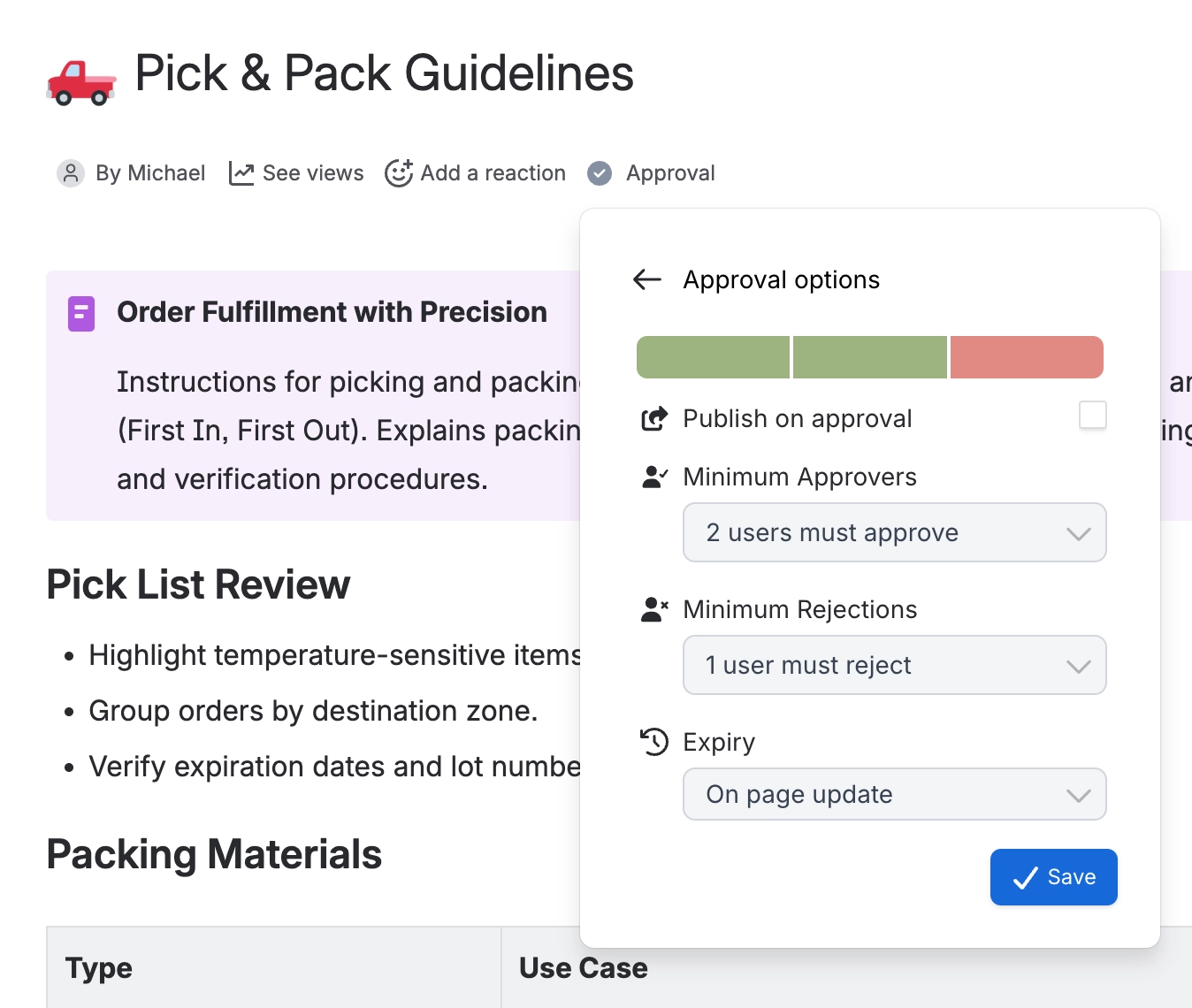
Setting | What it does | Starts at |
|---|---|---|
Minimum approvers | How many yeses you need | Everyone you picked |
Minimum rejections | How many nos refuse the page | 1 |
Expiry | Brings the page back for review later. | Off |
Publish on approval | Publishes the page the moment it is approved. | Off |
You will not see the threshold controls if you only asked one person, because there is nothing to choose.
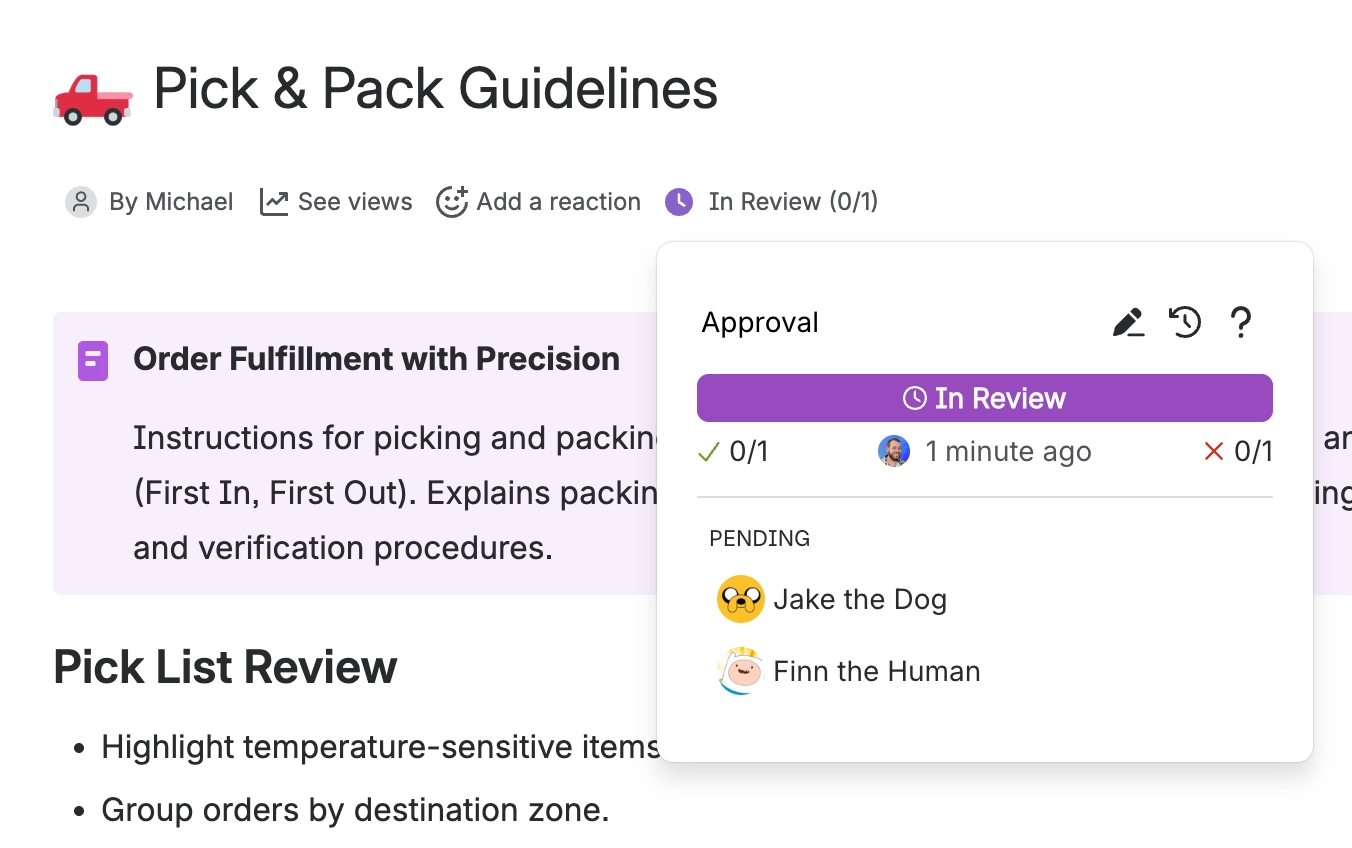
Click Send requests. Everyone is notified by email, and in Slack or Microsoft Teams too if your site is connected.[2] The status appears under the page title right away, and updates as people answer.
#What the status will show
State | Status | What it means |
|---|---|---|
Just sent | REVIEW | Waiting on your reviewers |
Enough people approved | APPROVED | Done. If publish on approval is set, the page publishes now. |
Someone rejected | REJECTED | One rejection refuses the page by default |
#A few things that catch people out
An exact expiry date that is today or in the past moves to tomorrow.
Your administrator may have set publish on approval for the whole space, in which case it applies whatever you choose here. See Space settings.
If the page is edited before everyone answers, the review restarts on the new version. See How approvals work.
Sending with nobody selected does nothing at all, with no error.
- The team also overwrites the quorum, expiry and publish settings, unless you had already edited them yourself. The space-level publish setting still wins over both. ↩
- People who cannot read the page are skipped silently, so an approval can end up waiting on somebody who was never told. Check access first if a reviewer says they heard nothing. ↩
#Related
Respond to a request
What your reviewers will see, and the three answers they can give.
Teams and assignment
Stop picking the same five people every single time.
Expiry and re-approval
Bring documents back for review before they go stale.
Automatic approvals
Raise requests without anyone clicking anything.
How approvals work
What happens after you hit send.
Who can do what
Which permission each action needs.
That is your first approval on its way. Nothing left to chase.






















