Setting up approval notifications
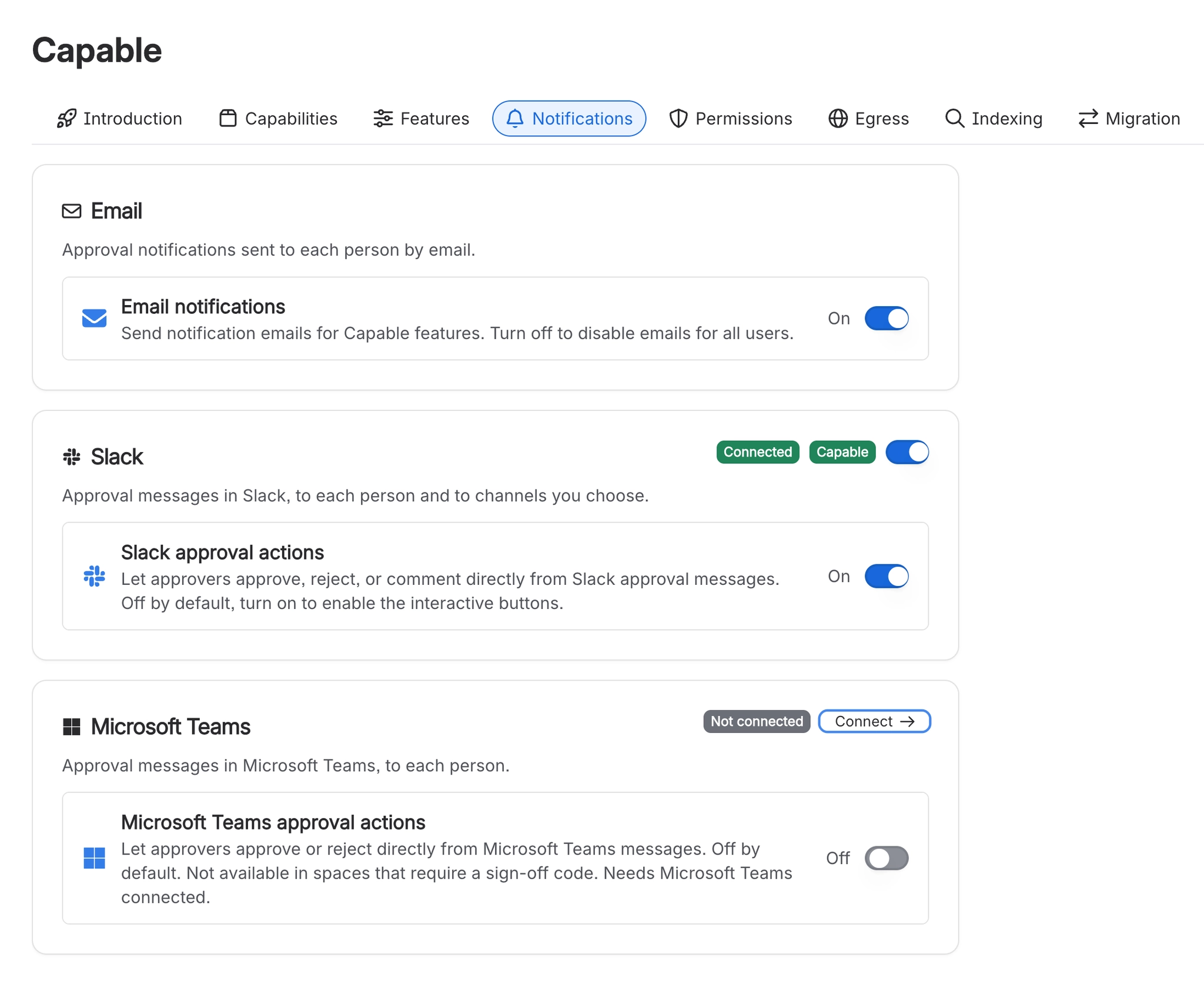
Capable tells people about approvals by email out of the box, and in Slack and Microsoft Teams once your site is connected. Each person chooses their own channels, administrators control the site, and space administrators can add watchers who hear every outcome.
#Common tasks
You want to | Go to |
|---|---|
Get approval requests in Microsoft Teams | Set up Microsoft Teams notifications for Confluence approvals |
Get approval requests in Slack | |
Stop approval emails | |
Tell a compliance lead about every outcome in a space | Notify a compliance lead about every Confluence approval in a space |
Post a space's approvals to a Slack channel | |
Post a space's approvals to a Teams channel | Post Confluence approvals to a Microsoft Teams channel |
Find out why somebody heard nothing | |
See exactly who hears about what | |
Hear about approvals you raised or answered yourself | Get notified about your own approval changes |
#Everything in this section
#Related
The right message, in the right place, to the right people.