
What is recorded
When somebody asks you to prove that a document was reviewed and approved, a green tick is not an answer. Capable keeps a permanent record of every approval action on every page, tied to the exact version of the page it applied to.
#What is kept
Every one of these is recorded with the person who did it and the time they did it.
Event | Recorded when |
|---|---|
Requested | An approval is raised on the page. |
Added | Somebody is added to the approver list. |
Approved, Rejected, Commented | Somebody answers.[1] |
Removed | The approval is withdrawn. |
Expired | An approved page comes back around for review. |
Published | Approval triggers a publish. See Publishing. |
Each event carries the page version it applied to, so you can always answer which version of this document they actually approved.
#The history is append only
Answers can be changed, but nothing is ever erased. If somebody approves, then changes their mind and rejects, both events stay in the record with their timestamps.
The current status is a calculated value. The history is the evidence. See View approval history.
#Signed responses
Where a space requires an authenticator code, responses given with one are marked as authenticated and shown with a padlock. No device or network detail is kept, only that a code was checked. See Sign approvals with a code.
#Capable checks its own records
The approval summary stored on each page carries a fingerprint of its own contents, and Capable verifies it every time the status is displayed.[2] If the stored state no longer matches its fingerprint, or the approval no longer matches the version of the page it was given for, you are told, rather than being shown a status that is not true.
Badge | Meaning |
|---|---|
| APPROVED | The record is intact and matches this version of the page. |
| IN REVIEW | Also shown briefly after an edit, while things settle. |
| CORRUPT | An approved page no longer matches the record. Investigate before relying on it. |
| REPAIR NEEDED | Usually an approval old enough to predate this checking. Repair it to bring it up to date. |
#Getting the evidence out
You need | Use |
|---|---|
One page, in full | The approval history on the page. See View approval history. |
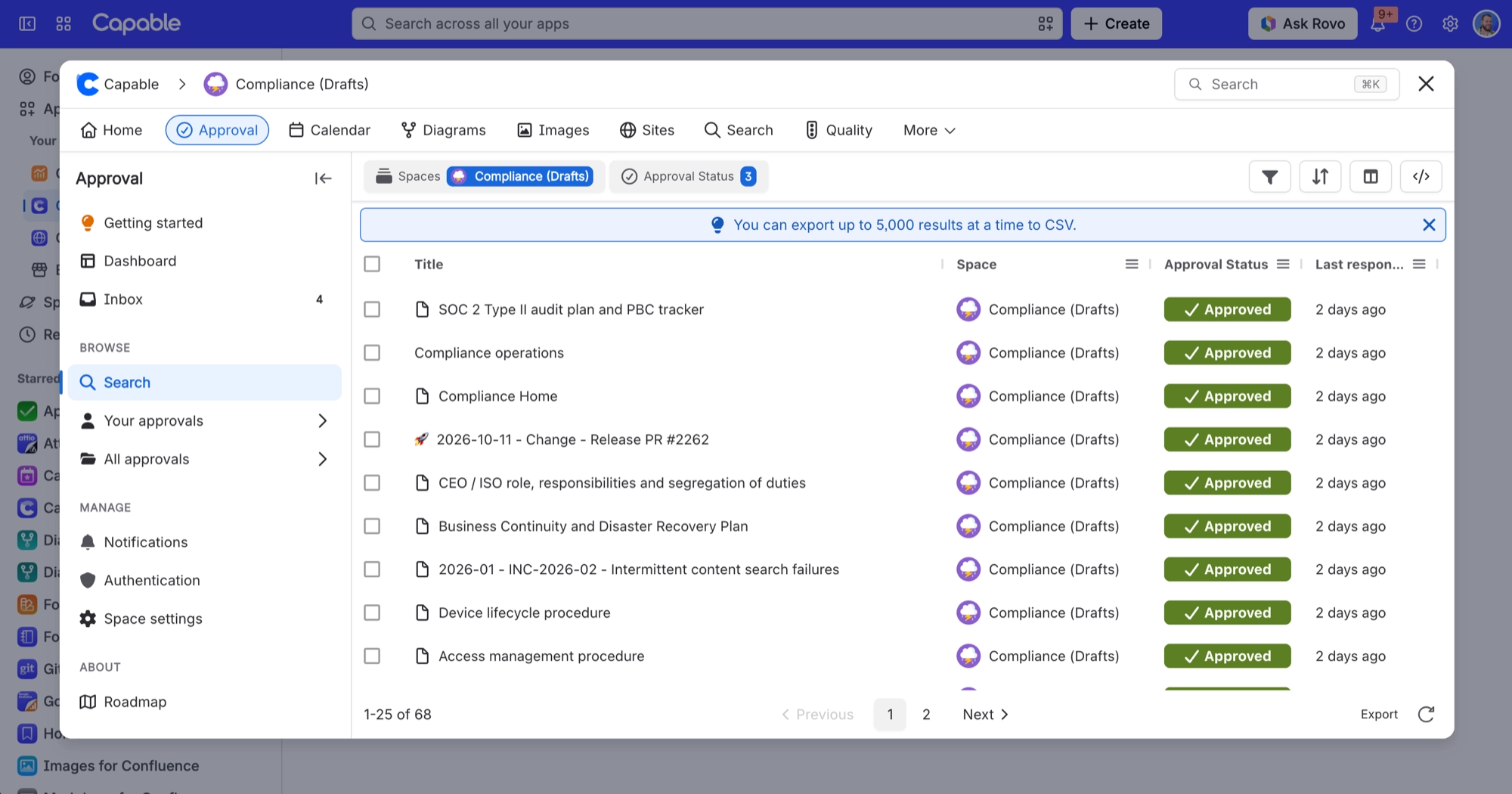
A whole space or site, as a spreadsheet | An export from Search and reporting, with the email columns added. |
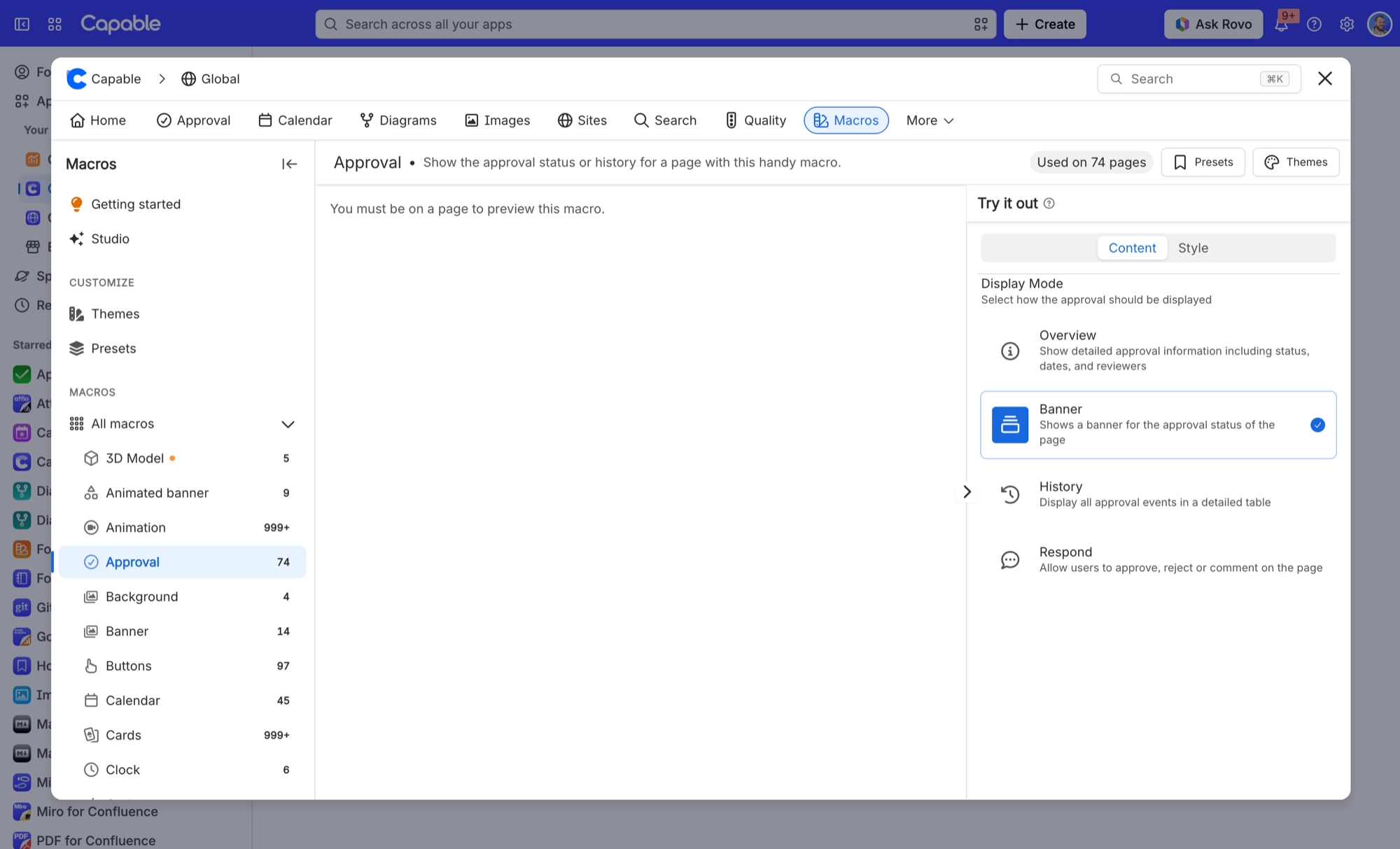
Evidence inside the document itself | The approval macro in History or Metadata view, which travels into published sites. See The approval macro. |
#What is not in this record
Worth knowing before an audit, so nothing is a surprise on the day.
Administrative changes are not logged here. Turning the code requirement on or off, changing space settings, resetting an authenticator and editing team membership leave no trace in the approval history.
The CSV export does not carry the signed marker. The padlock is visible in Confluence but not in the exported file.
No device or network detail is kept against a signed response, only that a code was checked.
An approver can change their answer after completion. Both events are kept, but freezing a decision has to be a procedural control. See Compliance.
- The note left with an answer is capped at 500 characters. A long rationale belongs on the page itself, where it is versioned and searchable, rather than in the response box. ↩
- There is a short grace period after an edit, so a page you have just changed shows In review rather than a warning while the update settles. ↩
#Related
View approval history
Reading the record on a page.
Compliance
How this maps to SOC 2, ISO and Part 11.
Sign approvals with a code
What the padlock proves.
Search and reporting
Exporting across many pages.
The approval macro
Carrying evidence into the document.
Common questions
Repair needed, and what it does.
Everything an auditor asks for, already written down.






















