
Sites
A published policy that says nothing about who checked it is just a web page. If you publish Confluence content as a website with Capable Sites, approval state can travel with it, so a visitor can see the page was reviewed and signed off without having any access to Confluence at all.
#How it looks on a published site
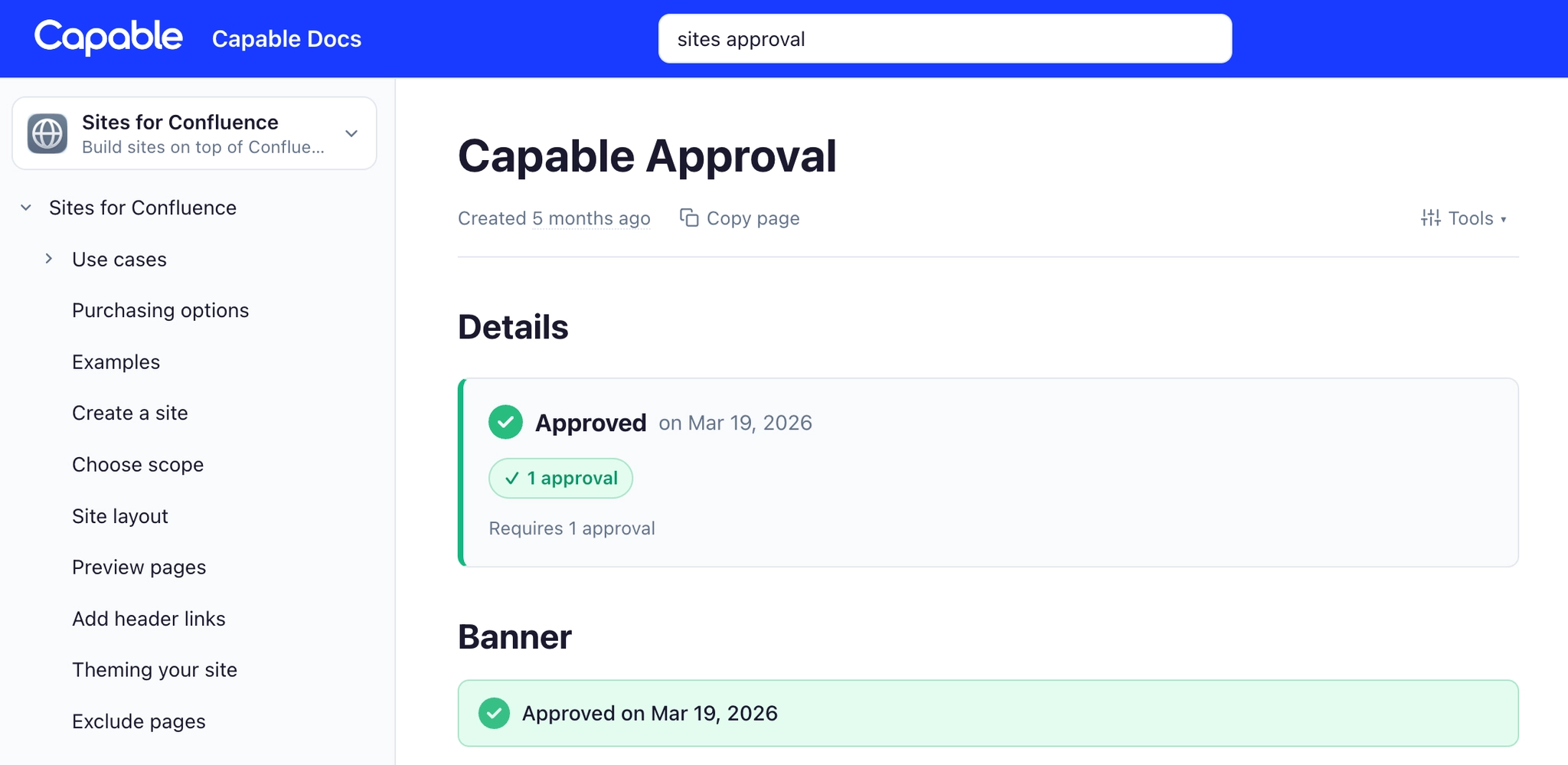
Put the approval macro on a page and it shows on the published site, in whichever view mode you chose.
View mode | Gives you |
|---|---|
Banner | A visible approved-on strip at the top of a policy. |
Metadata | A quieter line of detail, for pages where the banner would shout. |
It is a static snapshot of the approval as it stood when the site was built, not a live control. Nobody can approve anything from your public website, and the event history is never published. See Who can see what.
#Approval state stays fresh
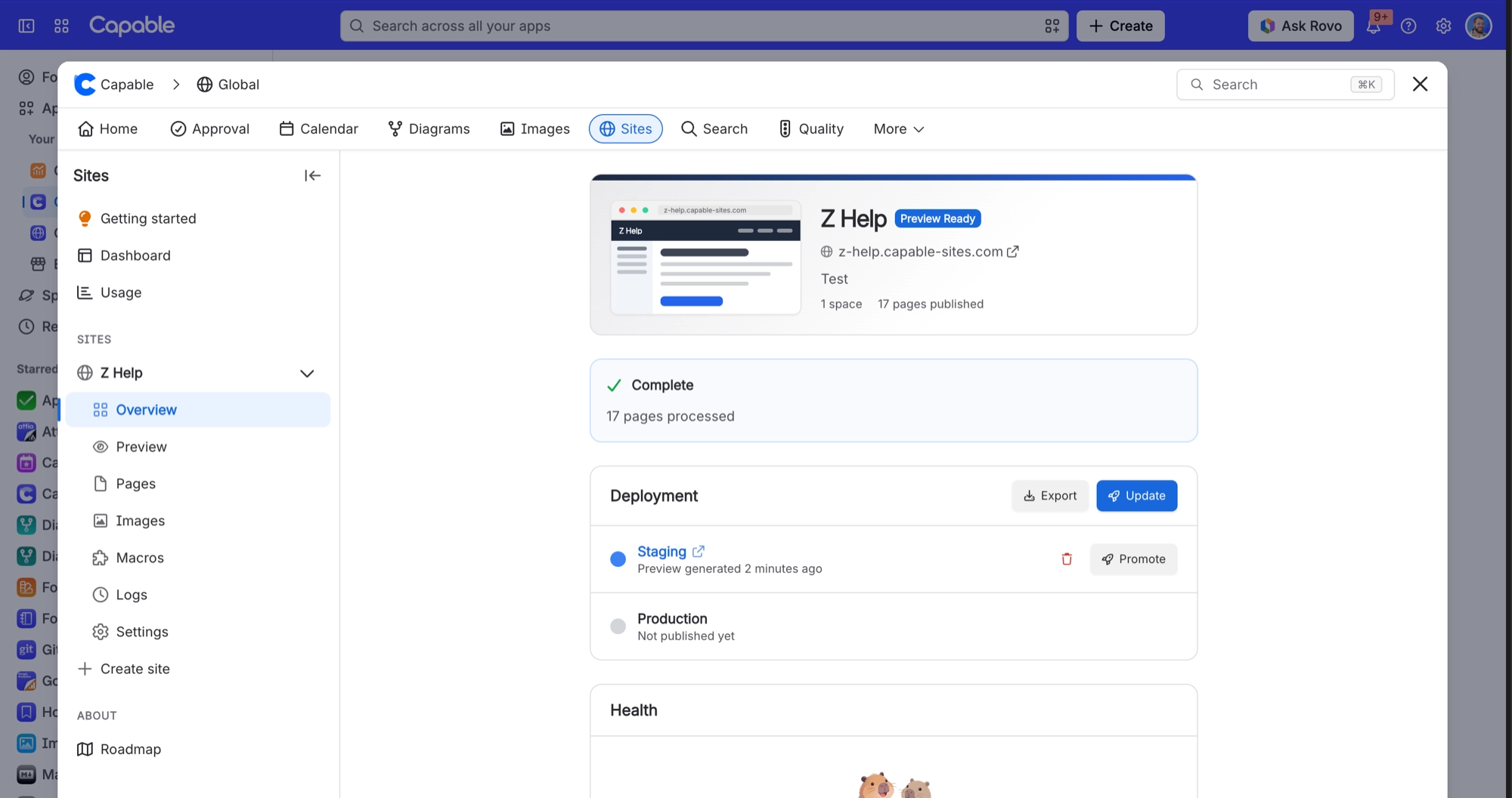
Normally Sites only rebuilds a page when the page itself changes. Approval is the exception: if a page is approved after it was last published, the page is rebuilt anyway so the published version shows the new state.
So a page approved this morning shows as approved on your site after the next deploy, even though nobody edited a word of it.
What changed | Rebuilt |
|---|---|
The page content | YES |
The approval, with no edit to the page | YES |
#Publishing only what has been approved
Three jobs that sound similar and are not. Pick the one you actually want.
You want | Use |
|---|---|
Readers to see that a page is approved | The approval macro on the page, covered here. |
A page to go live automatically once approved | Publishing, using publish on approval. |
Unapproved pages kept off the site entirely | Sites page exclusions, driven by approval state. |
#A few things that catch people out
Dates on the published page show in UTC, because a static page has no reader to ask about time zones.
The state your visitors see is as of the last deploy, not this second.
An expired approval is published as expired. If that is not a message you want on a public page, keep the expiring page off the site. See Expiry and re-approval.
A Capable Sites export is the way to get approval evidence into a document, because the Confluence PDF export shows nothing.
#Related
Your readers can see it was checked, without seeing who checked it.






















