
Approval statuses explained
Almost every why-does-this-page-say-that question comes down to one thing: there are two different sets of statuses in Capable Approval, and they are easy to mix up.
An approval has one overall status. Each person on it has their own. The overall one is worked out from the individual ones, so if the overall status surprises you, look at the people first.
#What each person is doing
Everyone on the approver list is in exactly one of these at any moment.
Status | Meaning | Counts toward the decision |
|---|---|---|
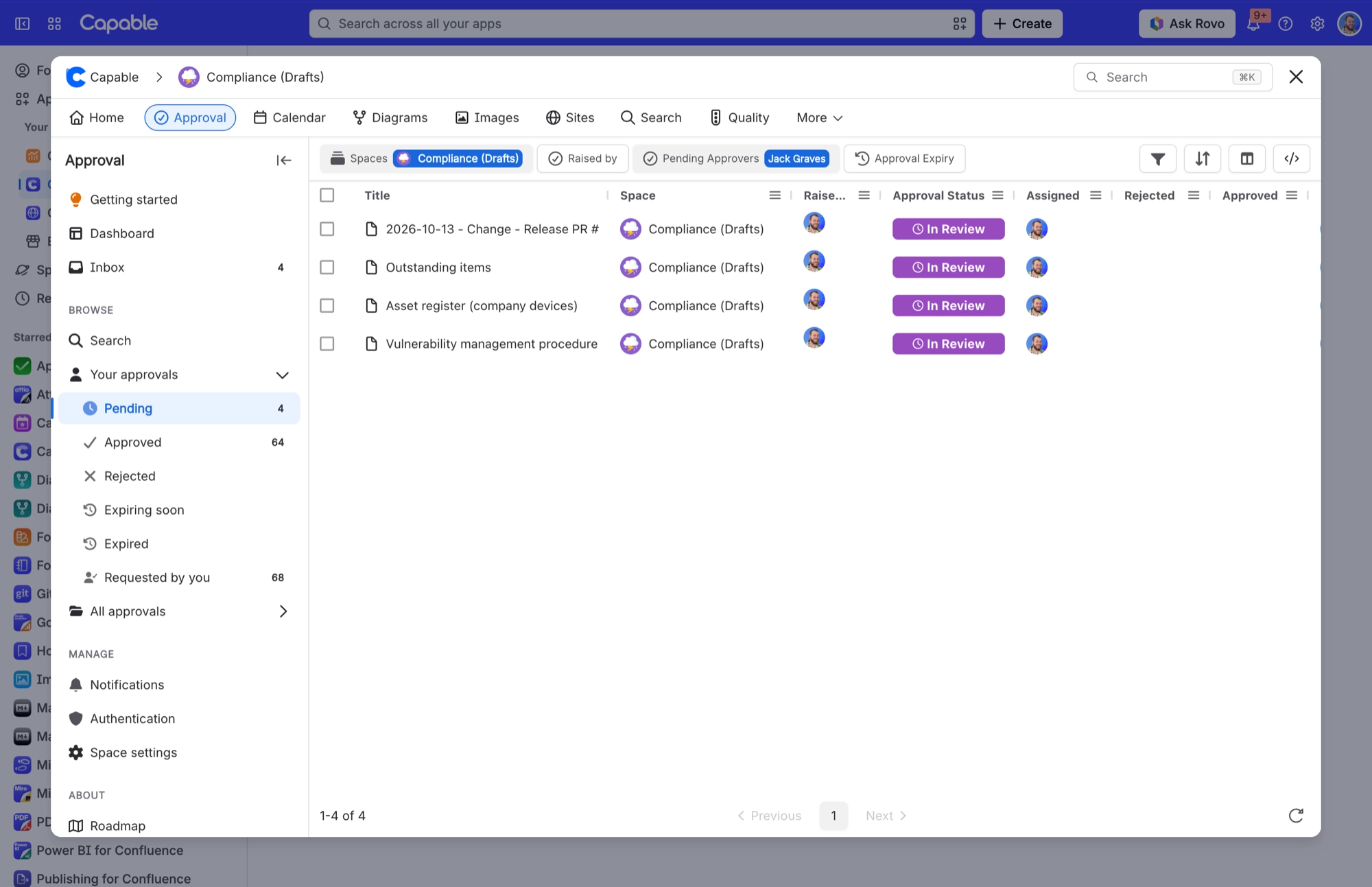
| IN REVIEW | Asked, and has not answered yet. | No |
| APPROVED | Answered approve. | Yes, toward minimum approvers. |
| REJECTED | Answered reject. | Yes, toward minimum rejections. |
| COMMENTED | Left a comment without approving or rejecting. | No |
Commented is the one to watch. It takes someone out of the waiting list, so the request stops looking like it needs them, but it counts toward neither minimum. An approval where everybody only commented will never complete, and never expire either.
#What the page as a whole is doing
Status | When you see it |
|---|---|
| IN REVIEW | Neither threshold has been reached yet. |
| APPROVED | Approvals have reached the minimum approvers. |
| REJECTED | Rejections have reached the minimum rejections. |
| EXPIRED | A completed approval whose deadline has passed. |
Rejection is checked first. If both thresholds are somehow reached at the same instant, the page reads as rejected. Safety wins the tie.
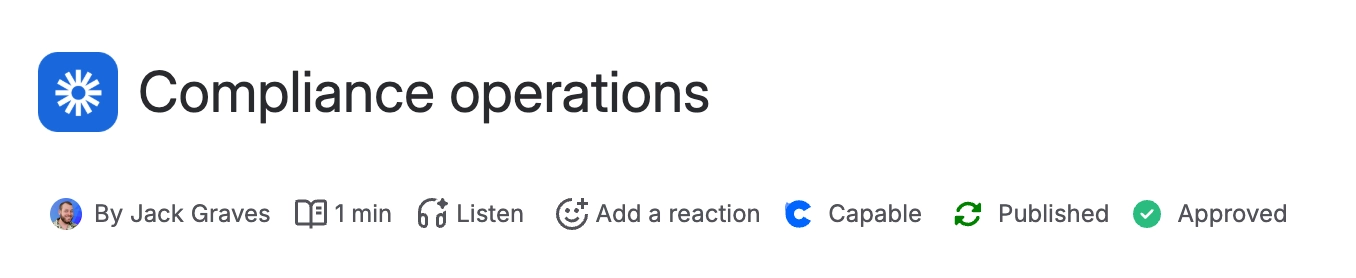
#The label under the page title
The byline is a short version of the same information, so you can tell where a page stands without opening anything.
Byline label | Meaning |
|---|---|
| Two people have approved, three are needed. |
| Same, and at least one person has commented rather than answered. |
| The decision is made. |
| Not a status at all. The label has fallen out of step with the approval behind it. See Common questions. |
#Record states, which are different again
Underneath the status, every approval record also has a state of its own. You will only meet these in the history view and in exports, and they are the reason old decisions never disappear.
State | Meaning |
|---|---|
Active | The current approval for the current page version. |
Expired | Completed, then passed its deadline and was reset. |
Superseded | The page was edited, so a newer version has its own approval. |
Removed | The approval was withdrawn. See Remove or restart an approval. |
#A few things that catch people out
A per-person status and the overall status can disagree and both be right. Three people approved, one still in review, minimum of three: the page is approved.
Commented is not a softer version of rejected. It stops nothing and starts nothing.
Superseded records are never deleted, which is what makes the compliance story hold up.
Every status here is searchable, so you can build a report of everything in review. See Search and reporting.
#Related
How approvals work
How the overall status is worked out.
Respond to a request
The three answers, and what each one does.
Expiry and re-approval
How a page moves back to in review.
View approval history
Every answer anyone ever gave, in order.
Common questions
Syncing, Repair needed, and stuck requests.
Search and reporting
Turn these statuses into a live report.
Every label on the page, decoded. No more guessing.






















