
How approvals work
You do not need any of this to use Capable Approval. Five minutes here will explain the handful of things people find surprising later, like why editing a page starts the review again, and why a request can finish before everyone has answered.
In a hurry? Your first approval gets you sending in about two minutes. Come back here when something looks odd.
#The life of an approval
An approval belongs to one page, at one point in time. Here is the whole journey.
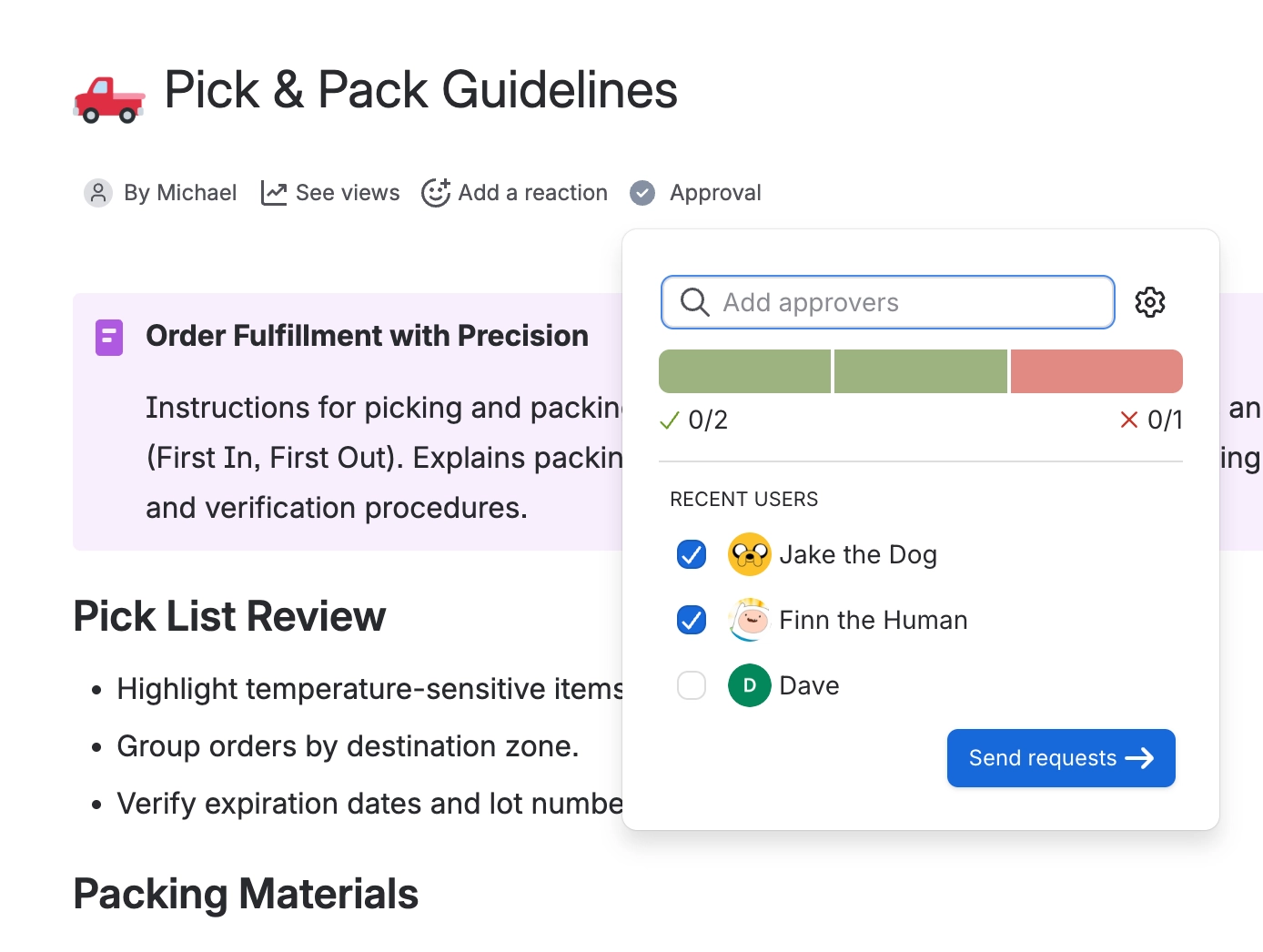
You pick who should look at the page and how many of them need to say yes. You can pick people one by one, or let a team fill the list for you. The request is stamped against the page version that exists at that moment.
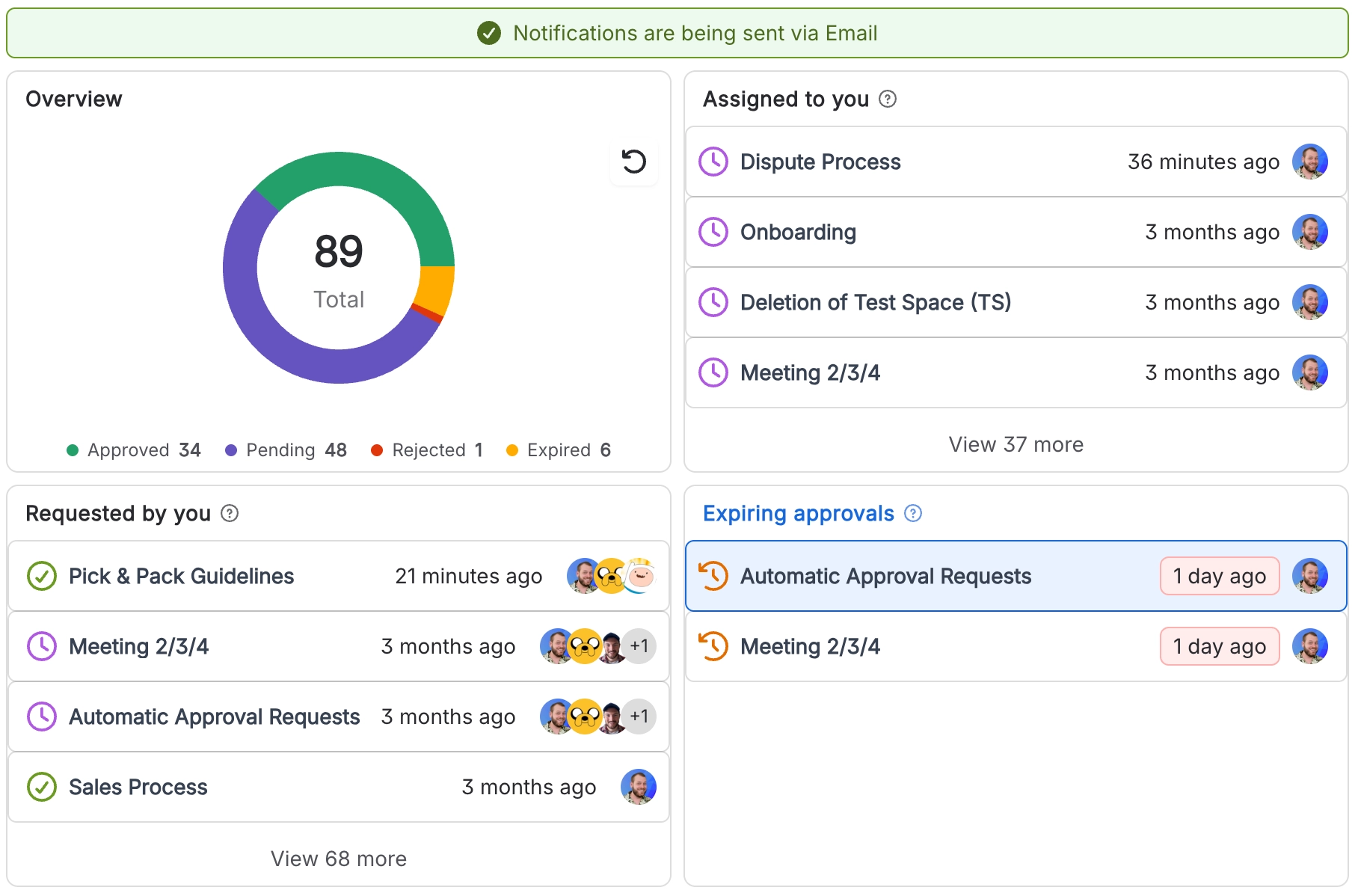
Everyone you picked is notified and can approve, reject, or comment. Capable keeps score as answers arrive, and shows the running count under the page title. See Respond to a request for what each answer does.
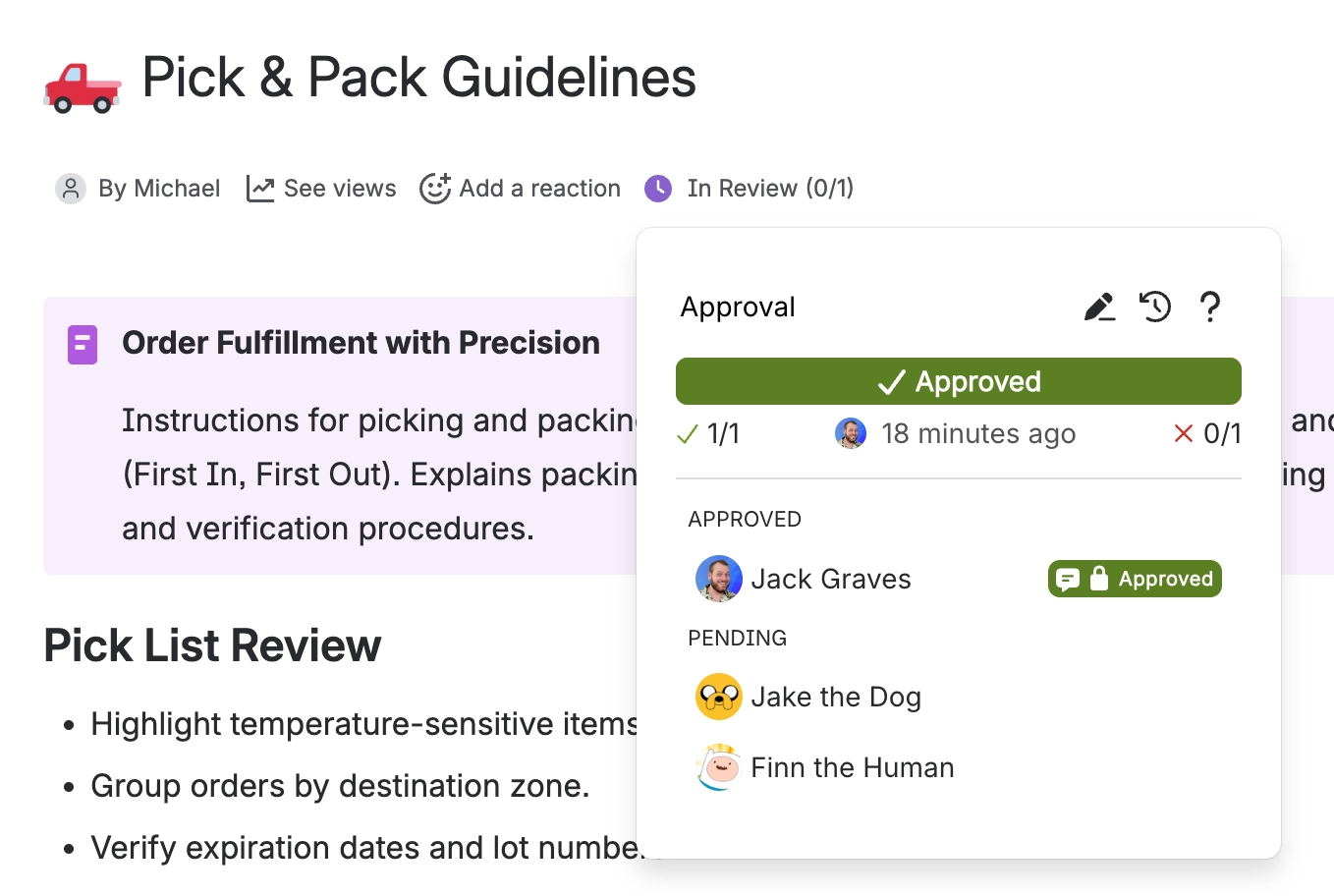
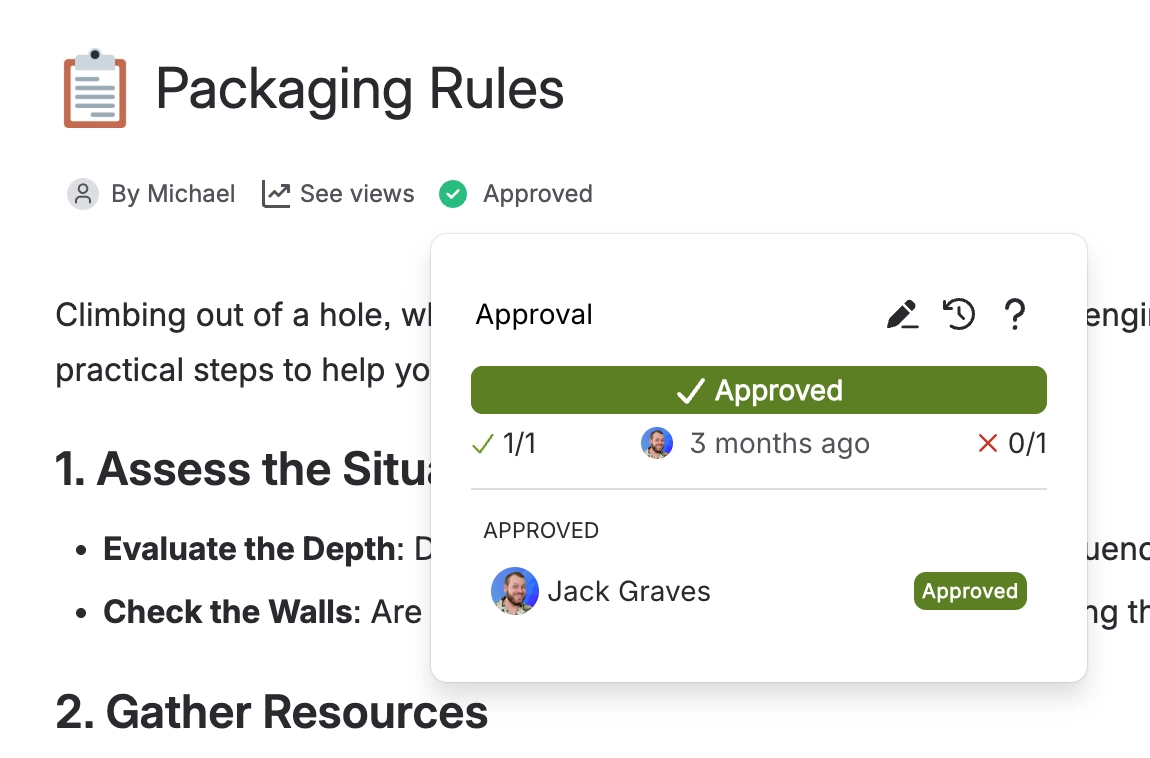
The moment enough people have approved, the page is approved and everyone is told. The same is true in reverse for rejection. Nobody has to press a final button.
Optional, and only if you asked for it. Editing the page brings the review back immediately, and an expiry date brings it back on a schedule. See Expiry and re-approval.
#You can ask five people and need only two
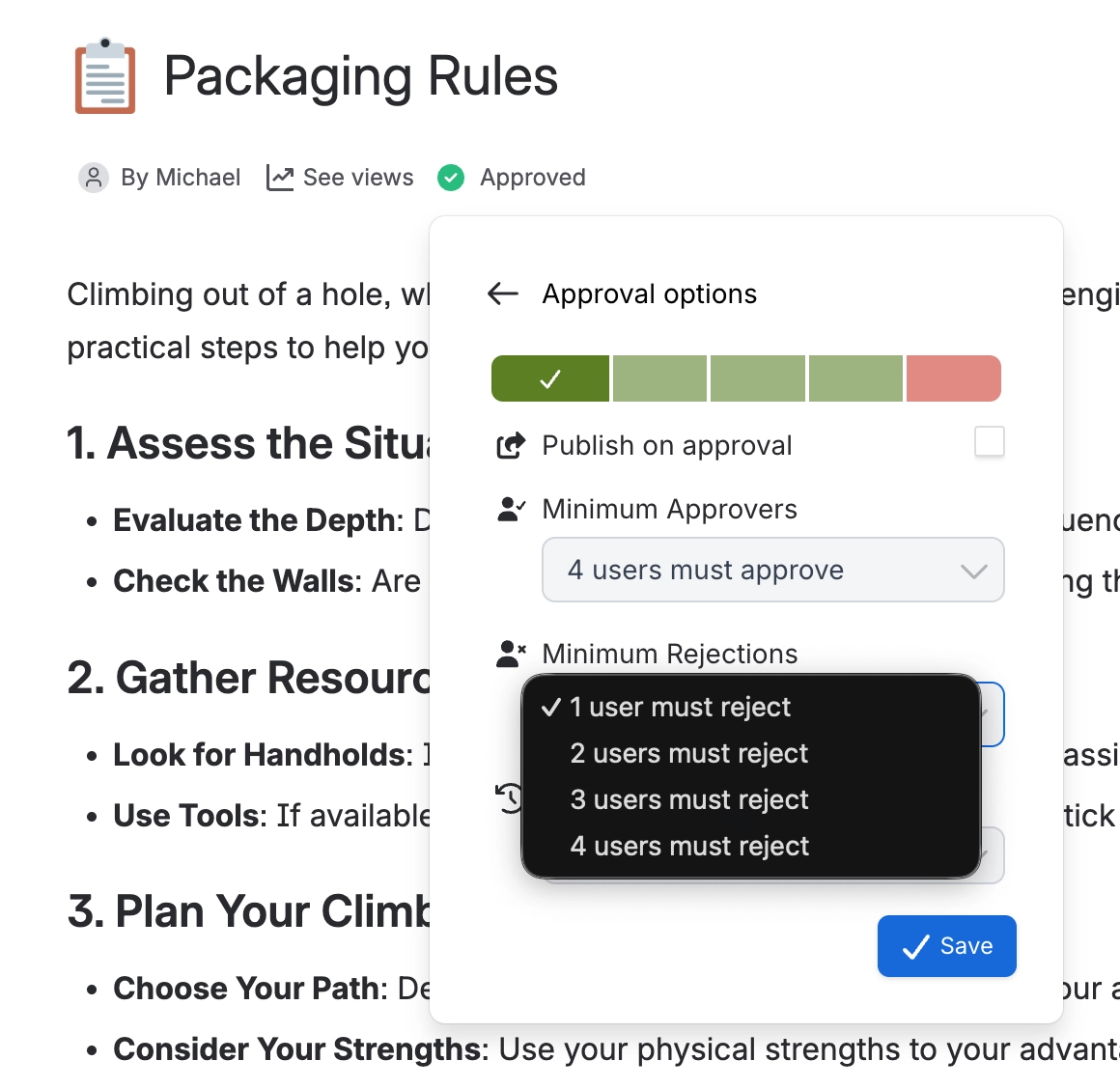
This is the setting most teams get value from first. When you send a request you set two numbers.
Setting | What it does | Starts at |
|---|---|---|
Minimum approvers | How many yeses you need | Everyone you picked |
Minimum rejections | How many nos refuse the page | 1 |
Neither number is tied to the size of your list. So you can notify a whole department while requiring only a couple of them to actually respond, and nobody is blocked waiting on someone who is on holiday.
One rejection refuses the page by default. If you would rather two people had to object before the page is blocked, raise the minimum rejections in the request panel.
#Editing a page starts the review again
Publish a change to a page that is approved or under review, and Capable asks everyone again on the new version.
Before the edit | After you publish |
|---|---|
| APPROVED | IN REVIEW |
It catches people out the first time, so it is worth saying why. An approval that survived an edit would be a signature on a document that has since changed, which is the exact problem approval exists to prevent.
The old answers are not thrown away. They are kept against the version they were given for, which is what makes the history worth reading.
#A comment is not an answer
Reviewers have three buttons: approve, reject, or comment. A comment is recorded and everyone can see it, but it counts toward nothing.
If a request seems stuck, this is almost always why. Check whether people have commented rather than answered. An approval where everybody only commented will wait forever, and will never expire either.
#People can change their mind
A reviewer can go back and change their answer at any time, even after the page has been approved. The score is recalculated on the spot, so one person switching to reject will un-approve a page.
That is deliberate. If someone spots a problem the day after sign-off, you want them to be able to say so without anyone having to unpick the request. The permanent record is the history, which keeps every answer anyone ever gave, including the ones they changed their mind about.
#If the status ever looks wrong
Occasionally the label under the page title says Syncing or Repair needed. That is Capable telling you it spotted a mismatch, rather than quietly showing you something it is not sure about.
What you see | What it means | What to do |
|---|---|---|
| SYNCING | The summary is catching up with the record. | Wait a moment and reload. |
| REPAIR NEEDED | The summary under the page title no longer matches the record. | Click repair. Your approvers and their answers are safe. |
#A few things that catch people out
The request is tied to a page version, not to the page. That is why publishing resets it.
Commenting removes someone from the waiting list without moving the score. See Approval statuses explained.
Rejection wins a tie. If a page somehow meets both thresholds, it shows as rejected.
Expiry is checked once an hour, so it will not happen to the exact minute.
#Related
Request an approval
The four steps to send one.
Respond to a request
Approve, reject or comment, and what each does.
Approval statuses explained
Every label, and the ones that are not statuses at all.
Teams and assignment
Stop picking the same five people every time.
Expiry and re-approval
Bring approved pages back on a schedule.
Common questions
Why is my request stuck, and other favourites.
Nothing about approvals should surprise you now.






















