
Publishing for Confluence
Capable Publishing copies pages and folders from one Confluence space (the source) into a different space (the target), and keeps a durable link between the original and its copy so the copy can be refreshed later.
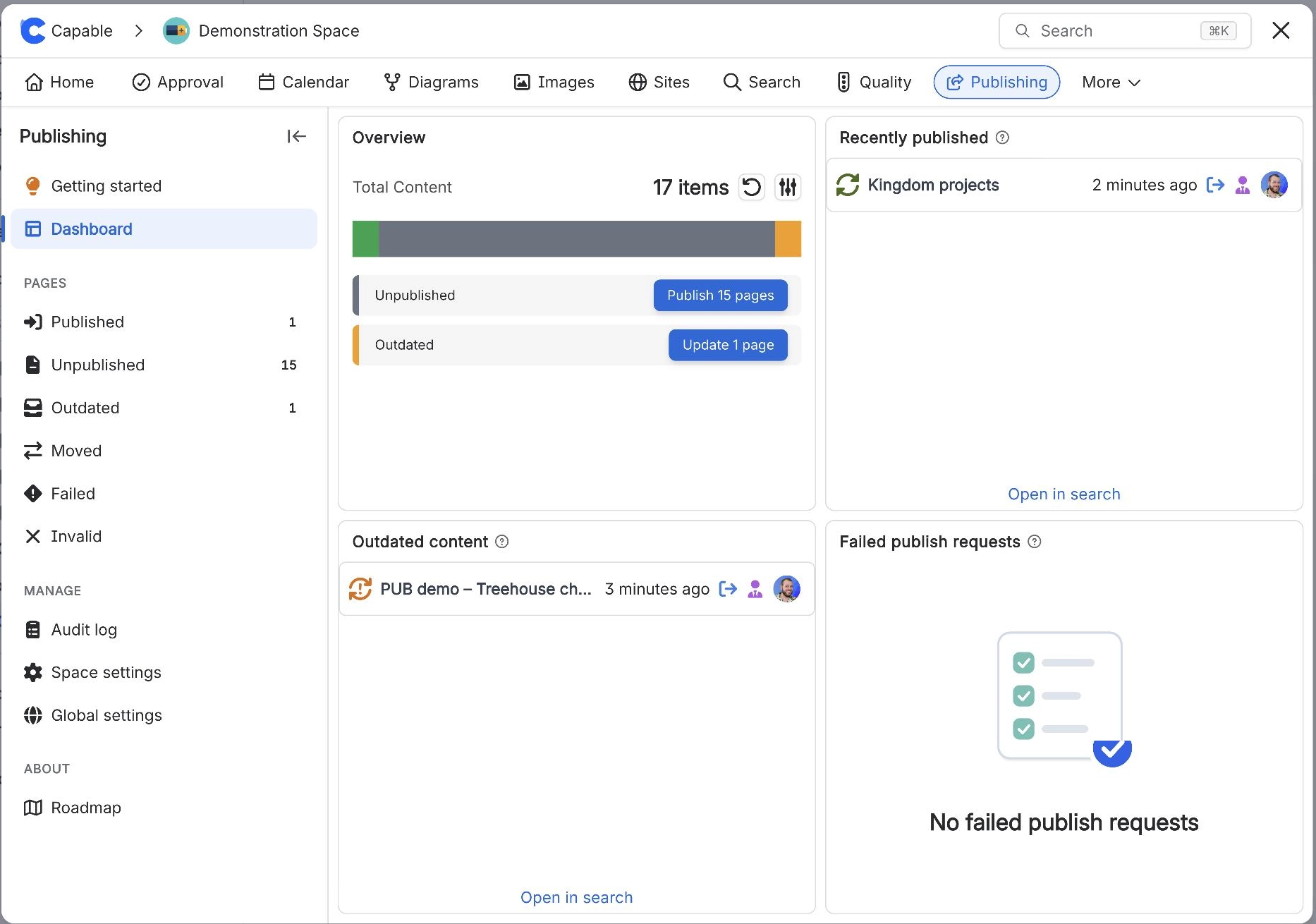
A space administrator turns it on for a space, picks the one target space, chooses where copies land and whether the page tree is mirrored, and from then on content reaches the target space in exactly three ways: someone clicks Publish, Republish or Update in the page byline; an approval on the page is approved and "Publish on approval" is switched on; or a space administrator runs a bulk job (Publish all pages, Publish approved pages, a status button on the Publishing space page Dashboard, or an automatic structure rebuild after a settings change).
There is no scheduled or timed publishing.
Each publish is a Confluence content copy.
#Start here
#Everything in this space
Written against the app as it behaves today.























