
What sends notifications
Microsoft Teams support is coming soon.
One capability in the whole suite sends notifications: Approval. Nothing else emails or messages anyone.
The second thing to know is that the channels are not alternatives. For the same event, a message goes out on every channel a person has switched on: email, Slack and Microsoft Teams.
#Channels
Channel | How it reaches people |
|---|---|
Sent from a Capable address with Reply-To set to the person who requested the approval. On unless a person or an administrator turns it off. See Email notifications. | |
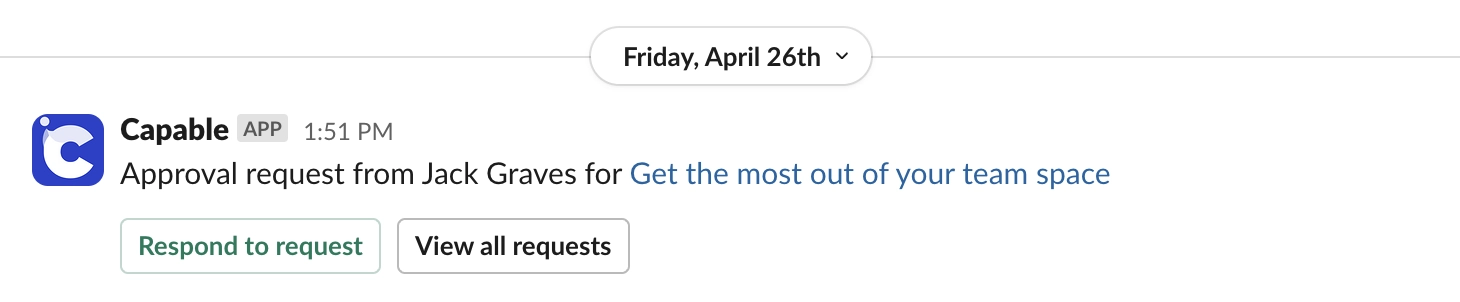
Slack direct messages | Once an administrator connects Slack. Matched to people by their Confluence email address. See Slack notifications. |
Slack channel posts | For the spaces an administrator chooses, with the events they pick. |
Microsoft Teams direct messages | Once an administrator connects Microsoft Teams. Matched to people by their Confluence email address. See Microsoft Teams notifications. |
#What triggers one
Approval request from someone for a page
Someone added you as an approver on a page
A page has been updated and requires your approval
An approver approved, rejected or commented on a request (optionally with a comment)
A page has been approved
A page has been rejected
Your approval for a page has expired
Watchers are set per space, up to 50 people, and are notified on status changes. That is how people who are not approvers stay informed.
#Who controls what
Who | Where |
|---|---|
Each person, for themselves | The Email, Slack and Microsoft Teams switches in the Notifications section of their Capable settings, or the same switches on Approval's Notifications page |
Site administrators, for everyone | The Notifications tab in Global settings: a card per channel with its site-wide switch, and the connect switches for Slack and Microsoft Teams |
A site-wide switch beats a personal one. Turn a channel off on the Notifications tab and nobody gets it, whatever their own switch says.
#A few things that catch people out
If nothing in your site uses Approval, nobody will ever receive a Capable notification.
Email comes from a Capable address with Reply-To set to whoever requested the approval, so replying reaches a person.
Turning off one channel does not turn off the others, and turning Slack off for yourself does not stop Slack channel posts.
People whose Slack or Microsoft 365 email differs from their Confluence email get no direct message there, silently.
#Related
Approval only. Every channel you switched on, same event.






















