
User preferences
Microsoft Teams support is coming soon.
There are fewer personal settings than people expect, and two of them are stored in your browser rather than against your account, which surprises everyone at least once.
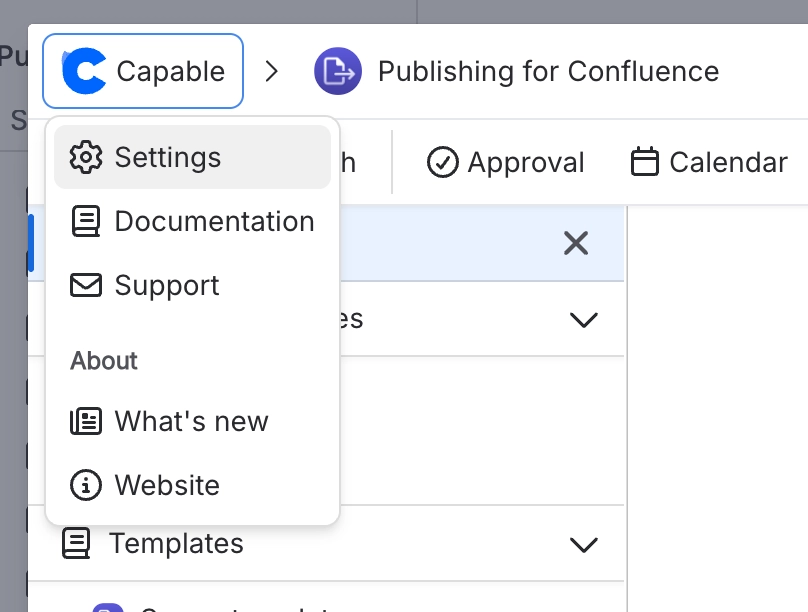
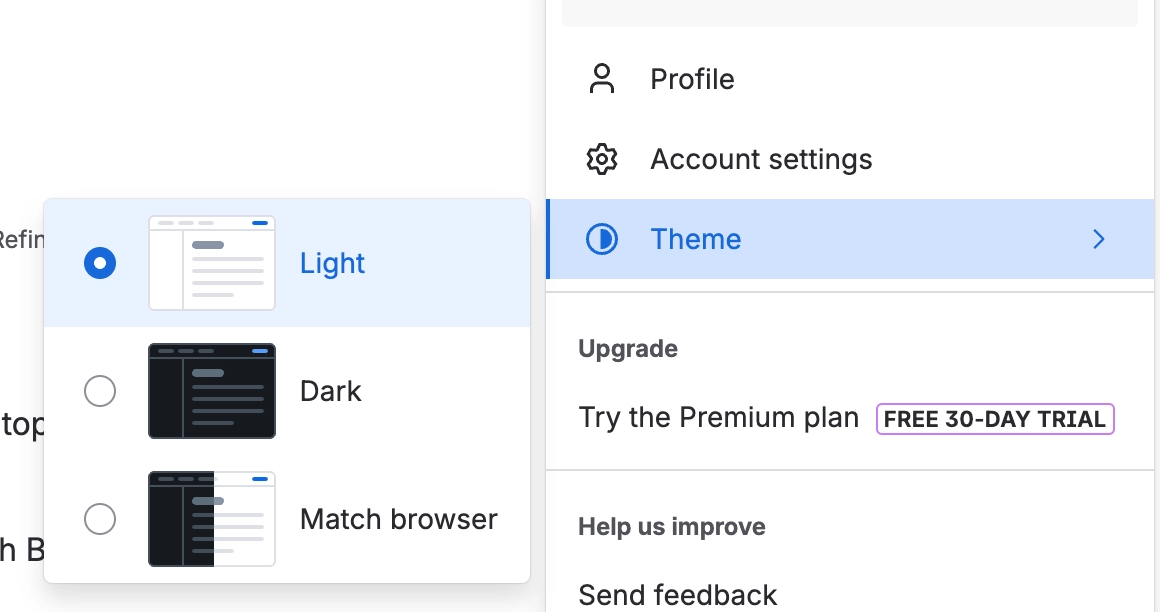
There is no theme setting, no language setting and no date format setting.
#What you can change
Your settings open in a User settings panel with three sections: General, Notifications and Advanced.
Setting | Where it is stored | Notes |
|---|---|---|
Show Relative Dates | This browser only | On, dates read "2 days ago". Off, they use your browser's locale format |
Your account, per app installation | All Capable email, or none. Does not affect Slack or Microsoft Teams | |
Slack | Your account, per app installation | Slack direct messages to you. Says Applies once your admin connects Slack until Slack is connected. Channel posts are not affected |
Microsoft Teams | Your account, per app installation | Microsoft Teams messages to you. Says Applies once your admin connects Microsoft Teams until Teams is connected |
Navigation order | Your Atlassian account | Your own ordering, hidden and promoted items |
Reset Navigation | n/a | Clears your personal navigation changes. Suite only |
The Email, Slack and Microsoft Teams switches only appear where Capable sends notifications. A switch an administrator has turned off for the whole site is greyed out.
Clicking any date flips the relative-date setting app-wide. It is a deliberate shortcut and it catches people out, because nothing indicates the click was a setting change.
#Extra rows for site administrators
Row | What it does |
|---|---|
Open Global Settings | Opens Capable's global settings in Confluence administration |
Manage notifications | Opens the Notifications tab of global settings, where Slack and Microsoft Teams are connected and each channel can be turned off for everyone |
#There is no theme setting
Capable follows your Confluence appearance setting. There is no theme, language or date-format option in the app.
#Troubleshoot Permissions
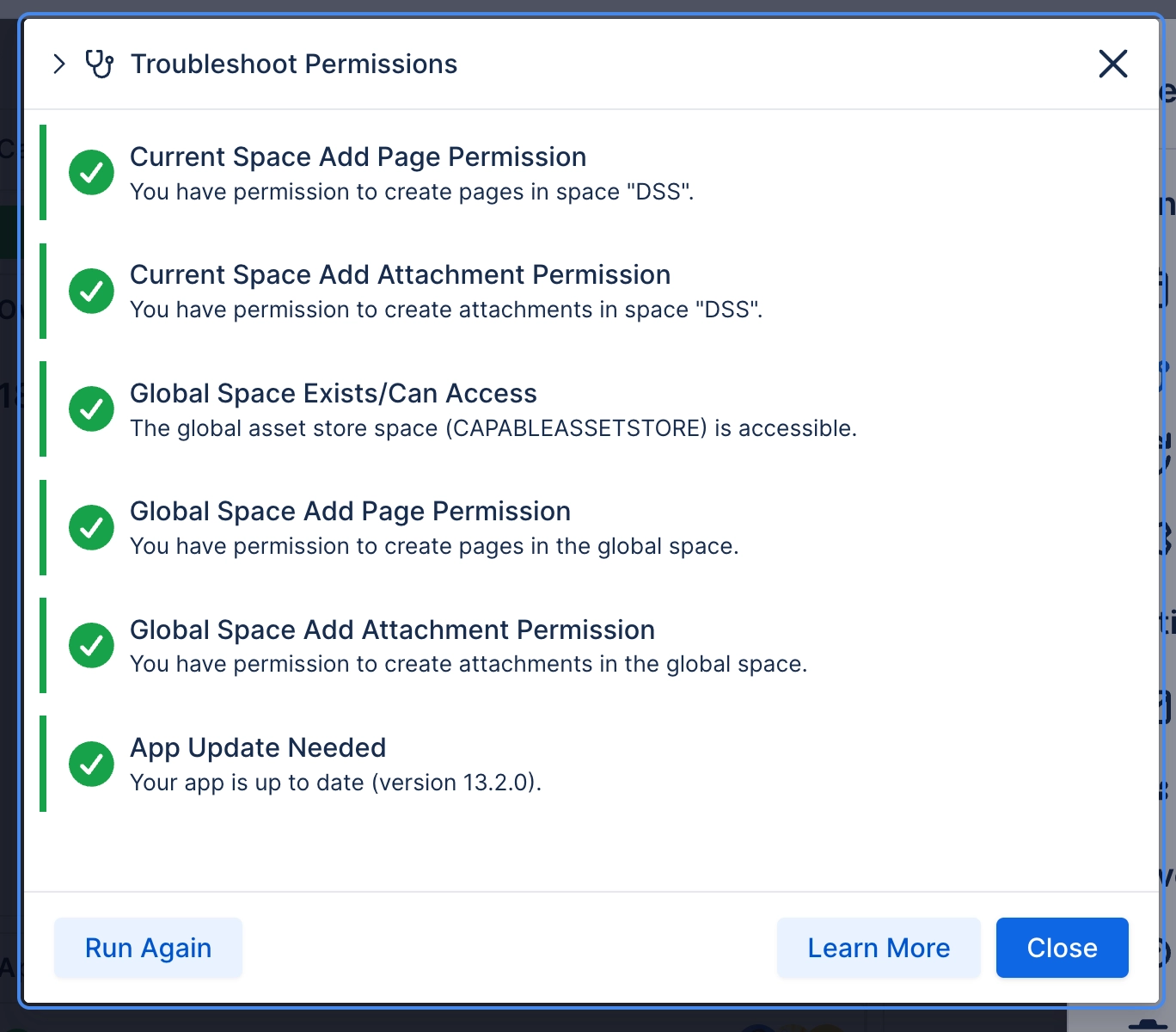
Under Settings, Troubleshoot Permissions explains why content is not visible to you, scoped to the space you currently have selected. It is available in every Capable app.
#A few things that catch people out
Notification switches are scoped to one app installation, so somebody running both the suite and a standalone Approval app has to switch each one off twice.
Relative dates and saved heading presets live in the browser, so they do not follow you to another machine.
Reset Navigation clears your own changes only. It does not undo anything an administrator has hidden.
#Related
Fewer than you think. Two live in your browser.






















