
Updates
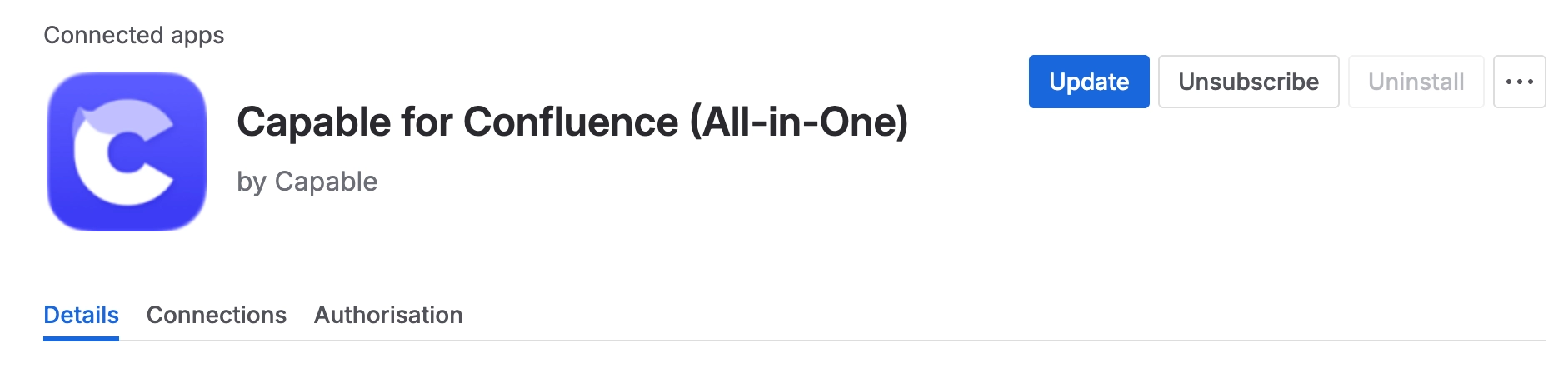
An update repeats the same steps as an install: the example pages are refreshed and your existing data is brought up to date.
Almost none of that is visible. The one thing users see is a banner.
#What you see
An update repeats the install steps: example pages refreshed, existing data brought up to date. The only signal users see is an in-app "Addon is outdated" banner with an "Update now" link for admins, which appears once a newer version has been out for more than two days.
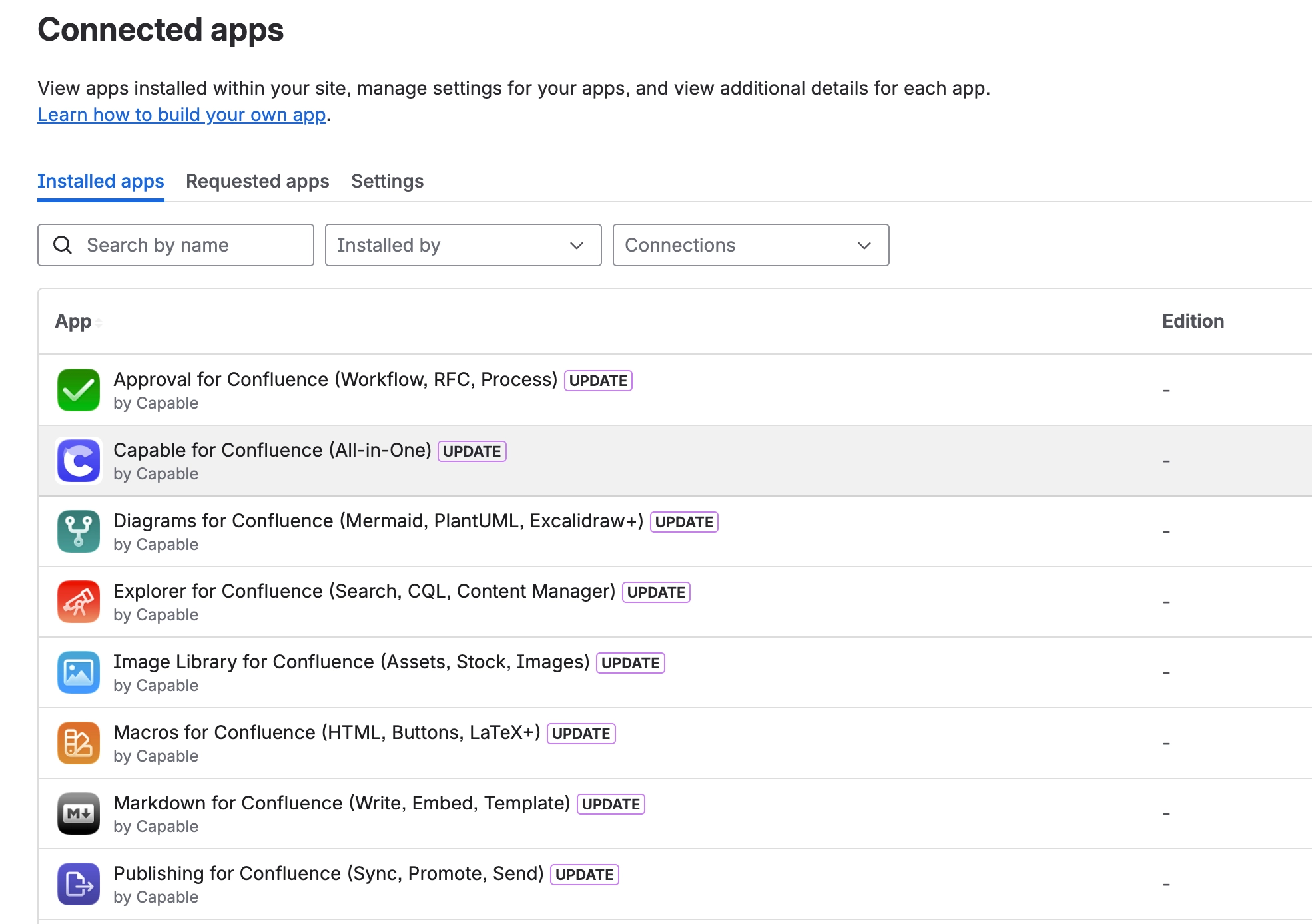
An in-app "Addon is outdated" banner with an Update link is the signal that a new version is available and has not been applied. It is not an error.
#What needs approval
An update that requests a new permission needs a Confluence administrator to approve it before it applies. Everything else applies without you doing anything.
#A few things worth knowing
Data migrations run as part of an update. They are not visible and do not need a maintenance window.
The example pages are refreshed on update, so local edits to them will not survive.
If the outdated banner persists after updating, a hard reload usually clears a stale cached bundle.
#Related
Mostly invisible. Approve the permission changes.






















