
Home and the Capable byline
The Capable dashboard and the unified "Capable" byline menu that every other capability appears inside.
What it does | The Capable dashboard and the unified "Capable" byline menu that every other capability appears inside. |
|---|---|
Sold separately as | Not available on its own. Suite only |
Edition | Standard and Advanced |
This capability only exists in the suite. There is no standalone app for it, which is one of the reasons to buy the suite rather than individual apps.
#Where to find it
Capabilities appear in the Capable navigation, in the Capable byline on a page, and as macros in the macro picker, depending on what each one offers. An administrator can hide any capability site-wide, and a space administrator can control whether it shows in their space.
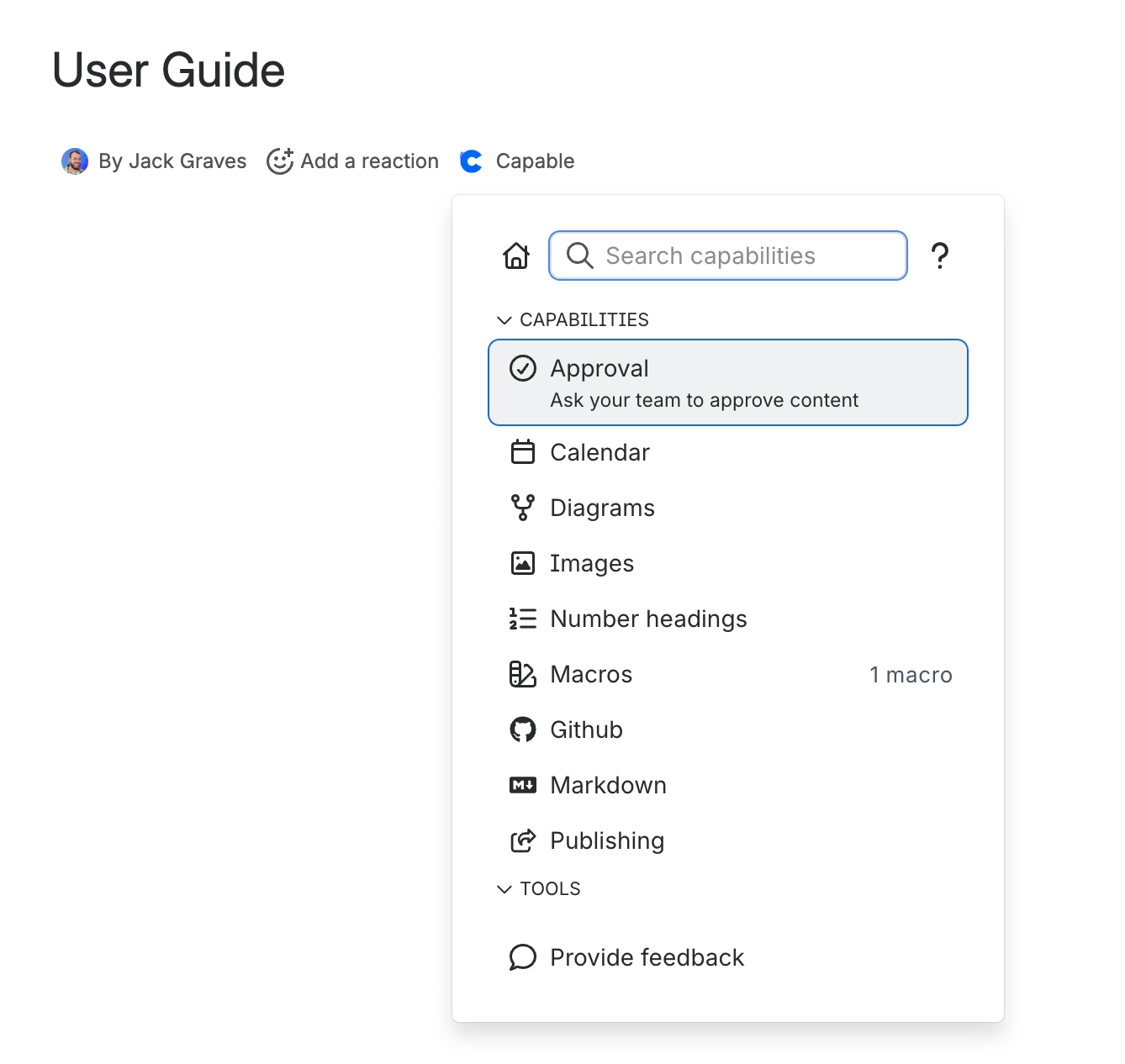
#Searching from the byline
Press comma on any page and start typing. Alongside capabilities and help, the byline finds diagram and Markdown templates, your own and the built-in ones, and diagram libraries such as Mermaid and PlantUML. Picking one opens the editor ready to insert. See The Capable byline and Search for templates from the Confluence byline.
#Related
One problem, solved once.






















