
Getting help
Help is reachable from more places than most people realise, and one of them collects exactly the details support needs.
If you are about to raise a ticket, start with the last section.
#Where help lives
Route | What it gets you |
|---|---|
The Capable byline | Help results alongside your search, plus a Help icon |
Command K | A Help articles group. Suite only |
The main menu | An About group with Support, Documentation, Status, What's new and Website |
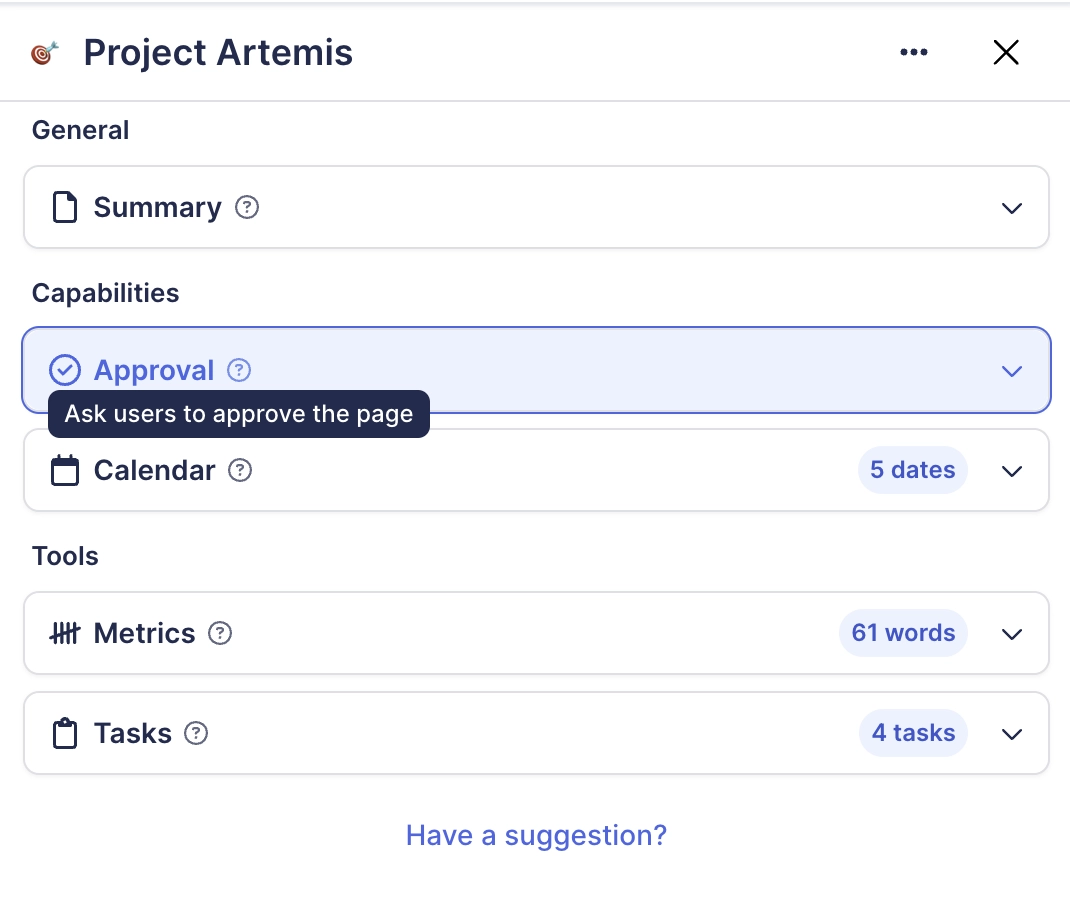
Settings cards | A Help button on individual settings cards |
Help search hides some results deliberately. Anything about installing or uninstalling, and anything Jira-related, is filtered out. Use the documentation directly for those topics.
#Before you raise a ticket
The main menu, then About, then More details, shows everything support will ask for: your cloud id, account id, edition, capability set, licence type, enabled flags, the app version and the build.
Copy that block into the ticket. It saves an exchange.
Add the page URL and whether the problem happens for other people on the same page.
For a rendering problem, say whether a hard reload or a private window changes anything.
#Diagnosing visibility
Settings, then Troubleshoot Permissions, explains why content is not visible to you in the space you currently have selected. It is worth trying before raising a ticket about missing content.
#A few things worth knowing
A capability that is entirely missing is usually hidden by an administrator rather than broken.
A macro showing a licence panel is a licence problem, not a content problem.
The Egress settings card's Help button currently opens the marketing site rather than a help article.
#Related
About, More details. Paste that in the ticket.






















