
Space settings
Space administrators get a smaller set of controls, scoped to their own space. It is enough to make Capable behave consistently in one space without involving a Confluence administrator.
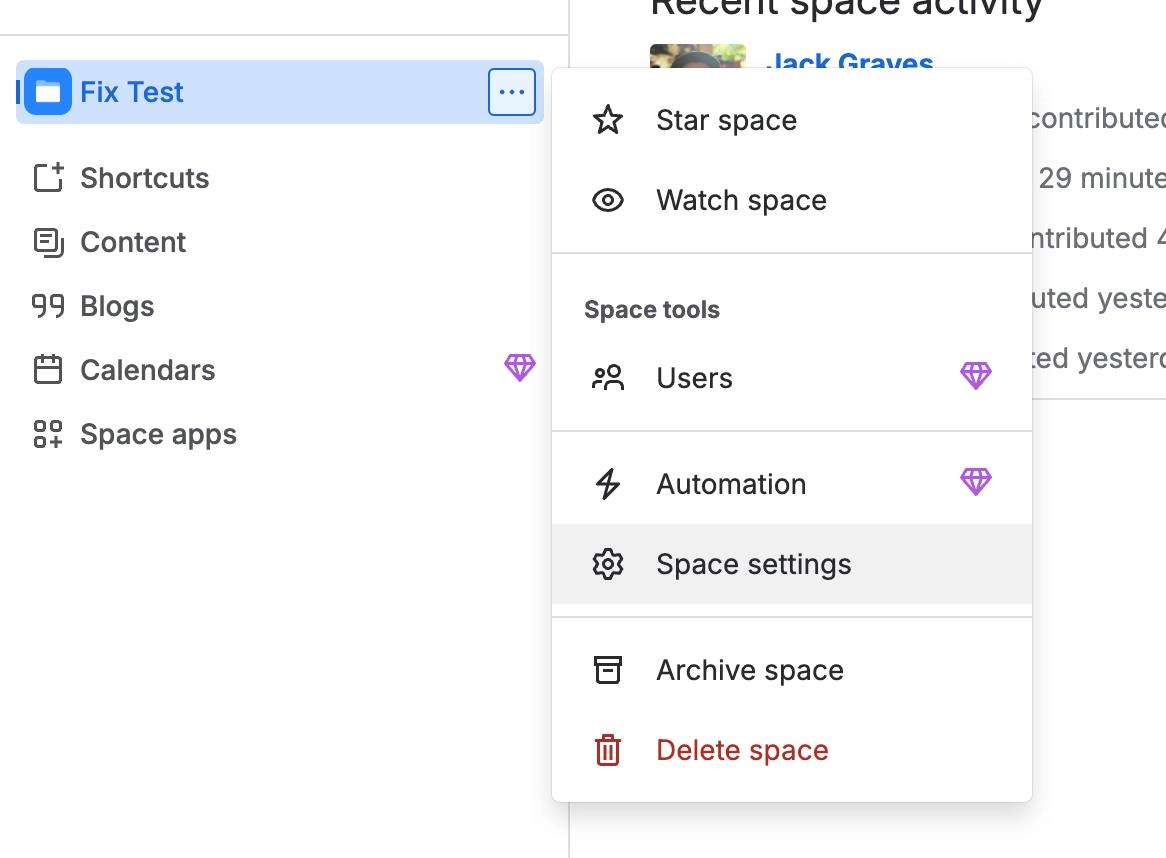
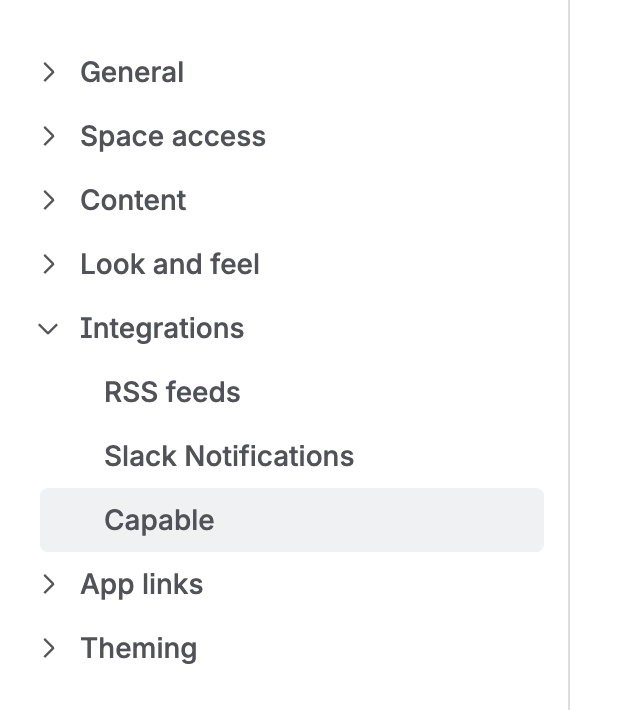
The most useful is per-space capability visibility, with the caveat that only one of its three options currently does anything.
#What is available per space
Setting | What it does |
|---|---|
Capability visibility | Auto, Always or Never per capability. Only Never changes behaviour today |
Indexing | See index coverage for this space, and run indexing on demand |
Migration | Run a migration scoped permanently to this space |
Capability-specific defaults | Several capabilities carry their own space defaults, such as how diagrams are sized |
A global hide beats any space setting. If a capability is hidden site-wide, no space setting brings it back.
#Space settings inside a capability
Some capabilities also put their space settings in their own sidebar, under Manage, so you can change them without leaving the capability. The entry is called Space settings and shows only to administrators of the space you are working in.
Capability | Where |
|---|---|
Approval | Space settings under Manage, next to Notifications and Authentication |
Publishing | Space settings under Manage, next to Audit log |
Diagrams | Space settings on the Diagrams page when it is open in a space. It does not appear in the insert or reference pickers |
Site administrators see a Global settings entry in the same group. See Site settings.
#Space-level migration
The migration wizard is available at space level, permanently narrowed to that space. It is the natural way to run a migration space by space with the owner watching. See the Migration space.
#A few things that catch people out
Most capabilities cannot be controlled per space at all and show a read-only badge instead.
Space-level indexing is the fastest fix when search filters look wrong in one space only.
Space administrators cannot change editions, features, egress, Slack or Microsoft Teams.
Opened from the global view rather than from a space, Diagrams shows no Space settings entry, because there is no space to apply it to.
#Related
Small set. Enough to matter.






















