Quality
Monitor content compliance and report on page quality across a space. Advanced edition only in the Suite.
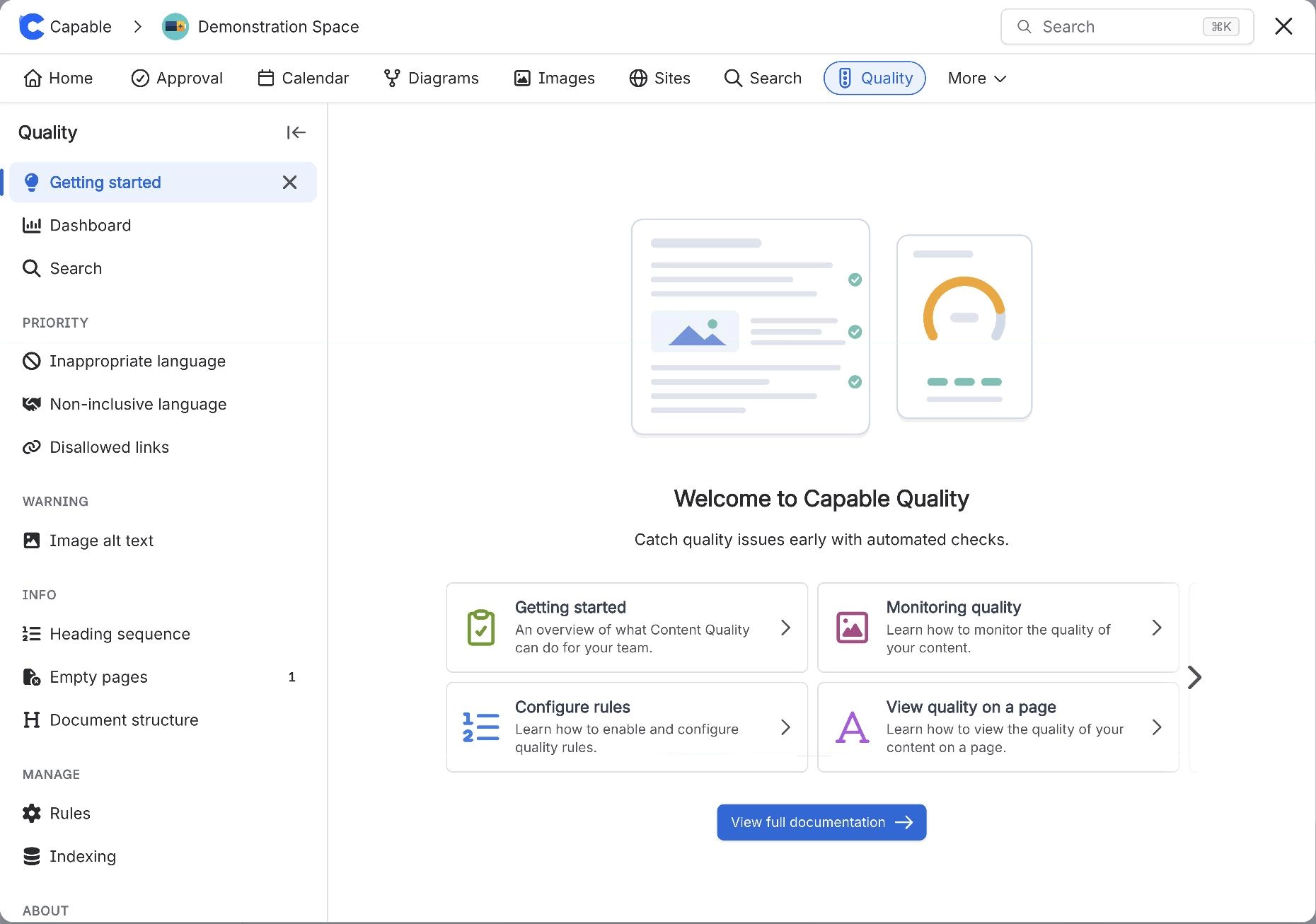
What it does | Monitor content compliance and report on page quality across a space. Advanced edition only in the Suite. |
|---|---|
Sold separately as | Capable Quality |
Edition | Advanced |
Edition matters for this one. Quality needs the Advanced edition.
#Where to find it
Capabilities appear in the Capable navigation, in the Capable byline on a page, and as macros in the macro picker, depending on what each one offers. An administrator can hide any capability site-wide, and a space administrator can control whether it shows in their space.
#Full documentation
This page is the suite-level summary. The capability has its own documentation space covering it properly.
#Related
One problem, solved once.