
Tasks
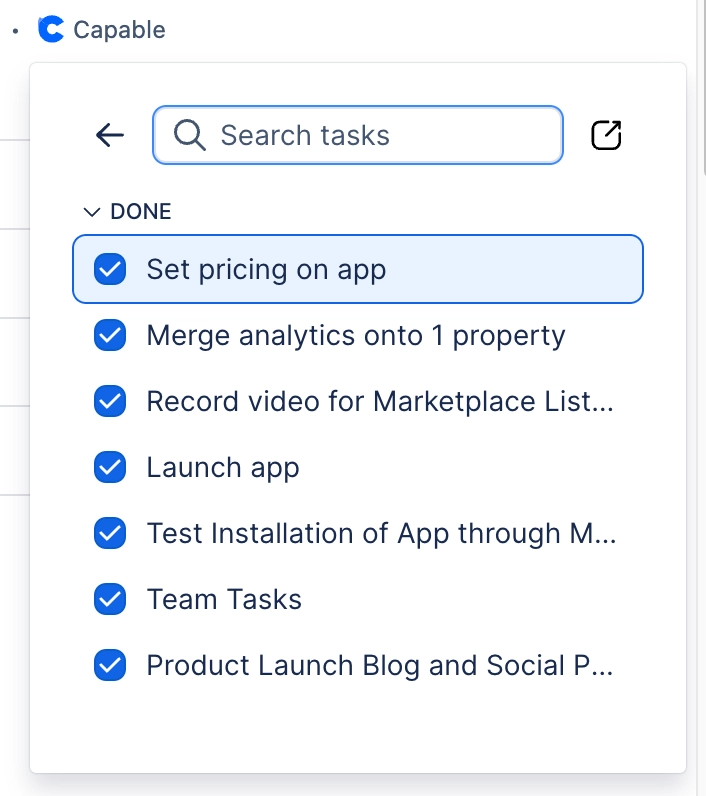
View and tick off Confluence tasks from the Capable byline panel and a search side panel.
What it does | View and tick off Confluence tasks from the Capable byline panel and a search side panel. |
|---|---|
Sold separately as | Not available on its own. Suite only |
Edition | Standard and Advanced |
This capability only exists in the suite. There is no standalone app for it, which is one of the reasons to buy the suite rather than individual apps.
#Where to find it
Capabilities appear in the Capable navigation, in the Capable byline on a page, and as macros in the macro picker, depending on what each one offers. An administrator can hide any capability site-wide, and a space administrator can control whether it shows in their space.
#Related
One problem, solved once.






















