
Suite or standalone?
Most capabilities are available both inside the suite and as a standalone app containing just that capability. The arithmetic is simple: two or more capabilities and the suite wins.
The part people underestimate is that several features do not exist in a standalone app at all, because they are aggregations over capabilities that a standalone install does not have.
#What you lose with standalone apps
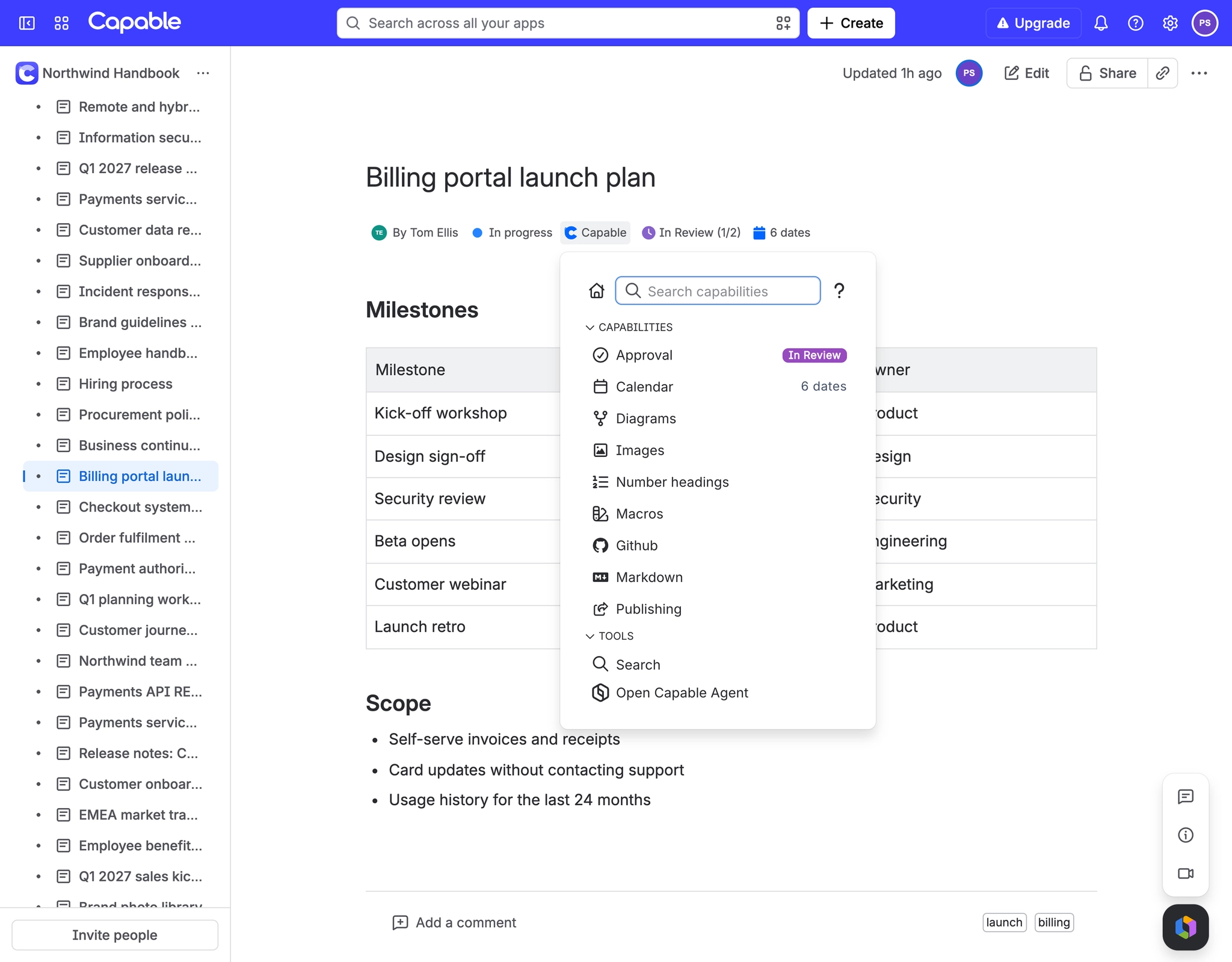
The unified "Capable" byline on every page, with the ',' keyboard shortcut, which is how you reach capabilities.
The Capable Home dashboard as a full page
The command palette search
The Search table macro, which is filtered out of Capable's macro browser in every non-Suite app
One "Capable Agent" for Rovo covering all ten Capable actions, instead of a narrow per-app agent
The global "Capabilities" admin tab for hiding a capability across the whole site
Per-space Auto / Always / Never capability visibility, and per-capability bylines that hide themselves until a page actually uses that capability
Every macro in one install (around 61 macros)
#Capabilities with no standalone app
Some capabilities are not sold separately at all: Home and the Capable byline, Links, Word count, Tasks, Source, Export, and numbered headings. If you want any of those, you want the suite.
#A few things worth knowing
Moving from standalone to suite is a supported migration, not a reinstall, because the content behind standalone macros has to be copied across.
Run both apps side by side while you migrate. That is the intended path.
A standalone app and its suite equivalent are different apps with different keys.
#Related
Two or more capabilities? Buy the suite.























