
Version history
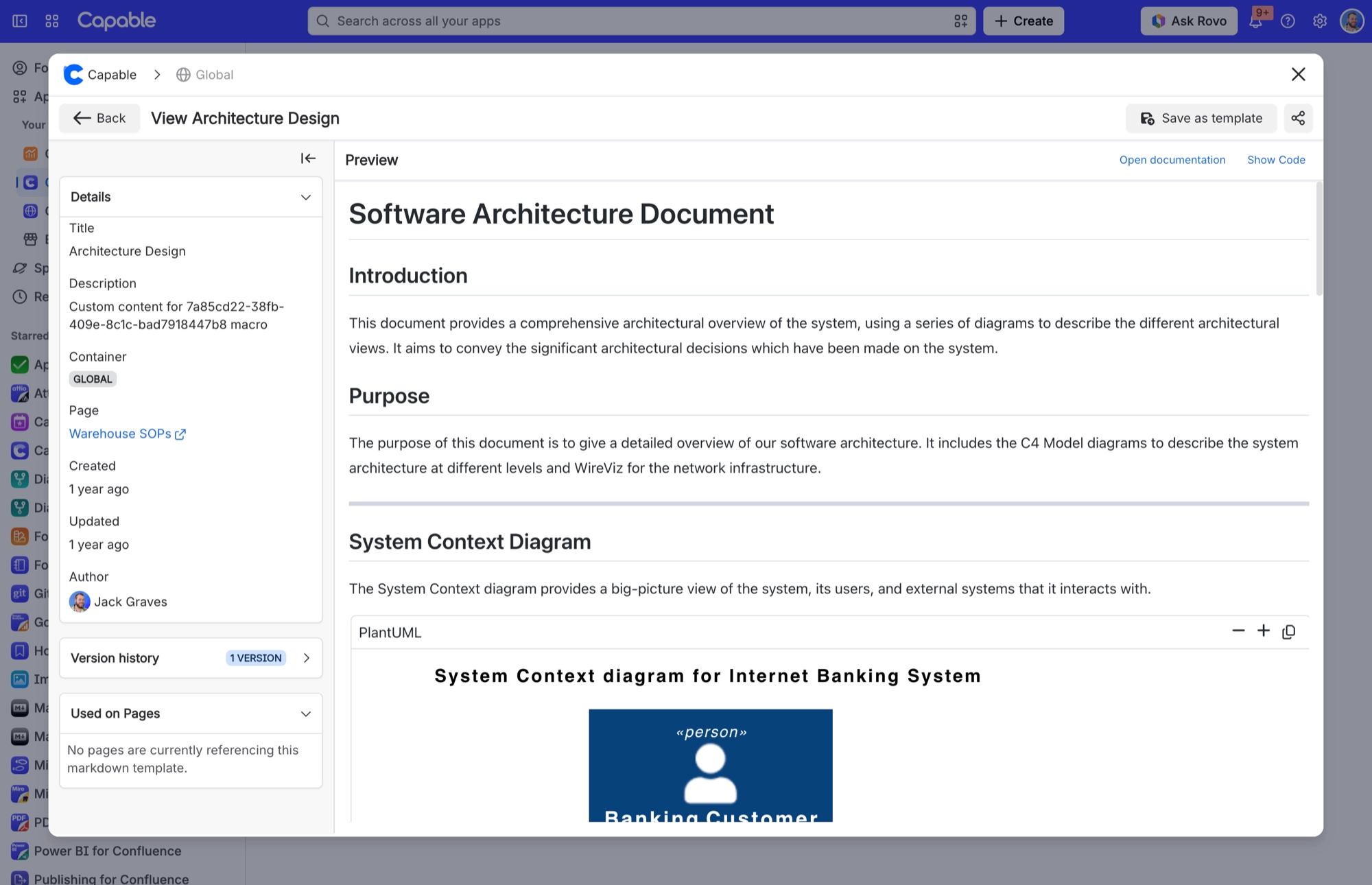
Open a document and you will find a collapsible 'Version history' panel, badged with the number of versions (for example '1 Version'). If a document has no earlier versions, the panel is hidden. Click a version and its title and body load into the editor as an unsaved change. Nothing is restored in place: if you save afterwards, Capable writes a new version on top.
#Where you do it
Task | Where |
|---|---|
Insert an image or diagram from the Capable library | Editor toolbar → + → Image 'From library' or Diagram 'From library' |
See earlier versions of a document | Capable Markdown page → open the document → 'Version history' panel |
#Worth knowing
Version history loads an old version for you to review; it does not restore it. To go back, load the version and save it.
Versions saved within 15 seconds of each other appear as one entry, and the list shows at most 50 versions.
The 17 bundled starter templates have no version history. They ship with the app and are read-only, so the panel does not appear when you open one. Remix a starter template into your space if you want a copy with its own history.
#Limits that apply here
Limit | What happens |
|---|---|
50 entries | Beyond 50 versions the panel shows 'Limited to the last 50 entries'. |
15-second de-duplication window | A version saved within 15 seconds of the previous one shown is hidden, so rapid auto-saves do not flood the list. Versions created during migration are always shown. |
#Related
How it actually behaves.






















