
Diagrams from fenced code blocks
Write a fenced code block in any of 27 supported diagram languages and Markdown turns it into a rendered image: blockdiag, bpmn, bytefield, seqdiag, actdiag, nwdiag, packetdiag, rackdiag, c4plantuml, d2, dbml, ditaa, erd, excalidraw, graphviz, mermaid, nomnoml, pikchr, plantuml, structurizr, svgbob, umlet, tikz, vega, vegalite, wavedrom, wireviz. Mermaid C4 diagrams (C4Context, C4Container, C4Component and C4Dynamic) are converted to PlantUML C4 for you automatically.
#Where you do it
Task | Where |
|---|---|
Publish markdown to a static site | Capable Sites (Suite or the Sites app) |
Export a page containing markdown to Word or PDF | Confluence page → Export |
Control who can edit shared markdown templates | Capable global settings → Permissions tab |
#Settings that affect this
Setting | Where | What it does |
|---|---|---|
Global settings → Permissions | Site | Controls who can edit the Global library, and so who can create Global markdown templates. The same setting covers diagrams, images, calendar and search. |
#Worth knowing
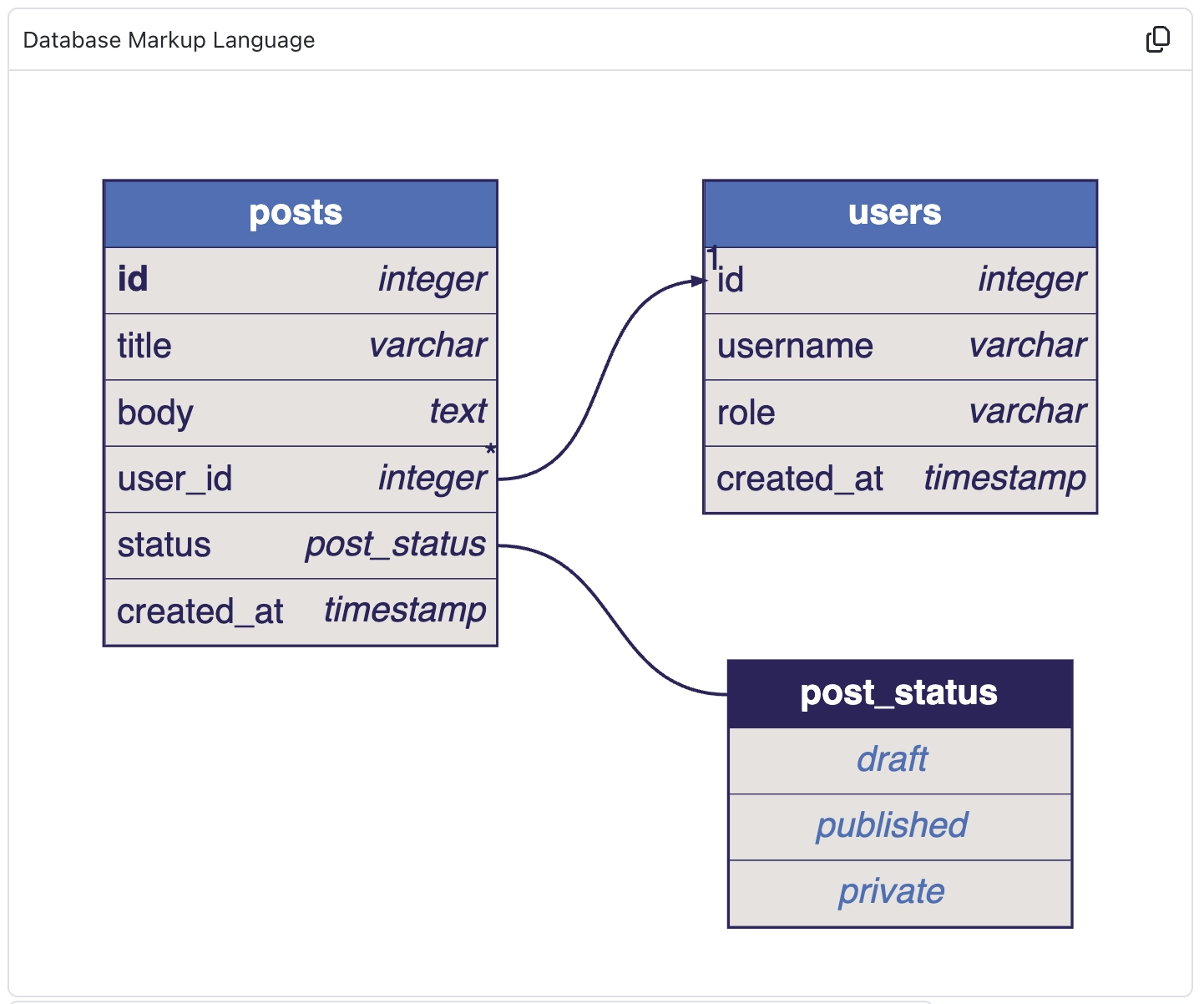
Diagrams are drawn by Capable as static images, not by mermaid.js in your browser, so mermaid syntax newer than the version Capable supports can fail. Mermaid C4 is rewritten to PlantUML C4.
A published Capable Site draws markdown with a different renderer, so the published page can look different from the Confluence page, and diagram fences appear as plain code blocks.
#Related
How it actually behaves.






















