
Remix and Save as template
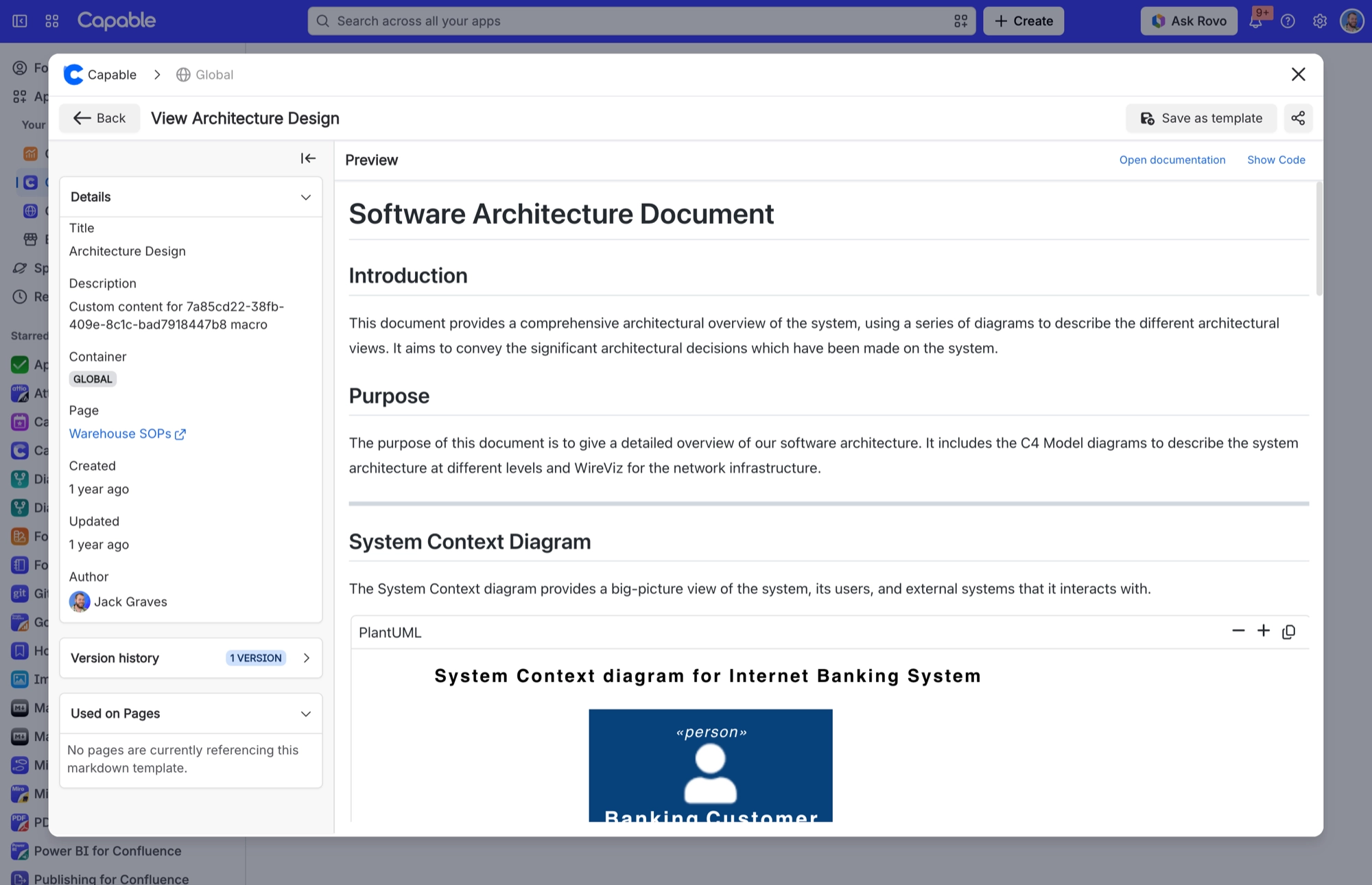
Remix copies a template (title, description, body, tags and category) into a new draft in the current space. When you view page-owned markdown from the library, you will see Save as template, which copies it into the library. You can also drag page-owned markdown from the Markdown on pages sections onto a Templates section or folder.
#Where you do it
Task | Where |
|---|---|
Add a markdown document to a page | Confluence editor → /Markdown (Capable) [Suite] or /Markdown macro (Capable) [standalone], or the Markdown byline entry on a published page |
Upload or paste an image into the document | Editor toolbar → + → Image 'From upload', paste from the clipboard, or drop the file on the editor |
Reuse one markdown document across many pages, kept in | Confluence editor → Markdown reference (Capable) / Markdown reference macro (Capable) |
#Settings that affect this
Setting | Where | What it does |
|---|---|---|
Global settings → Permissions | - | Controls edit access to the GLOBAL asset store. Which is what governs who may create Global markdown templates. It is shared with diagrams, images, calendar and search because they all use one Confluence custom content t |
Global settings → Migration | - | Markdown is not on the tab's exclusion list, so the tab ships. |
#Related
How it actually behaves.






















