
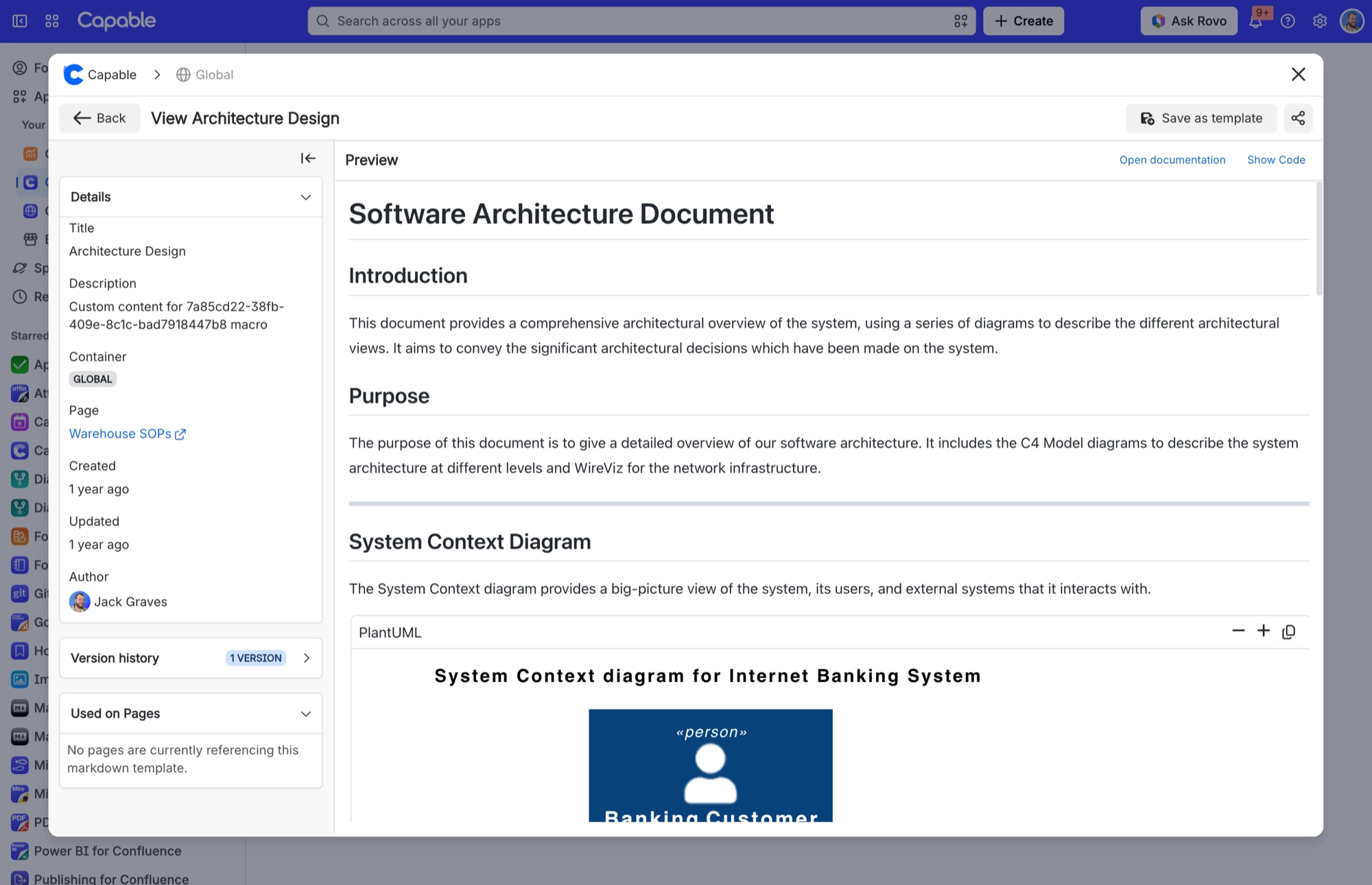
Details and permissions panels
Every markdown document has a Details panel showing its title, description, folder, container (space), page, created and updated dates, and author. The title field shows 'Untitled Markdown' until you type one. Folder only appears for library templates that aren't attached to a page.
If you administer the scope the document belongs to, you also see a permissions panel. Everyone else doesn't.
#Where you do it
Task | Where |
|---|---|
Organise the library into folders | Capable Markdown page → Templates → drag documents between folders, or create inside a folder with the section's Create button |
Control who can edit shared markdown templates | Capable global settings → Permissions tab |
#Settings that affect this
Setting | Where | What it does |
|---|---|---|
Global settings → Permissions | - | Controls who can edit shared items in the Global scope, which includes who may create Global markdown templates. The same permission applies to diagrams, images, calendar and search. |
Global settings → Egress domains | - | Domains your organisation has approved load directly in the reader's browser instead of going through Capable. Images from those domains also load without Capable authentication. |
#Related
How it actually behaves.






















