
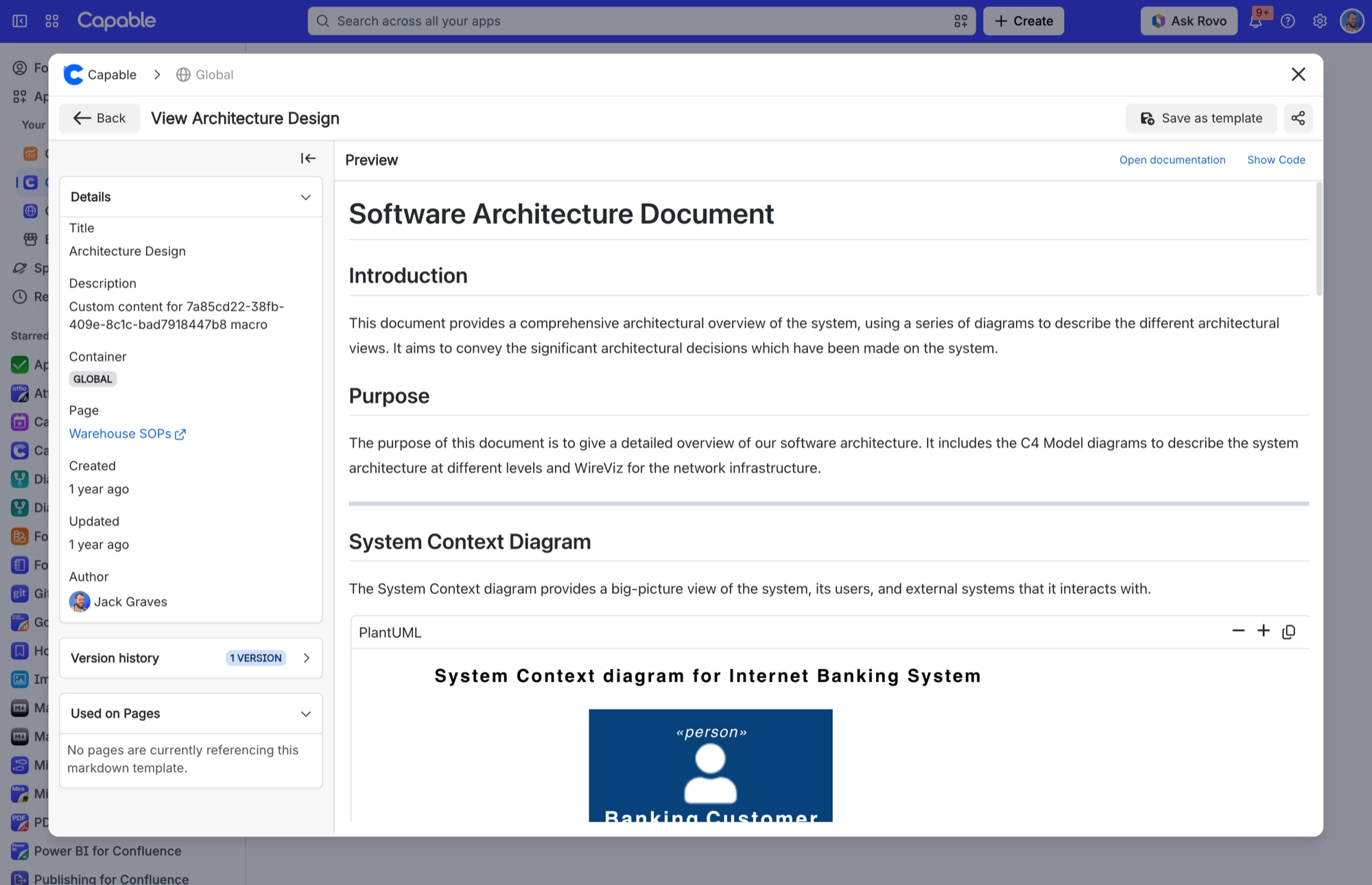
Used on Pages panel
The Used on Pages panel lists the pages that embed a template, five at a time. It only counts pages that use the Markdown reference macro. A plain Markdown document macro does not appear here. A page also only shows up once it has been indexed.
#Where you do it
Task | Where |
|---|---|
Reuse one markdown document across many pages, kept in | Confluence editor → Markdown reference (Capable) / Markdown reference macro (Capable) |
Turn markdown that lives on a page into a reusable tem | Capable Markdown page → open the page-owned document → 'Save as template', or drag it from 'Markdown on pages' onto a Templates section or folder |
Organise the library into folders | Capable Markdown page → Templates → drag documents between folders, or create inside a folder with the section's Create button |
#Settings that affect this
Setting | Where | What it does |
|---|---|---|
Global settings → Indexing | - | Runs indexing on demand. The byline count, the Used on Pages panel and searches for markdown references all depend on pages being indexed. |
There is no Markdown-specific settings t | - | Markdown adds a byline, search actions, a library browser, a Search panel and the two macros. Every setting above is a shared Capable setting. |
#Worth knowing
The Used on Pages panel and the byline count both rely on indexed pages, and the panel only counts pages that use the reference macro. A plain document macro does not appear in it.
#Related
How it actually behaves.






















