
AI Studio (Suite only)
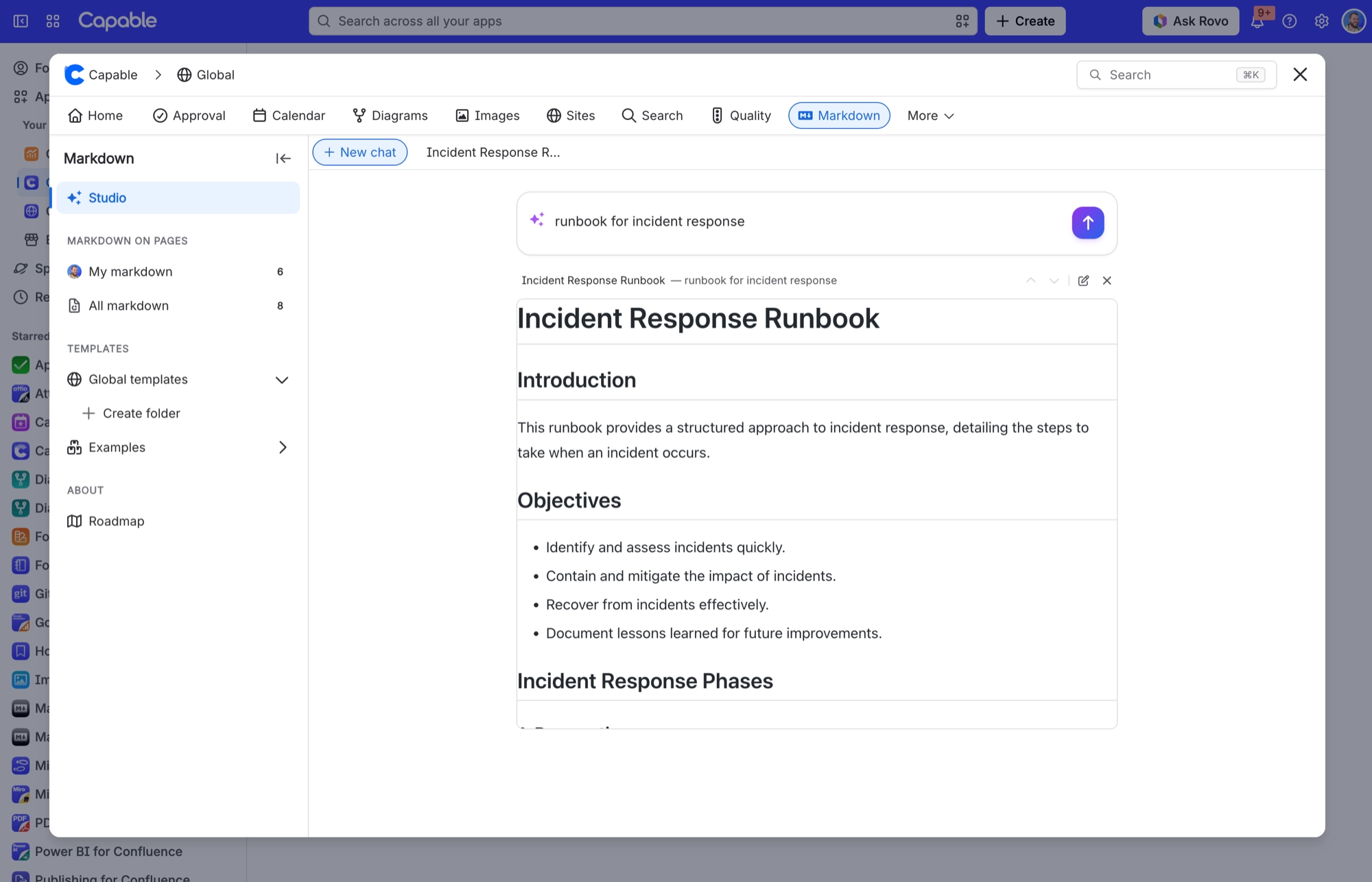
Studio drafts a markdown document from a prompt. There are 20 suggested prompts, and typing /page makes it write from the content of the current page.
Once the draft is written, Studio runs a second "Validating diagrams" pass that checks and repairs any diagrams in it (Mermaid, PlantUML, Graphviz, D2, DBML, ERD and C4). If you opened Studio to insert markdown, the result goes straight into your page. If you opened it to manage templates, the result opens as a new library template.
#Where you do it
Task | Where |
|---|---|
Add a markdown document to a page | Confluence editor → /Markdown (Capable) [Suite] or /Markdown macro (Capable) [standalone], or the Markdown byline entry on a published page |
Insert an image or diagram from the Capable library | Editor toolbar → + → Image 'From library' or Diagram 'From library' |
Generate a document with AI | Capable Markdown page or the insert modal → Studio |
#Settings that affect this
Setting | Where | What it does |
|---|---|---|
Space settings → Space Capability Settings | - | Auto shows the Markdown byline entry only when the page already has markdown. Always shows it on every page in that space. Never hides it there. |
Global settings → Features → AI integration | - | "Allow AI-powered features across Capable. Turn off to disable AI for all users." Turning it off removes the Studio (Generate markdown with AI) section from the markdown catalogue. |
Global settings → Indexing | - | Runs an on-demand catch-up of the page index. The byline count and the 'Used on Pages' panel both depend on it. |
#Limits that apply here
AI Studio generation budget: Studio generations count against an AI usage budget.
#Related
How it actually behaves.






















