
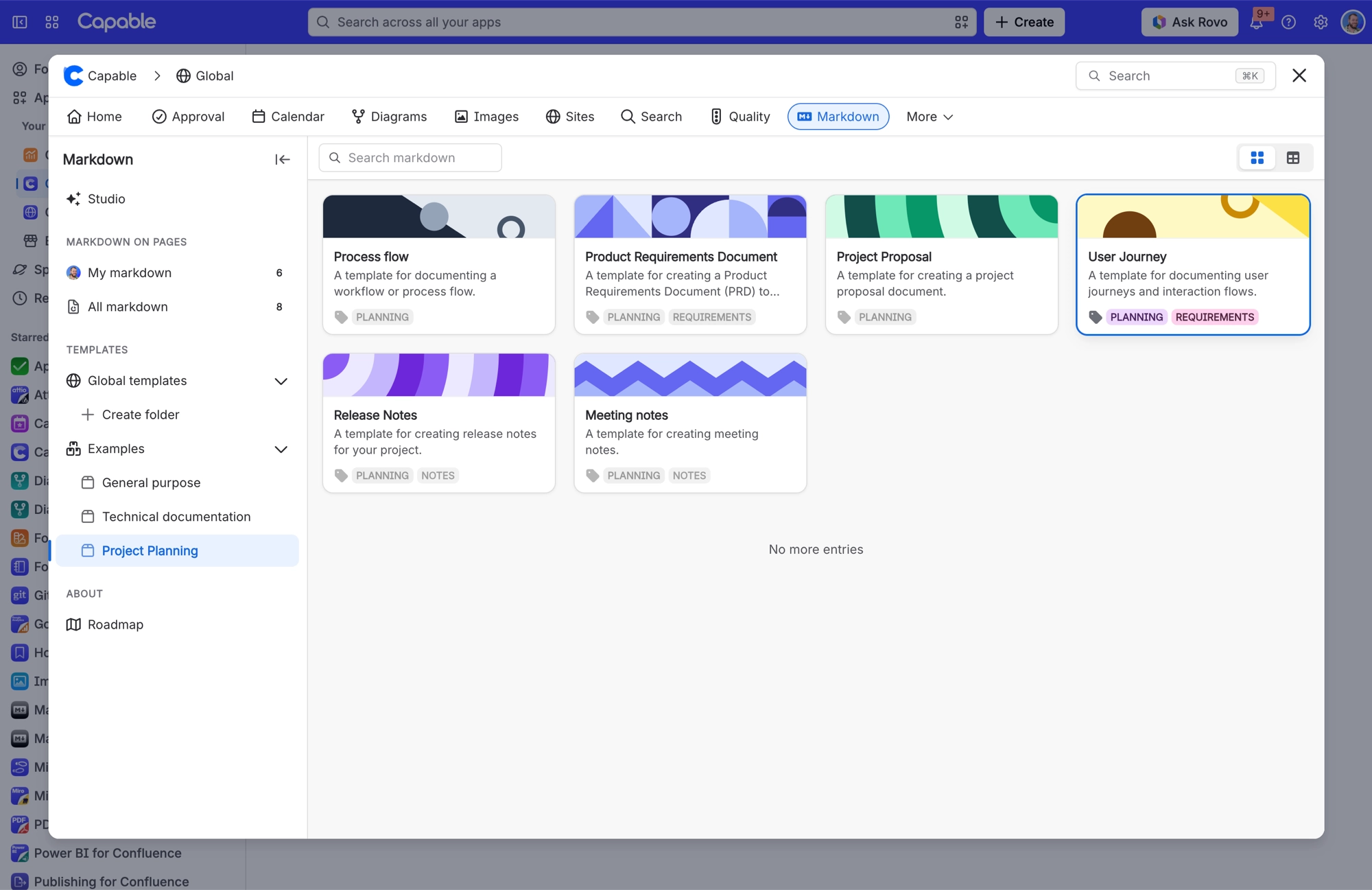
Template libraries
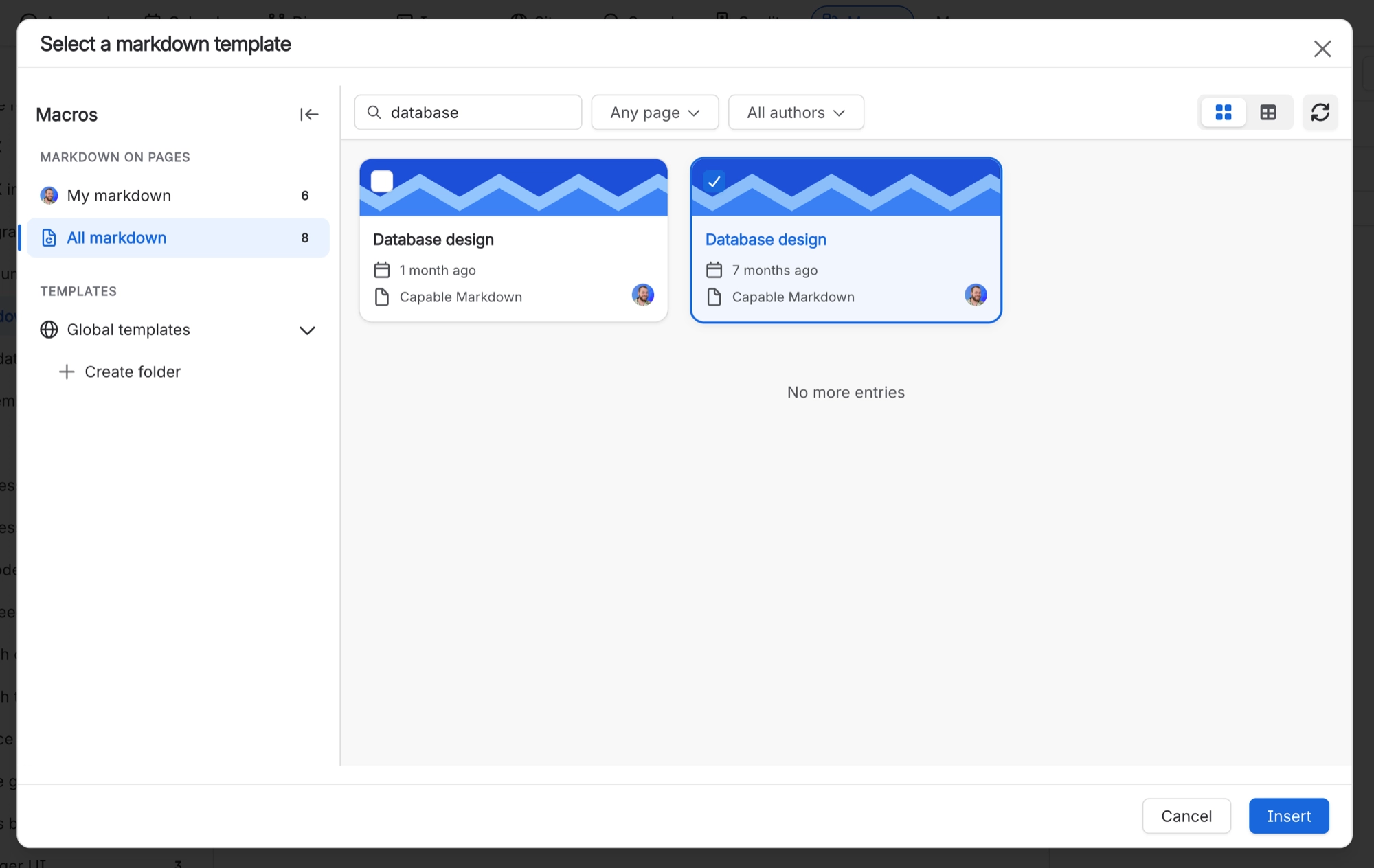
Templates are reusable markdown documents. You can keep them in the current space or in the global library, and you can create them directly inside a catalogue folder. A Markdown reference macro can only point at a space template or a global template.
#Where you do it
Task | Where |
|---|---|
Add a markdown document to a page | Confluence editor → /Markdown (Capable) [Suite] or /Markdown macro (Capable) [standalone], or the Markdown byline entry on a published page |
Upload or paste an image into the document | Editor toolbar → + → Image 'From upload', paste from the clipboard, or drop the file on the editor |
Reuse one markdown document across many pages, kept in one place | Confluence editor → Markdown reference (Capable) / Markdown reference macro (Capable) |
#Settings that affect this
Setting | Where | What it does |
|---|---|---|
Global settings → Permissions | - | Controls who can edit the global library, which decides who can create global markdown templates. The same permission is shared with Diagrams, Images, Calendar and Search. |
Global settings → Migration | - | Markdown is not on the exclusion list, so it is included on the Migration tab. |
#Worth knowing
A newly inserted macro can take up to about two and a half minutes to load before it gives up, and a new template can take a few seconds to appear in the list.
#Limits that apply here
New templates can take several seconds to appear in the catalogue after you create them.
#Related
How it actually behaves.






















