
Catalogue sections
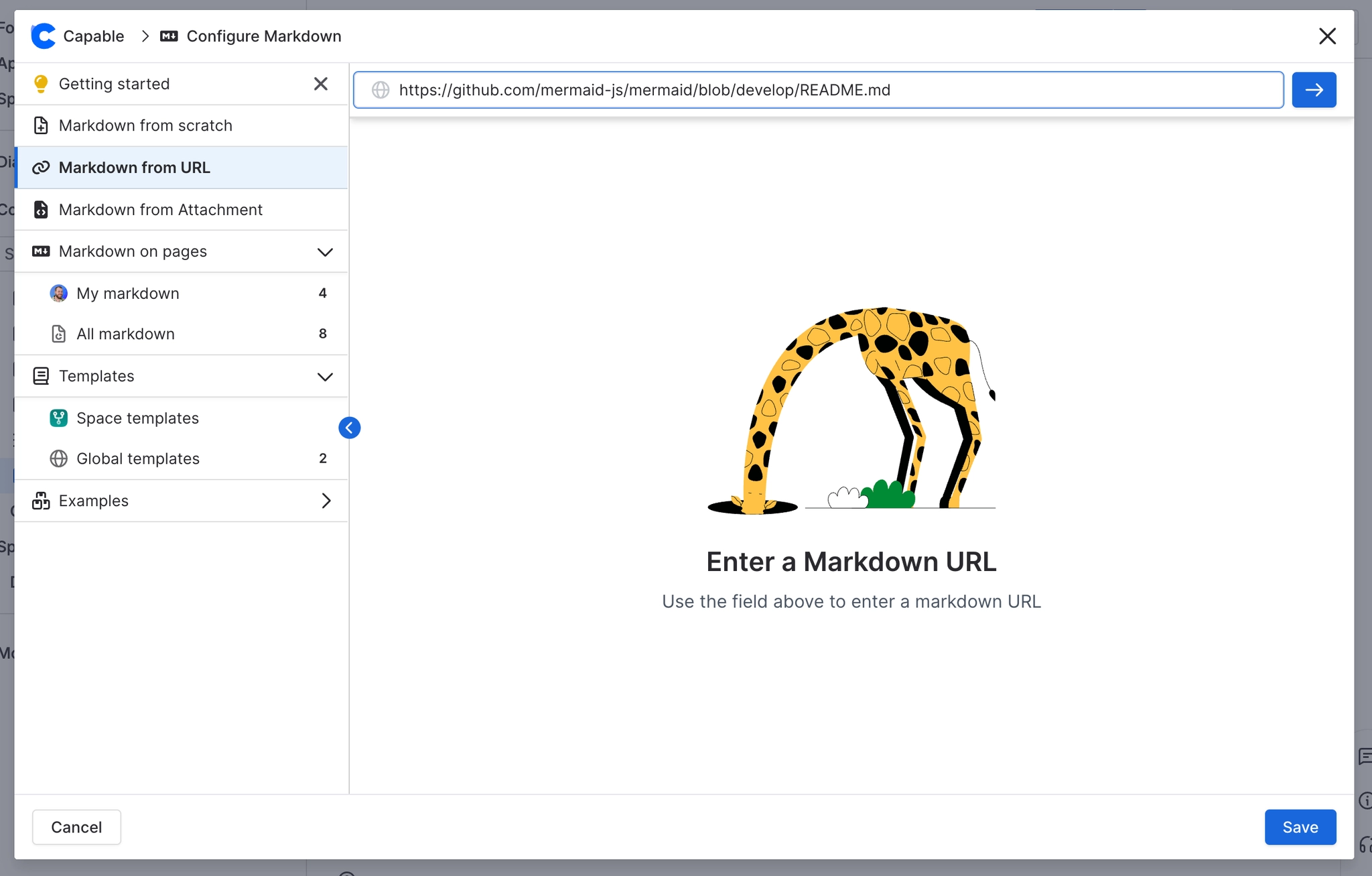
The Markdown catalogue is split into sections: Getting started (you can dismiss it), Studio (AI), a Create group (Markdown from scratch, from URL or from file, available when inserting), 'Markdown on pages' (My markdown and All markdown), Templates (Space templates and Global templates) and Examples (bundled with the app and collapsed by default). When you manage markdown, you also see an About and roadmap section.
#Where you do it
Task | Where |
|---|---|
Turn a library template into a macro by pasting a link | Capable Markdown catalogue → a template's share menu → Copy as macro, then paste into the editor |
Browse every markdown document on the site | Capable Markdown global page, or the space page |
Turn AI off | Capable global settings → Features tab → AI integrations |
#Settings that affect this
Setting | Where | What it does |
|---|---|---|
Global settings → Features → AI integrations | - | 'Allow AI-powered features across Capable. Turn off to disable AI for all users.' Turning it off removes the Studio (Generate markdown with AI) section from the markdown catalogue. |
#Worth knowing
The Markdown document macro is deliberately left out of the Capable macro catalogue and command palette. The Markdown reference macro appears in both.
#Limits that apply here
New-template catalogue polling
#Related
How it actually behaves.






















